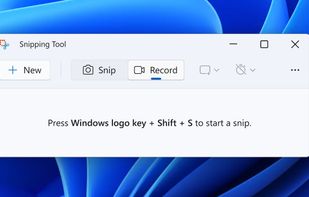
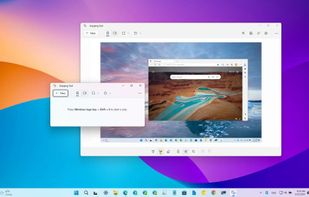
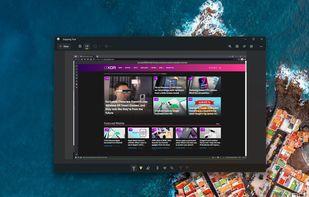
Snipping Tool is a screen capture utility that allows users to take screenshots of specific objects or full screens, annotate them, and save or share the captured images or videos.
 United States



+3
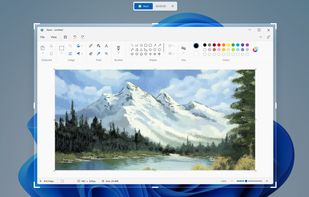


Apps similar to Private Screenshots include Snipping Tool, which is free. Other options are FuseBase Capture, Ashampoo Snap, Secret Screenshots and Ashampoo Droid Screenshot. In total there are five Screenshot Capture Tools like Private Screenshots for Android, Windows and the web.
Snipping Tool is a screen capture utility that allows users to take screenshots of specific objects or full screens, annotate them, and save or share the captured images or videos.
United States
Capture full and partial screenshots, record screen or webcam videos with extensive editing tools, including annotations, video conversion to gif/mp4, and sharing options. Create step-by-step guides enhanced by AI, save in multiple formats, and utilize cloud storage integration.
United States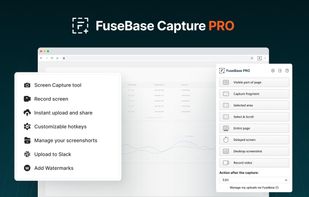
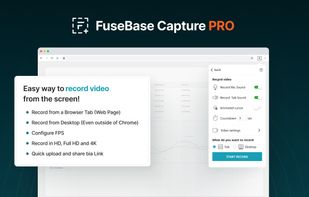
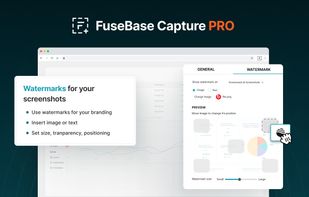
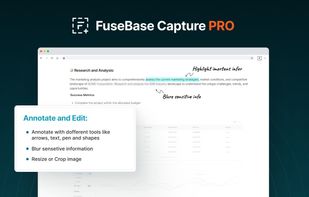


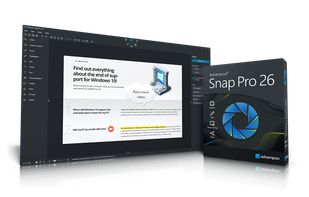
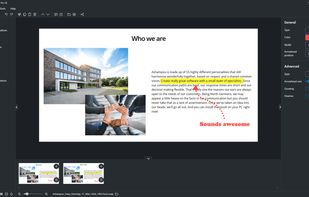
Capture screenshots or record videos with Ashampoo Snap’s efficient tools. Enjoy easy editing, multi-display support, OCR for 180 languages, and instant sharing capabilities. Revamp your projects with video cutting, annotations, and custom capture options.
 Germany
 EU


This app allows you to create secret and private screenshots of any app. Chat apps cannot detect screenshots made with Secret Screenshots and will not notify the user that you took a screenshot.





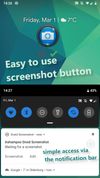
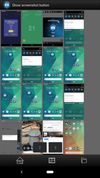
Ashampoo Droid Screenshot is a fully-fledged mobile application to capture, edit and share screenshots and images on your Android device. Capture screen contents, take photos with your built-in camera or simply load existing images and add stylable arrows, shapes, stamps and...
GermanyEU