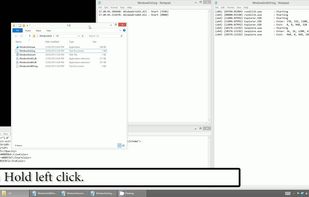
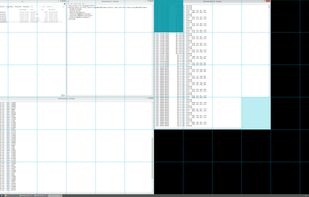
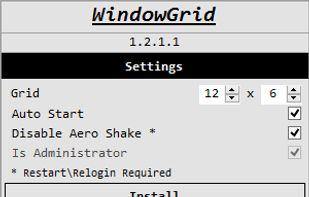
WindowGrid is a modern window management program that allows the user to quickly and easily layout their windows on a dynamic grid.
Platforms
- Windows
- Global




Apps similar to PowerResizer include WindowGrid, which is free. Other options are RBTray, KWin, altdrag and allSnap. You're spoiled for choice with Window Managers like PowerResizer: we list more than 25 alternatives for Windows and Linux.
WindowGrid is a modern window management program that allows the user to quickly and easily layout their windows on a dynamic grid.

Allows almost any program to be minimized to the system tray by right clicking its minimize button.
 Russia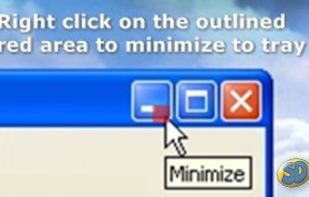

KWin is a window manager for the X Window System, and is in the process of becoming a Wayland compositor. It is an integral part, and the default window manager of the Plasma Workspaces, but it can also be used on its own or with other desktop environments.


AltDrag allows you to move and resize windows much easier. When you have it running you can simply hold down the Alt key and then use your mouse to drag any window, and it doesn't matter where in the window you click.
 Sweden
 EU
EU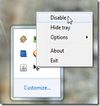
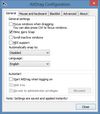


allSnap is a small system tray app that makes all top level windows automatically align like they do in programs such as Winamp or Photoshop.
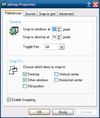
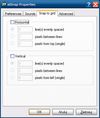
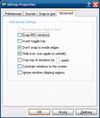


GridMove - A window management tool that can quickly arrange your windows into desktop grids.
 Brazil


Preme is a free software for Windows which lets you add cool desktop features and enhances the desktop functionality.
 Thailand

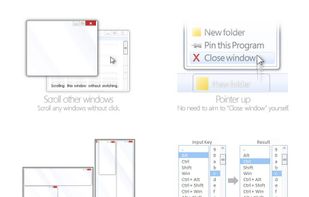
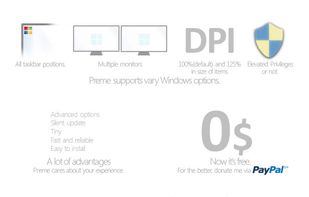


KDE Mover-Sizer is a lightweight program enabling KDE-style alt-click moving and resizing for Windows XP, 7, 2000, 2003, Windows Server, and Vista.
 United States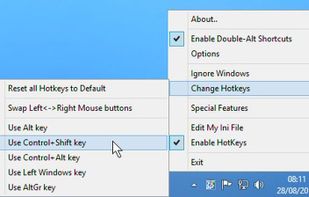
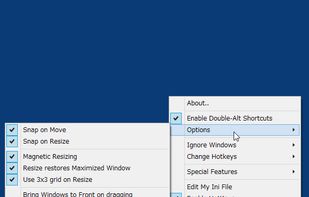


WinDock is a window manager ideal for large, or multi-monitor setups.
Features: -Easy and intuitive drag-and-drop action to simplify moving and resizing Windows. -Highly customizable docking rules that specify how you want your windows to behave. -Multiple rule profiles/layouts.
 Canada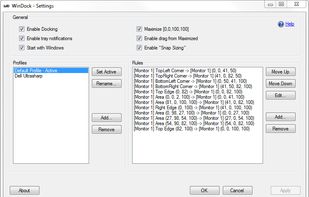


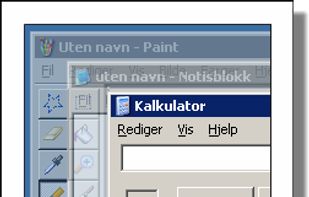
Make all windows but the active one transparent.
Features:


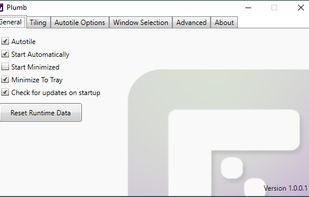
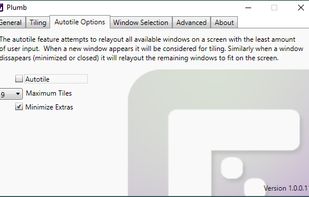
Plumb is designed to reduce the time spent manually moving windows on your desktop. With higher resolution and larger monitors becoming the norm it’s common to have several applications open at any given time — none of which really need 100% of the screen.



Dims all windows except the active one.
Features: