Plumb Alternatives

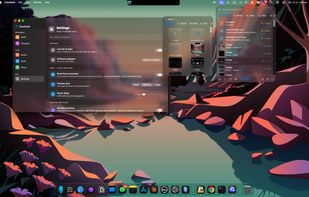
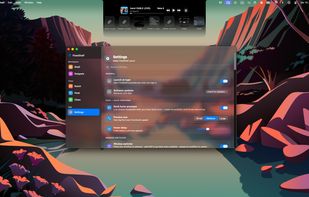
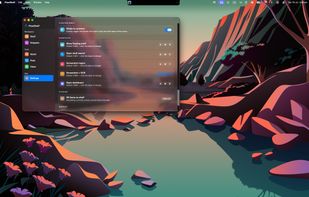
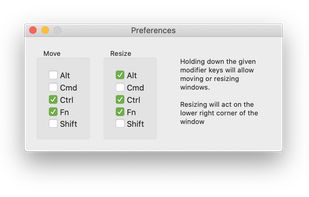
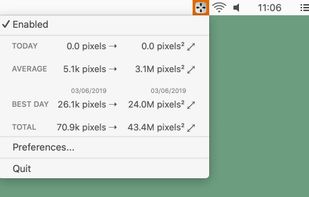
Plumb is described as 'Is designed to reduce the time spent manually moving windows on your desktop. With higher resolution and larger monitors becoming the norm it’s common to have several applications open at any given time — none of which really need 100% of the screen' and is a Window Manager in the os & utilities category. There are more than 25 alternatives to Plumb for a variety of platforms, including Windows, Mac, Linux, PortableApps.com and File Explorer apps. The best Plumb alternative is BetterTouchTool. It's not free, so if you're looking for a free alternative, you could try AquaSnap or WindowGrid. Other great apps like Plumb are Divvy, Moom, GridMove and allSnap.

Copy a direct link to this comment to your clipboard
Plumb alternatives page was last updated

Alternatives list

  1. DeskAngel icon
     1 like
    Copy a direct link to this comment to your clipboard

    DeskAngel is an enhancement tool for Windows desktop. It is simple, portable and totally free. It contains following features:

    Cost / License

    • Free
    • Proprietary

    Application type

    Platforms

    • Windows
     
  2. Gridy icon
     4 likes
    Copy a direct link to this comment to your clipboard

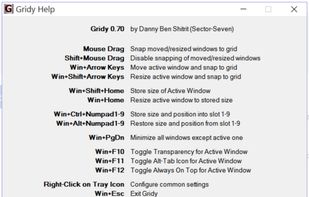
    Gridy adds an invisible grid to Windows, so that any window you move or resize is snapped to it. Snapping is enabled with mouse drag or keyboard a...
    Cost / License

    • Free
    • Proprietary

    Application type

    Platforms

    • Windows
    • PortableApps.com
     
  3. Aero Shake icon
     1 like
    Copy a direct link to this comment to your clipboard

    Aero Shake is a new feature for windows 7. It allows you to minimize and restore the windows that are open in your desktop. This awesome and practical trick allows you to focus in the windows that you have chosen.

    Cost / License

    • Free
    • Open Source

    Application type

    Platforms

    • Windows
     
  4. WinMover icon
     1 like
    Copy a direct link to this comment to your clipboard

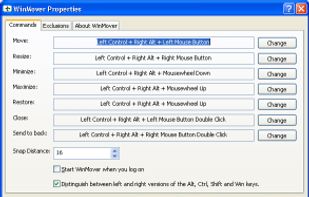
    WinMover is an application for moving windows more comfortable with the the mouse in Microsoft Windows®. It is fully customizable and can mimic the behaviour of many window managers for UNIX and Linux.

    Cost / License

    • Free
    • Proprietary

    Application type

    Alerts

    • Warning

    Platforms

    • Windows
     
  5. x11PyGrid icon
     2 likes
    Copy a direct link to this comment to your clipboard

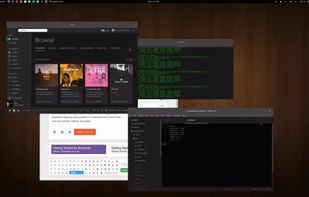
    A small utility which allows you to easily organize your open windows by tiling, resizing and positioning them to make the best use of your desktop real estate. It's easy to configure and supports multiple monitors.
    Cost / License

    • Free
    • Open Source

    Application type

    Platforms

    • Linux
     
  6. Copy a direct link to this comment to your clipboard

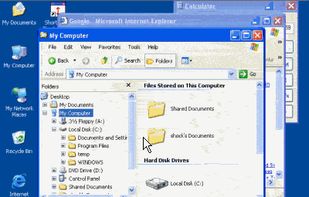
    Make Windows in caption bar size and recover again. Version 1.5 available. Version 1.1 download is compromised.
    Cost / License

    • Free
    • Proprietary

    Application type

    Platforms

    • Windows
     
  7. Splitview icon
     Like
    Copy a direct link to this comment to your clipboard

    SplitView enables dual monitor usage with Remote Desktop and widescreen monitors.

    Cost / License

    • Paid
    • Proprietary

    Platforms

    • Windows
     
  8. Copy a direct link to this comment to your clipboard

    Hummingbird is a macOS utility that allows easy moving and resizing of windows by holding modifier keys and dragging your mouse to move and resize windows.

    Cost / License

    • Pay once
    • Proprietary

    Application type

    Platforms

    • Mac
     
  9. Copy a direct link to this comment to your clipboard

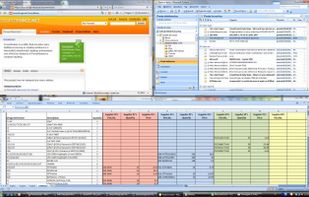
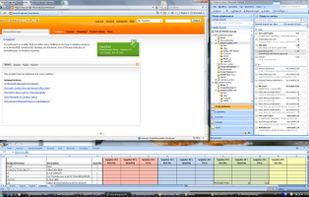
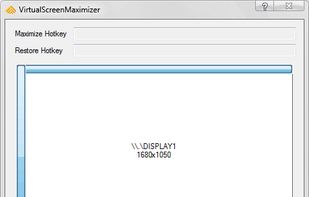
    Small utility that maximizes user's windows over the entire virtual screen area (that is, all monitors). It registers configurable hotkeys and runs in the traybar.
    Cost / License

    • Free
    • Proprietary

    Application type

    Platforms

    • Windows
     
  10. WinWarden icon
     2 likes
    Copy a direct link to this comment to your clipboard

    Automatically control how to display a window.

    Features:
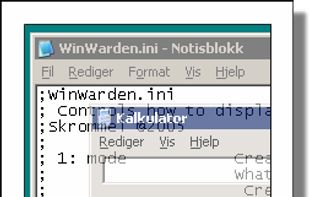
    • Move, maximize, minimize, restore, enable, disable, hide, show, ontop, bottom, alwaysontop, clip, transparent, transparent color, move relative to another window, stick to the edge of the screen, center, run a program. -.

    Cost / License

    • Free
    • Proprietary

    Application type

    Platforms

    • Windows
     
  11. PowerResizer icon
     3 likes
    Copy a direct link to this comment to your clipboard

    PowerResizer is a utility that provides many facilities in moving or resizing windows in a Microsoft Windows desktop environment.

    Cost / License

    • Free
    • Open Source

    Platforms

    • Windows
     
You are at page 4 of Plumb alternatives