Feature rich gaming front-end for MAME, GameBase, Daphne, PC Games and all command line based game emulators, along with being a complete Home Theatre PC solution or plug in for windows media center.
 United Kingdom





Playnite is not available for Linux but there are plenty of alternatives that run on Linux with similar functionality. The best Linux alternative is Lutris, which is both free and Open Source. If that doesn't suit you, our users have ranked more than 50 alternatives to Playnite and many of them are available for Linux so hopefully you can find a suitable replacement. Other interesting Linux alternatives to Playnite are Heroic Games Launcher, Tonkatsu Box, Retrom and Hydra Launcher.
Feature rich gaming front-end for MAME, GameBase, Daphne, PC Games and all command line based game emulators, along with being a complete Home Theatre PC solution or plug in for windows media center.
United Kingdom
Experience your favorite classic games with a native macOS launcher built for eXoDOS, eXoScummVM, RetroArch, and 70+ retro gaming platforms
 Greece
 EU


A graphical front-end for command line emulators that hides the underlying operating system and is intended to be controlled with a joystick, gamepad or spin dial. Ideal for use on arcade cabinet setups.



Open source game launcher and overlay designed for controller-native navigation, featuring input remapping to keyboard and mouse, user-driven customization, Godot 4 engine foundation, game library management, and open extendable platform suitable for all users.
 United States

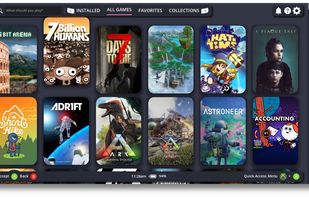
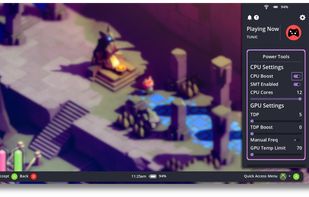


Cartridges is a simple game launcher for all of your games. It has support for importing games from Steam, Lutris, Heroic and more with no login necessary. You can sort and hide games or download cover art from SteamGridDB.

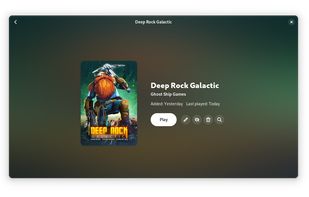
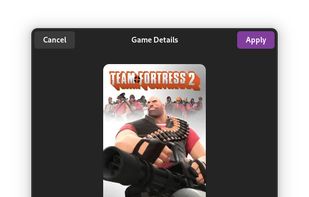
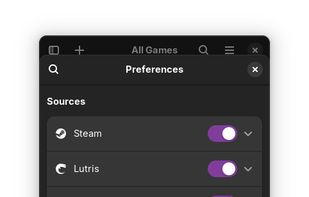


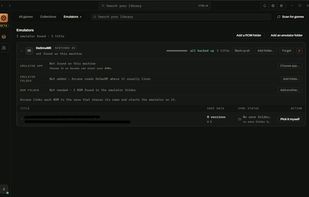
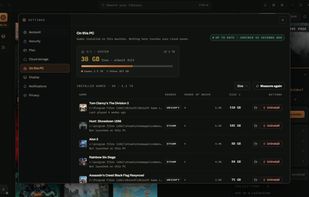
Open-source Rust launcher for Linux, macOS, and Windows that unifies Epic, GOG, Amazon, Steam, itch.io, emulators, and local games. It supports installs, updates, imports, cloud saves, playtime tracking, Wine and Proton management, Big Picture mode, and ROM scanning.
 RomaniaEU
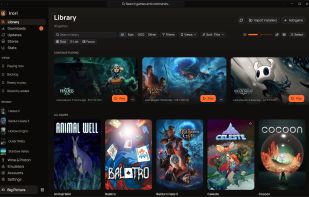
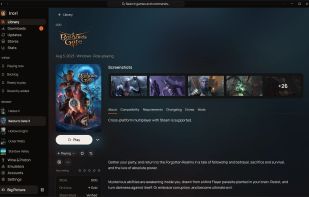
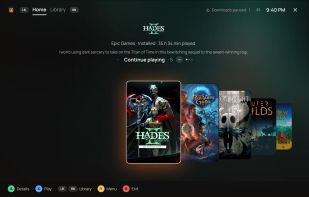
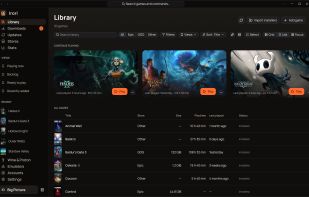


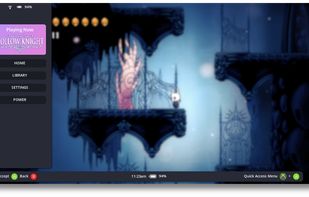
A simple, TV-friendly, gamepad-navigable frontend for the Lutris game launcher on Linux. This application provides a "10-foot UI" designed for couch gaming, allowing you to browse and launch your Lutris library entirely with a gamepad.
 ItalyEU
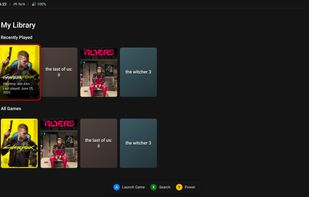



Kryoto Desktop is an app where you manage everything on Kryoto in one place: find a game, download it and play it. Runs on Windows and Linux.
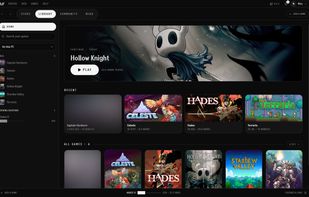


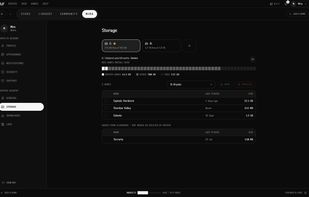


Cross-platform game library manager for Windows, Linux and macOS that scans installed games across launchers, syncs PC and emulator saves, keeps file versions and resolves conflicts, and is a beta platform planning a store, achievements and resale marketplace.
 FranceEU