


Clippo keeps a history of what you copy, text and images, and lets you paste it back from the keyboard.


+1




Apps similar to Planck include CopyQ, which is free and open source. Other options are Ditto, Vorssaint, Rememory and UniClipboard. Clipboard Managers like Planck are a crowded field, with more than 100 alternatives for Mac, Windows, Linux, iPhone and iPad.
Clippo keeps a history of what you copy, text and images, and lets you paste it back from the keyboard.

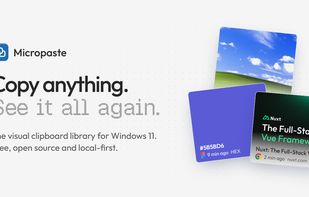
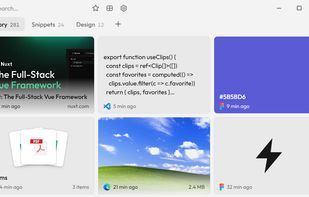
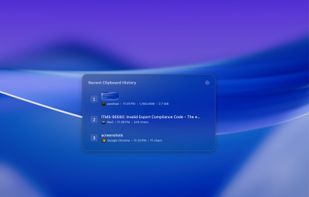
Micropaste is a visual clipboard library for Windows 11. Everything you copy is kept, shown as a rich card, and ready to reuse in a single click or drag.
 France
 EU


Minimal, native clipboard manager for macOS — one-time purchase, cross-type history (text, code, images, files), and instant search.
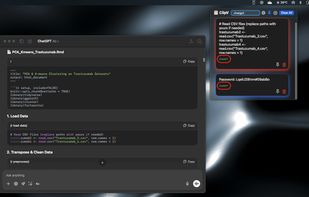
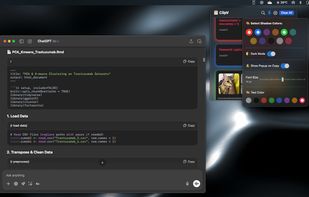
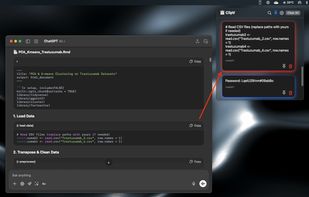


ClipCapsule is a minimalist clipboard manager for Linux. It supercharges your productivity by allowing you to manage and switch clipboard entries using only keyboard shortcuts—no mouse or GUI required.


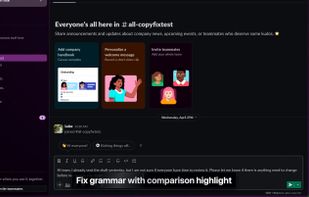
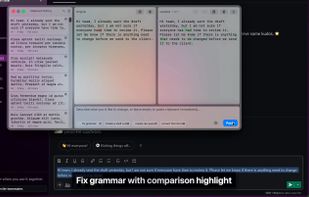
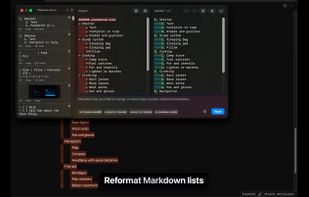
Your clipboard, supercharged with AI. CopyFix keeps up to 10,000 clips and lets you transform any of them with AI — right inside any Mac app, no tab-switching required.
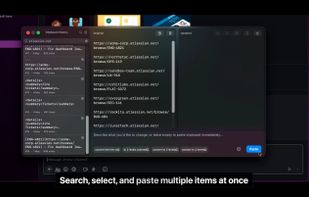


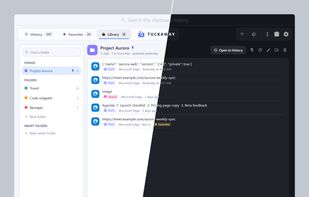
Tuckaway remembers every text, link, image and file you copy on Windows, groups it by day, and hands it back with one key.
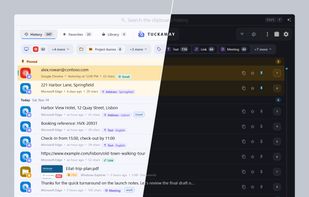
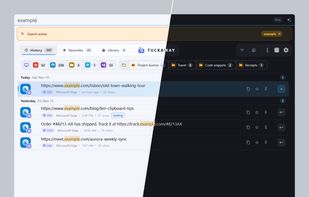
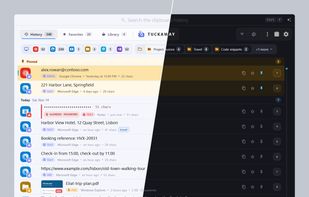


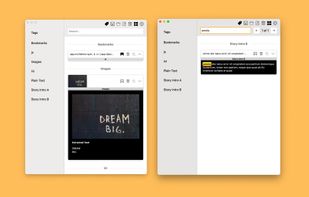
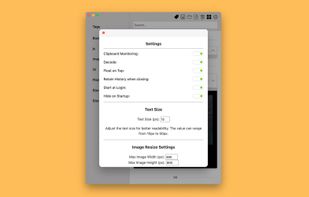
Say goodbye to losing important snippets of text and images! Clip Log is the ultimate clipboard manager, combining intelligent organization, real-time saving, and privacy-first design. Designed to simplify your workflow, Clip Log ensures that everything you copy is instantly...
 United States
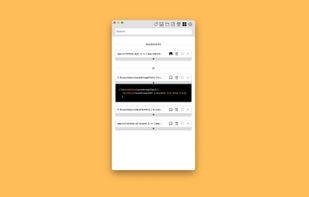
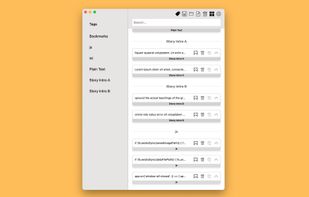

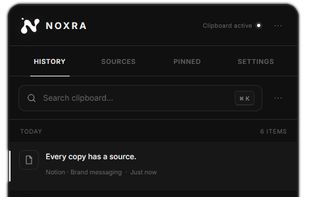
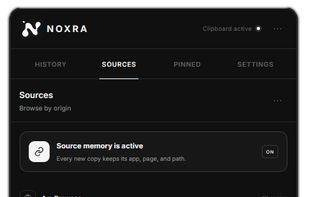
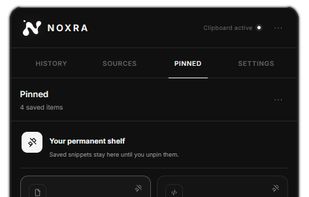
Noxra turns your screen border into an instant clipboard & file-transfer hub. No hotkeys, no modal popups - just hover to expand, drag anything out, and keep working. Free & open-source for Windows.
 GermanyEU
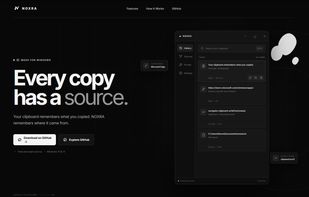


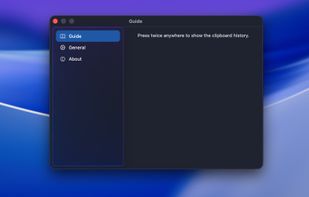
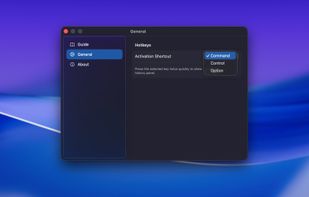
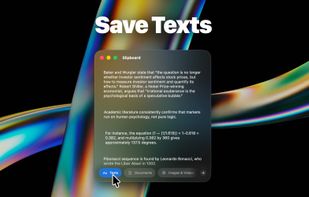
PasteFast is a lightweight, fast clipboard history manager for macOS. Double-press your hotkey to instantly access your clipboard history featuring both text and images. Customizable shortcuts, automatic panel hiding, source app identification, and minimal resource usage.
 China



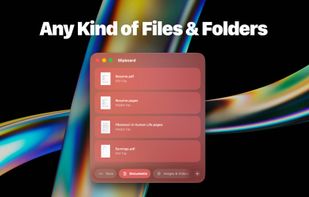
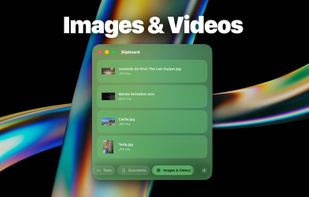


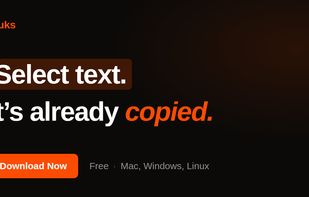
Auto-copies any text the moment you select it — no Ctrl+C needed. Provides deep click paste and a searchable local clipboard history. Works on Mac and Windows.


 Nigeria