Cost / License
- Free
- Open Source (GPL-3.0)
Application type
Platforms
- Windows
- Linux




Apps similar to PicView include IrfanView, which is free for personal use. Other options are XnView MP, ImageGlass, nomacs and FastStone Image Viewer. Image Viewers like PicView are a crowded field, with more than 50 alternatives for Windows, Linux, Mac, Android and iPhone.

ViewPic is a lightning fast and image viewer for Mac OS X, you can quickly browse through all images in a folder.
 China
China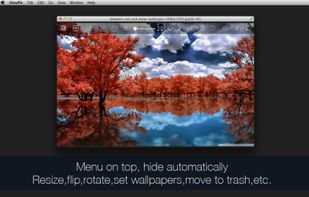
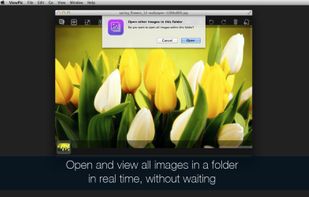
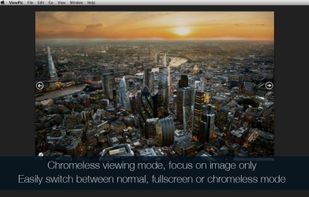
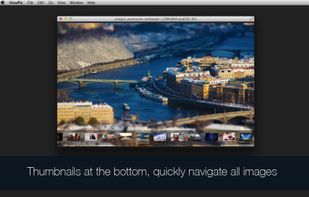


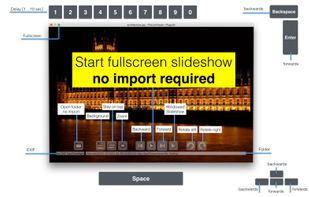


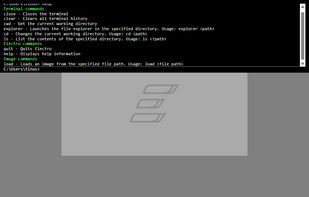
Electro is a blazingly fast image viewer built with Rust, featuring an integrated terminal for enhanced productivity.


 India
India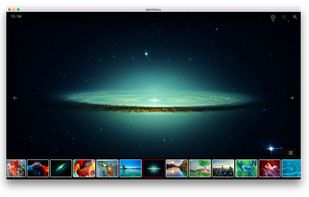
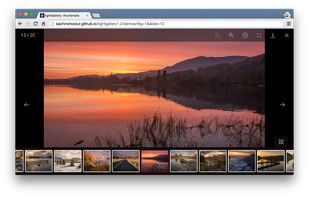


I realized I was spending a lot of time waiting for JPEGs to open, and the default viewer on my system wasnt really hot with large files. I take a lot of digital camera pictures, and viewing a few megapixels in a web browser is ugly.


Hardware accelerated image viewer and image sequence player. It supports a large variety of formats, including many camera RAW images.
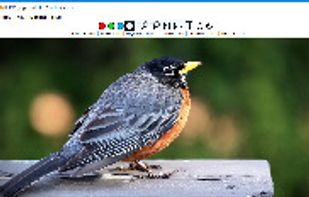
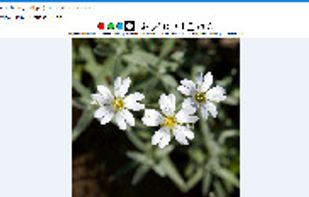


Imagot is an image viewer which aims to provide an open source alternative to Microsoft Photos or similar apps (and be multiplatform). It supports common image file types such as PNG, JPEG, SVG, etc.
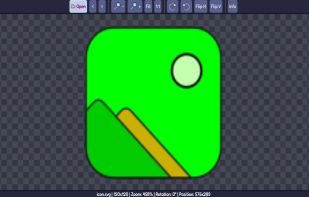


Fullscreen Photo Viewer is a program designed for high-quality viewing of high-resolution pictures on the computer screen. It renders the image using advanced scaling algorithm to fit the resolution of your monitor.


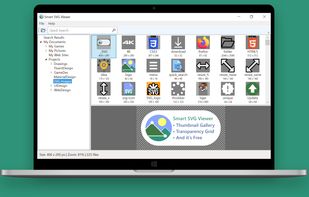
“Smart SVG Viewer” is a free, fast and convenient SVG image viewer with Thumbnail Gallery and Transparency Grid. It is a must-have tool for UI/UX design, Web design, and Graphic design.


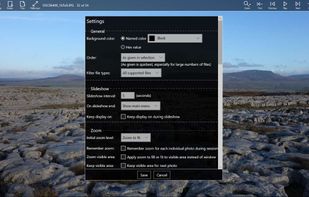
Basic Photo Viewer is a free image viewing app for Windows 10 with an optional Pro upgrade, offering a minimalist fullscreen photo viewing experience, with customization and export features.
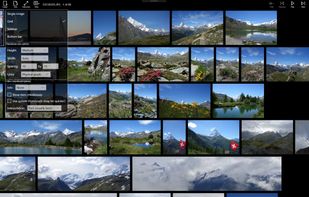
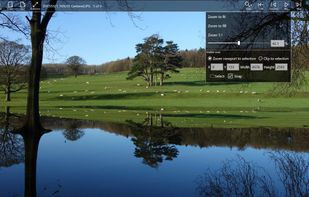
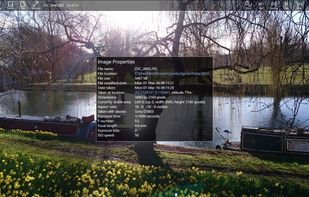


This program was developed at first to show automatically a slide show of all the pictures of a given directory in full screen mode on machines devoid of interfaces keyboard/mouse. In that case, no user operation is possible, that is why the program's interface is minimal.