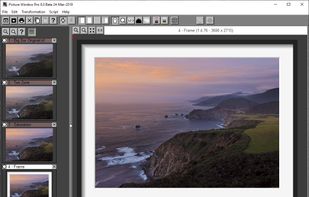
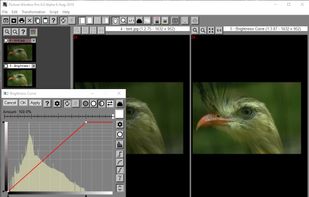
Picture Window Pro is a powerful image editing tool designed for serious photographers with demanding creative and quality standards.
Cost / License
- Free
- Proprietary
Application typeApplication types
Platforms
- Windows
 United States




Apps similar to Photopea include GIMP, which is free and open source. Other options are Krita, Adobe Photoshop, Paint.NET and Affinity. Image Editors like Photopea are a crowded field, with more than 100 alternatives for Windows, the web, Mac, Linux and iPhone.
Picture Window Pro is a powerful image editing tool designed for serious photographers with demanding creative and quality standards.
United States
 Canada
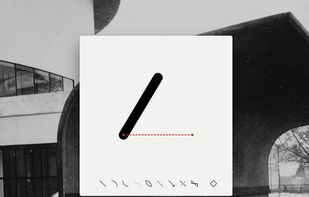
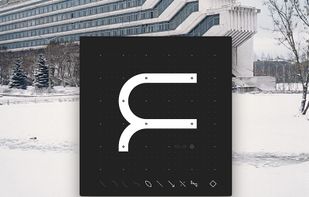


A free, open-source desktop editor for AI inpainting: select part of a picture, describe what should be there, and the result comes back as an editable, colour-matched layer.
 Germany
 EU
EU
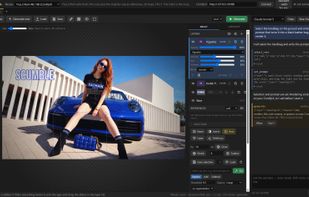
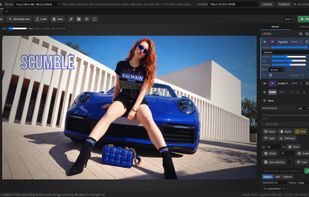
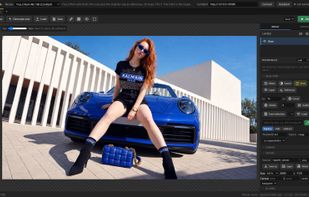


*** This is the LEGACY version. ARTSTUDIO PRO, the successor to this app, is available now with many new features and improvements. Find it by searching for “Artstudio Pro” on the Mac/iOS App Store.


NPS Image Editor features a user interface resembling the "classic" version of Microsoft Paint with small system footprint.
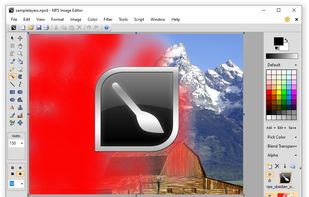
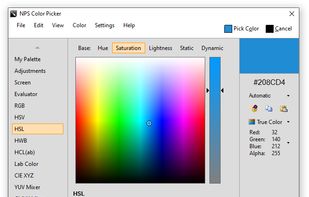
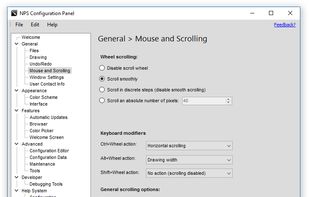


Gimel Studio is a non-destructive, 2D image editor focused on simplicity, speed, elegance and usability.
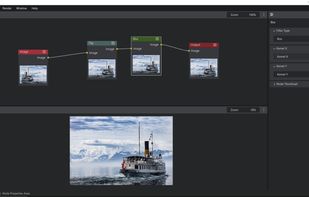
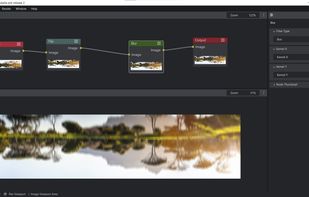


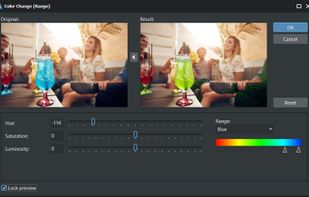
AlterPhoto is powerful photo editor and image manipulation tool for Windows. It combines ease of use with powerful editing features powered by computer vision and generative AI. This program will become an indispensable tool for both photographers and graphic designers.
 CyprusEU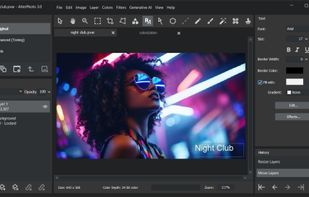

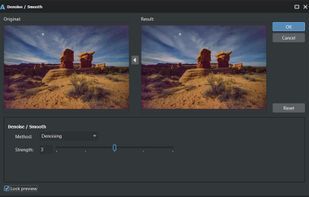


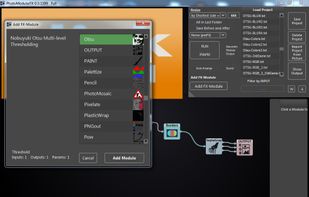
Generate impressive, custom photo effects by manually configuring the steps of the image manipulation process, in this program.
 ItalyEU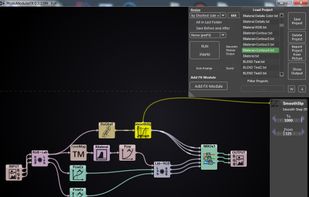


A native Android digital painting app powered by the Krita image engine and Jetpack Compose.
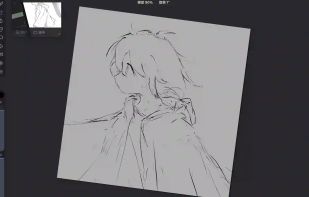
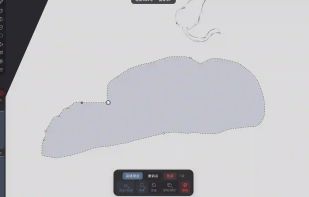
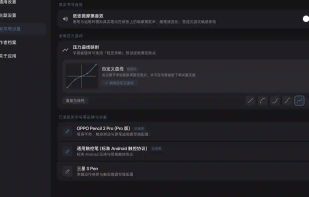


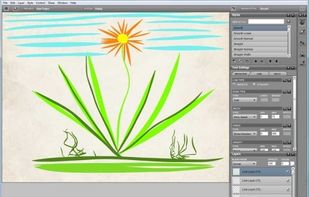
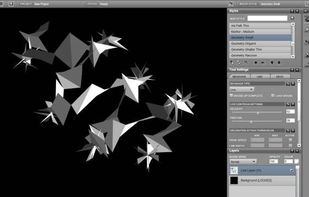
Livebrush is a drawing application. It employs an easy-to-use brush tool that reacts to your gestures through the use of velocity and other motion controls. By combining simple motion controls with customizable brush styles, Livebrush offers a fun and unique way to create...
United States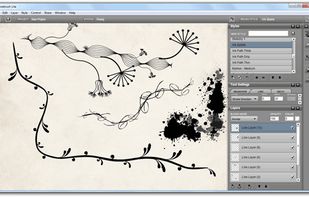


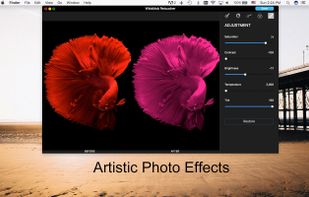
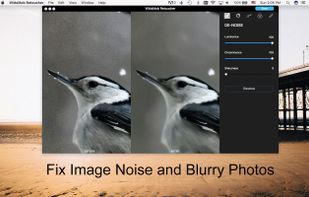
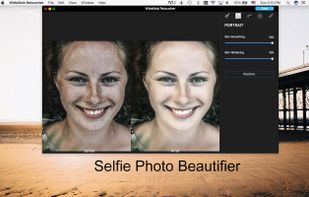
WidsMob Retoucher is an excellent photo retouching program, which is able to reduce image noise, portrait retoucher, film pack, adjust effects, fish eye effects, vignetting and more other features to photos with ease.