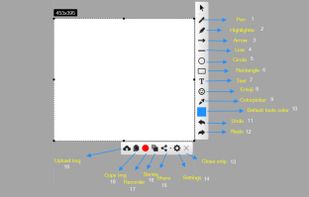
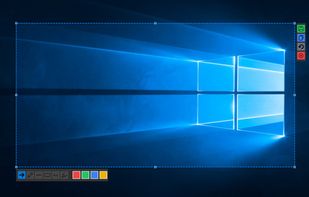
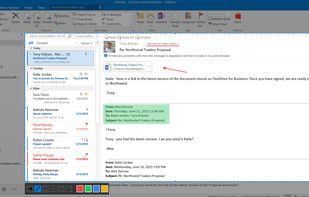
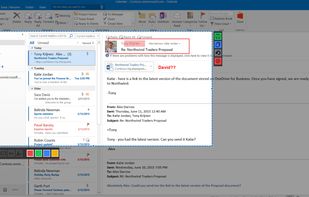
Quickly annotate screenshots, photos and other images with your pen, touch, or mouse and save, paste or share with other apps.
Cost / License
- Free
- Proprietary
Application type
Platforms
- Windows
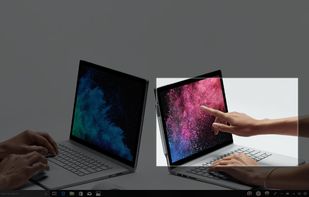

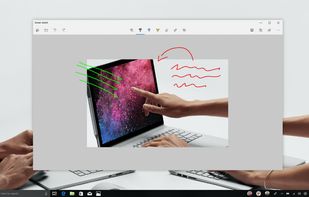


Pensela has been discontinued. Similar apps include ShareX, which is free and open source. Other options are Greenshot, Flameshot, macshot and Snipping Tool. There's no shortage of Screenshot Capture Tools like Pensela, with more than 25 alternatives for Mac, Windows, Linux, the web and iPhone.
Quickly annotate screenshots, photos and other images with your pen, touch, or mouse and save, paste or share with other apps.

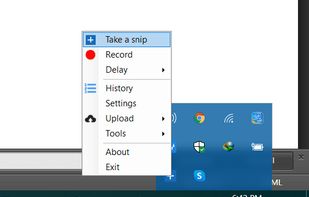
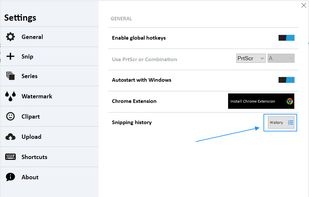
With Free Snipping Tool, not just you create snips, you can save your snips on major backup services like Imgur, Google Drive and Dropbox. Not just this you can also upload them via FTP or simple WebRequest.


bananotate is a powerful application that allows you to edit and annotate your screen live. Zoom in, highlight, draw shapes, add text, capture your screen, create mock UI, and much more.


 South Korea

Capture any part of your screen and turn it into a floating card. On-device OCR, scroll capture, dock-to-edge gestures. Runs entirely on your Mac.
 Ukraine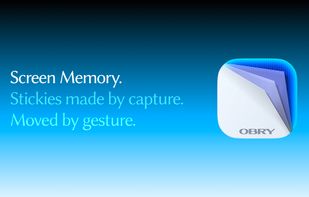

Enables macOS users to capture screenshots, annotate images, draw on a blank canvas, overlay image layers, use blur, mosaic, spotlight, QR code, watermark tools, add social badges, manage high-resolution export, and quickly share visuals via clipboard or file.
 China
China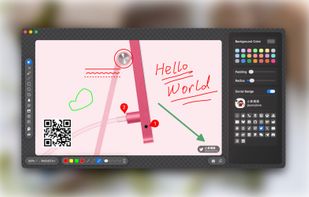
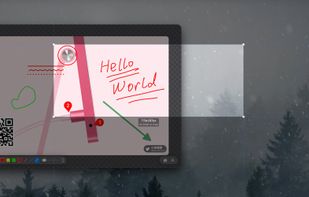
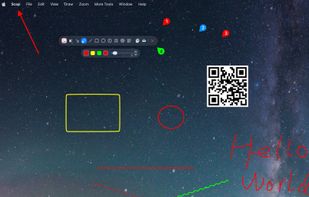
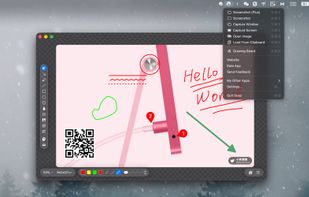


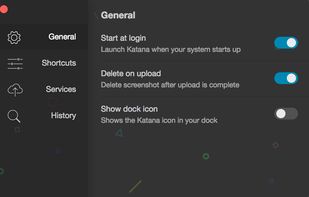
Katana is a simple, open-source screenshot utility for macOS that lives in your menubar.


EasyCapture Pro is a screenshot utility designed for Windows users who need a quick and simple way to take screenshots and save images locally.


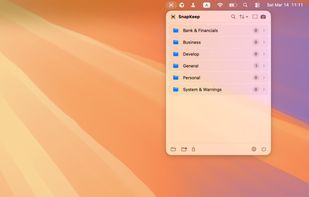
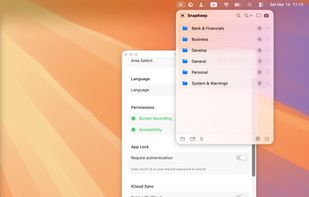
SnapKeep is a native, local-first screenshot manager designed for users who are tired of cloud-dependent tools and messy desktops.