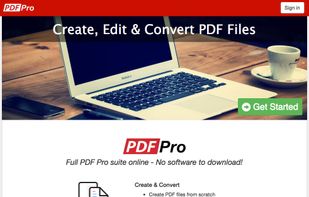
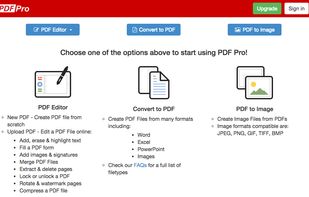
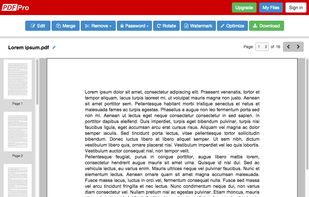
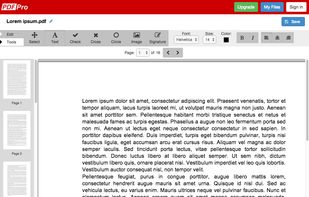
PDF Pro is the complete online PDF solution, allowing professionals to get their PDF work done quickly and easily.
Cost / License
- Freemium
- Proprietary
Application type
Platforms
- Online
 Canada



+2


PDFedit has been discontinued. Similar apps include PDF-XChange Editor, which has a free version. Other options are PDF24 Creator, Adobe Acrobat DC, PDFCreator and Master PDF Editor. There's no shortage of PDF Editors like PDFedit, with more than 50 alternatives for Windows, the web, Mac, Linux and Android.
PDF Pro is the complete online PDF solution, allowing professionals to get their PDF work done quickly and easily.
Canada
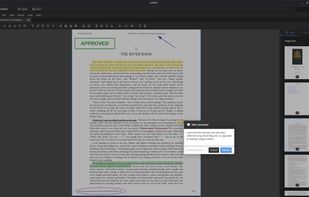
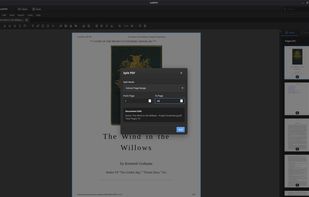
A powerful, privacy-respecting PDF editor built for Linux users. Edit, annotate, merge, and manage PDF documents—without subscriptions or cloud dependencies.
 United States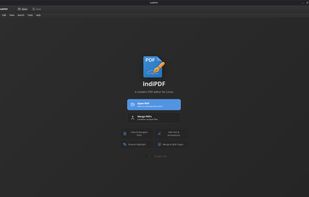


This desktop app reads and writes PDF documents. It was created for a small copy shop in Germany. Features of this application are:
 Germany
 EU
EU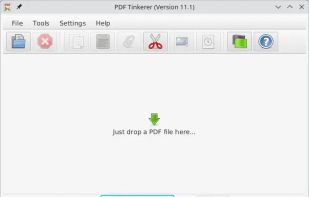
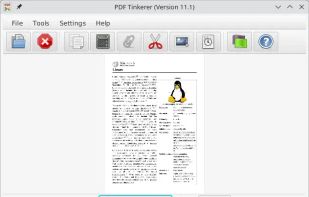
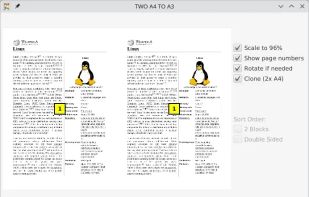
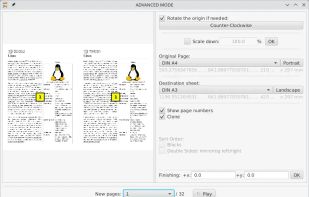




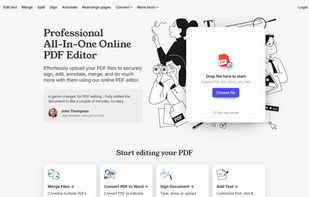
A web-based, all-in-one PDF editor that lets users upload, edit, annotate, sign, merge, split, and convert PDF and other file formats (DOC, DOCX, JPG, PNG), all in a secure, browser-based interface.


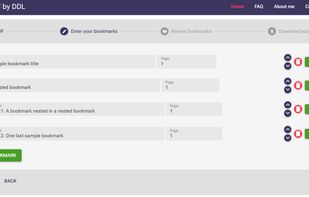
Bookmark PDF is a free, browser-based tool designed to simplify the process of adding, editing, and organizing bookmarks in PDF files. Unlike traditional tools, Bookmark PDF operates entirely online, ensuring maximum privacy and security for your documents.


CubePDF Page is a Windows software that allows you to easily merge and split PDF files. It is very simple to use, just Drag&Drop PDF files and click the Merge or Split button. In addition to PDF files, images can also be merged as PDF pages.
 Japan
Japan


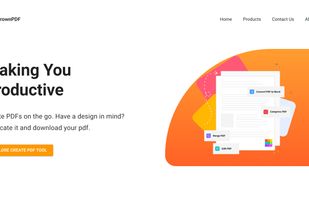
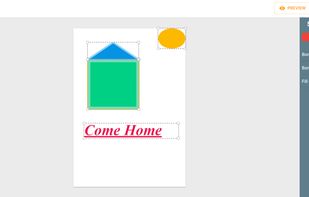


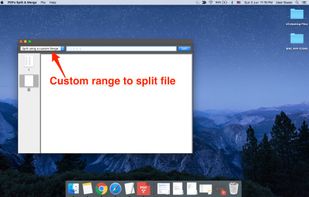
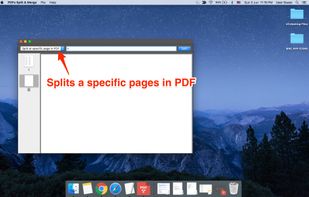
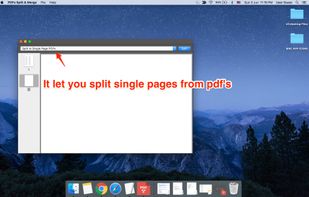
PDFs Split & Merge is a lightweight application for your Mac. It helps you Split, Merge and Unlock PDF files within seconds and it's all offline. We respect your privacy.
 India
India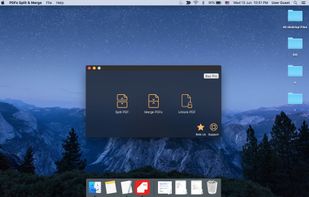


PDFtodo is used to help you change PDF docs. It contains 23 modules like compress PDF, merge PDF, split PDF, convert PDF to Word or other document formats or convert from other formats to PDF. PDFtodo is 100% free and supports batch processing.
 Uruguay


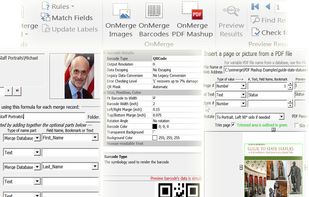
Insert or Mail Merge Images, Pictures into MS Word; optionally Bar Codes & PDFs.


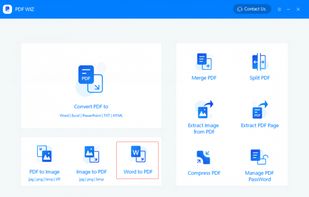
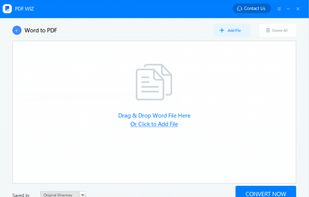
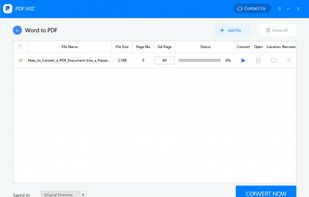
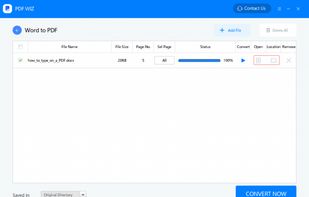
PDF WIZ is an offline PDF converter that converts PDF to Word/PPT/Excel, images, merge, split or compress PDF or remove PDF password, and more.
 China
China