

Small python-gtk application, which helps the user to merge or split pdf documents and rotate, crop and rearrange their pages using an interactive and intuitive graphical interface.


+4


PDF-XChange Editor is described as 'An efficient PDF viewer and editor with advanced features like direct content editing, OCR by ABBYY, form filling, annotation, and offline access' and is a very popular PDF Reader in the office & productivity category. There are more than 100 alternatives to PDF-XChange Editor for a variety of platforms, including Windows, Web-based, Mac, iPhone and Linux apps. The best PDF-XChange Editor alternative is PDF Arranger, which is both free and Open Source. Other great apps like PDF-XChange Editor are PDFgear, PDF24 Creator, PDFsam and Adobe Acrobat DC.
Small python-gtk application, which helps the user to merge or split pdf documents and rotate, crop and rearrange their pages using an interactive and intuitive graphical interface.

Read, edit, convert, merge, and sign PDF files across devices, for completely free and without signing up.


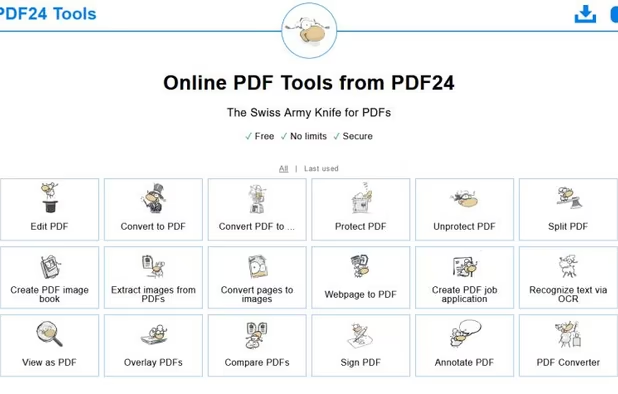
PDF24 Creator is free and feature-filled PDF creation, merging and conversion tool for Windows. Its unique feature among the free PDF printer tools is an editor, which allows to easily assemble, create and modify PDF files with Drag & Drop.


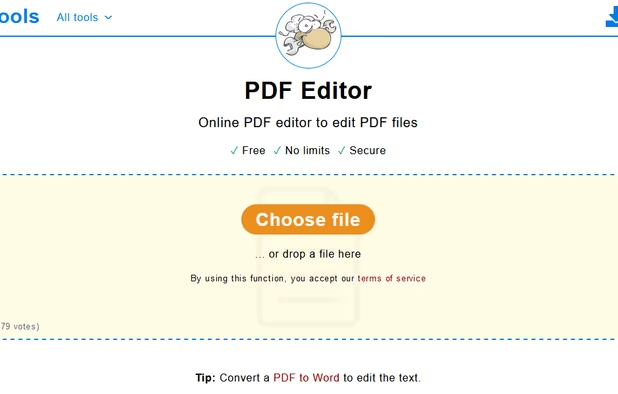
PDF24 basically just lets you "draw over" a PDF. It doesn't let you edit the existing content or add anything more sophisticated than some text or a few doodles.


Free and open source desktop application to split, merge, extract pages, rotate and mix PDF files.


PDFsam can't edit PDF files, i.e. change the content of a page in a PDF file
The premium, paid version of pdfsam can edit pdf


Manage documents effortlessly, edit PDFs, create them from other formats, and e-sign anywhere. Secure sharing and comparison tools ensure smooth workflows and data protection. New AI Assistant offers quick document insights. Perfect for desktop and web platforms.


PDF file type is created by Adobe


Optical recognition software boasting unmatched text accuracy converts scanned documents to editable Word, Excel, or searchable PDFs while preserving layout. Supports 190 languages, simplifies processes with automated tasks, and includes PDF editing tools.


Master PDF Editor is complete solution for editing PDF and XPS files. You can insert, edit, remove, copy, add images or graphics. Export, import, remove and change page layouts. Also Master PDF Editor provides full functionality for changing PDF information, including author...


Master PDF editor can edit PDF content like PDF X-Change Editor can


PDFCreator is a virtual PDF printer that converts any printable document into a PDF file. It works with all Windows applications, including Word, Excel, browsers, and design tools.


Xodo is the ultimate cross-platform PDF viewer and annotator. Powerful, fast, and optimized for all phones and tablets, Xodo makes it easy to access, edit, share, sync, manage, sign, and more.


All annotation features are present, including a wonderful ability to rotate a single page inside a document. Can bookmark. However, those changes are not visible in other viewers, only in Xodo.
Used Xodo for 10 min, it is divine! Better than my desktop editor. I drew, added text, removed rotated and added blank pages. You need to make a copy for it to save properly.


Create, Convert, Review and Edit PDF Documents on Windows, macOS, and Linux.
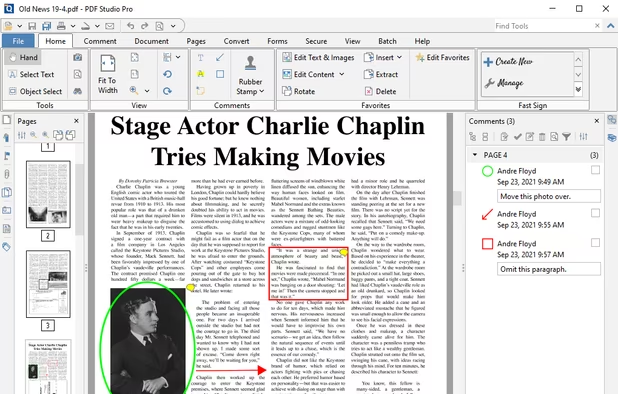
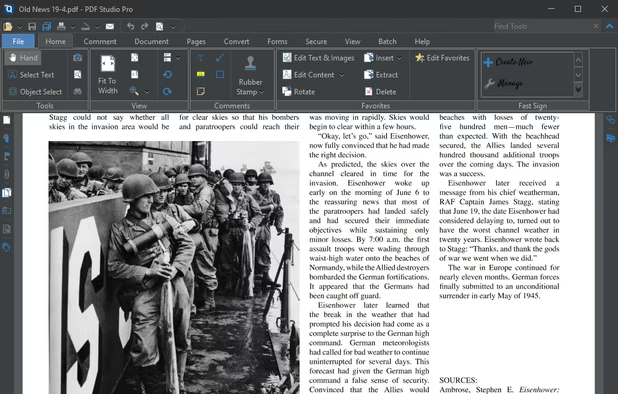
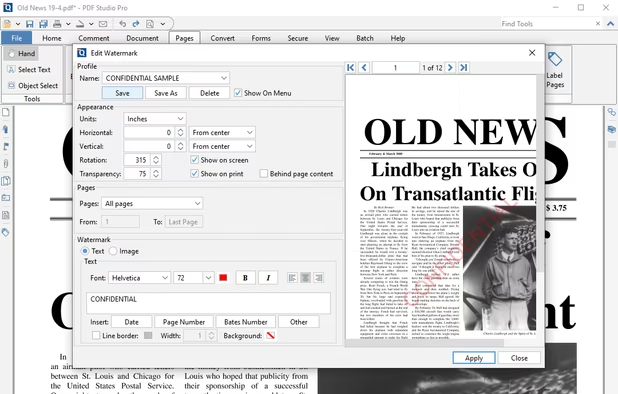
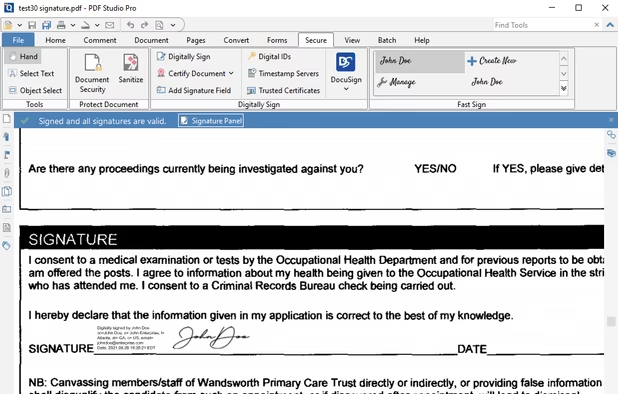


Nitro offers comprehensive PDF solutions for editing, creating, and converting, alongside OCR and e-signature tools. Supports Mac, Windows, and iOS, providing a user-friendly interface with industry-standard security features. Ideal as an Adobe Acrobat alternative.



 Singapore
 Germany
 EU
EU

 Italy
Italy United States
 Russia
 Canada


Suspected to be spyware/malware. Company and owners behind the software is not clearly identifyable. Suspected to be Russian and/or Chinese spyware.