


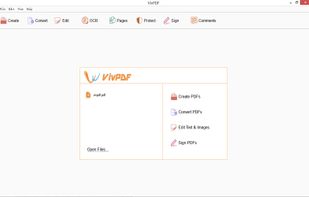
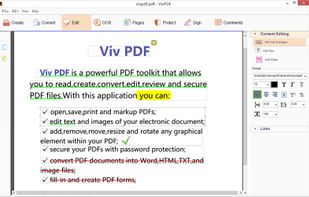
It's virtually the fastest solution for users to edit PDF documents in any circumstances, all you need to do is several clicks!.
Cost / License
- Paid
- Proprietary
Application type
Platforms
- Windows



+2


PDF Studio by Bullzip has been discontinued. Similar apps include PDF-XChange Editor, which has a free version. Other options are PDFsam Basic, PaperKnife, Master PDF Editor and PDFTK Builder. You can choose from more than 10 PDF Editors like PDF Studio by Bullzip for Windows, Linux, Mac, Android and iPhone.
It's virtually the fastest solution for users to edit PDF documents in any circumstances, all you need to do is several clicks!.

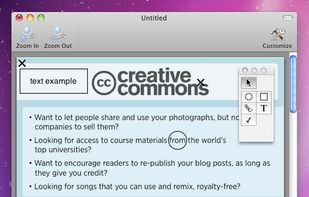
FormulatePro helps you open and write on PDF documents. You can fill out any PDF form document, drop in graphics, scribble with the mouse or a tablet, save and print.


Revolutionize PDFs for free! Try PDFPro: advanced editing, annotating, converting, signing. Premium tools, cloud support, secure.
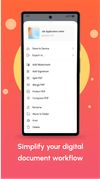
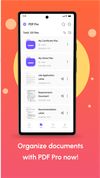
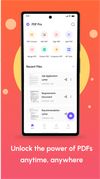


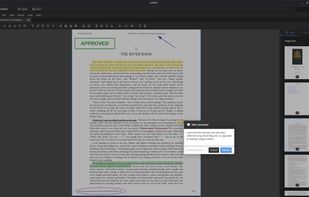
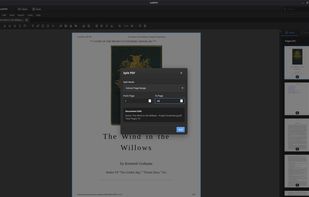
A powerful, privacy-respecting PDF editor built for Linux users. Edit, annotate, merge, and manage PDF documents—without subscriptions or cloud dependencies.
 United States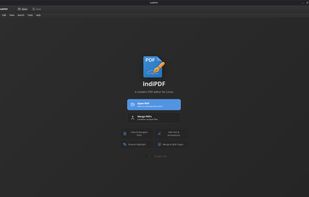


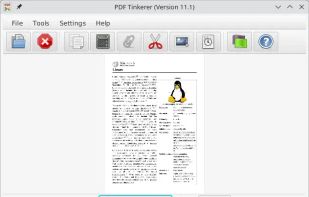
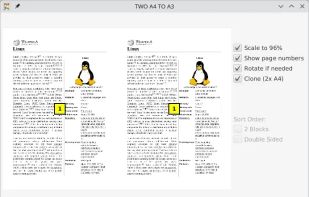
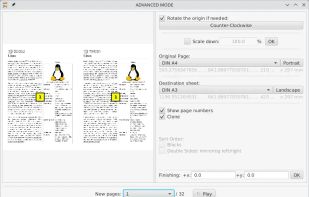
This desktop app reads and writes PDF documents. It was created for a small copy shop in Germany. Features of this application are:
 Germany
 EU
EU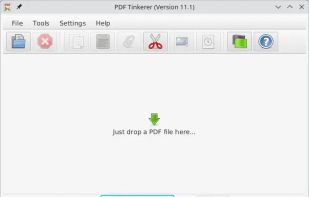


PDF WIZ is an offline PDF converter that converts PDF to Word/PPT/Excel, images, merge, split or compress PDF or remove PDF password, and more.
 China
China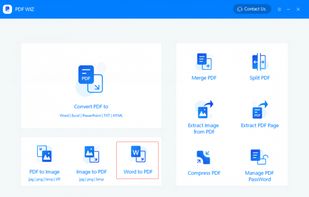
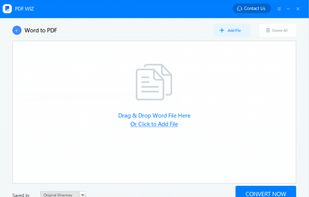
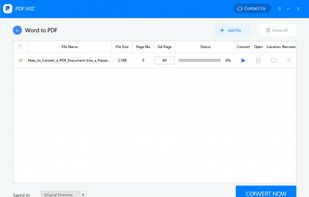
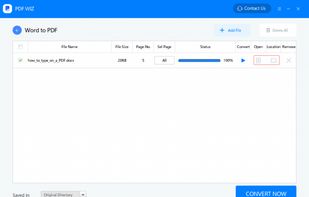


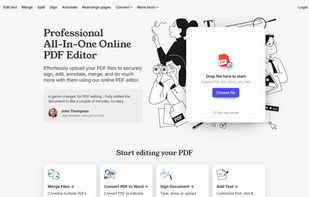
A web-based, all-in-one PDF editor that lets users upload, edit, annotate, sign, merge, split, and convert PDF and other file formats (DOC, DOCX, JPG, PNG), all in a secure, browser-based interface.


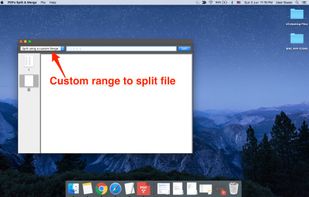
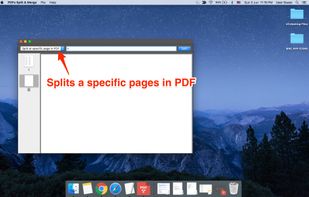
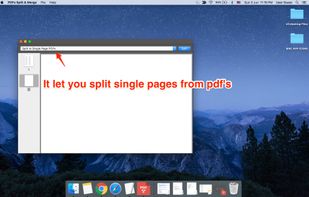
PDFs Split & Merge is a lightweight application for your Mac. It helps you Split, Merge and Unlock PDF files within seconds and it's all offline. We respect your privacy.
 India
India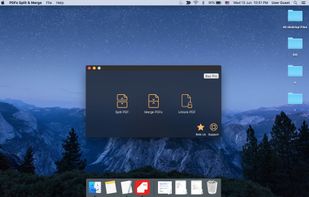


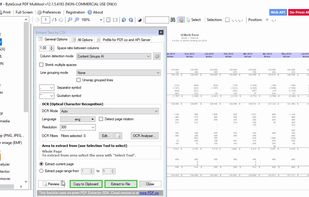
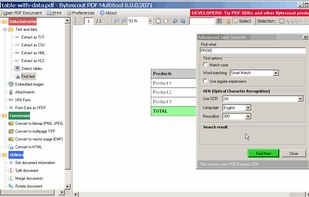
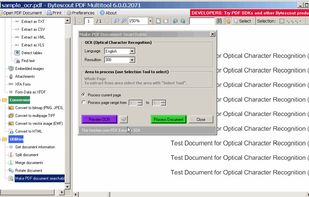
PDF Multitool Utility – Convert PDF to Text, Extract Data from PDF as CSV, XML, Text or XLS Format, Convert PDF to HTML, Convert PDF to TIFF, PDF to PNG, PDF to BMP Images and More.
United States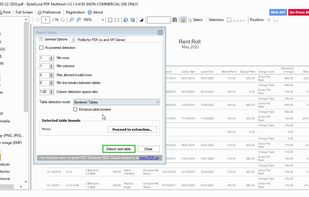


PDF Mixer is a PDF page tool which mixes pages of 2 or more PDF files, add PDF pages into existing PDF files and save them to a new file. With this powerful tool, you can reorder, copy, rotate, delete, switch and merge pages in multiple PDFs easily.


