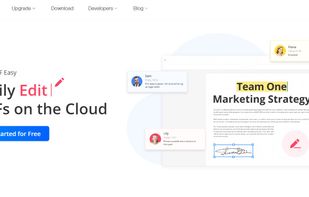
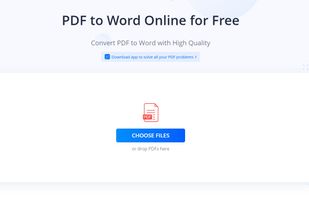
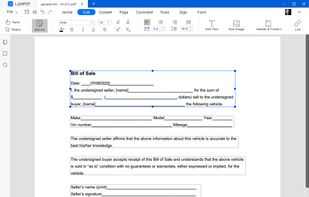
Read, edit, convert, merge, and sign PDF files across devices, for completely free and without signing up.
Cost / License
- Free
- Proprietary
Application typeApplication types
Platforms
- Mac
- Windows
- Online
- Android
- iPhone
- Android Tablet
- iPad
 Singapore

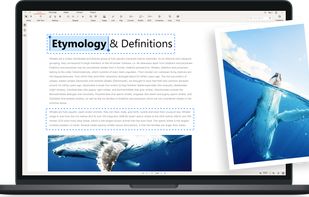

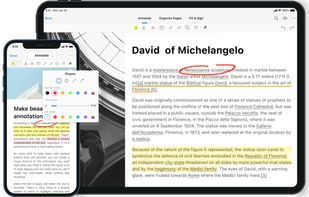

+2
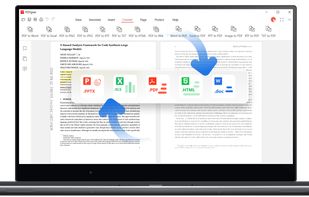


Sites and apps similar to PDF Self-Helper include PDFgear, which is free. Other options are Stirling PDF, PDF24 Creator, Adobe Acrobat DC and PDF24 Tools. You can choose from more than 10 PDF Editors like PDF Self-Helper for Windows, Mac, Android, iPhone and iPad.
Read, edit, convert, merge, and sign PDF files across devices, for completely free and without signing up.
Singapore
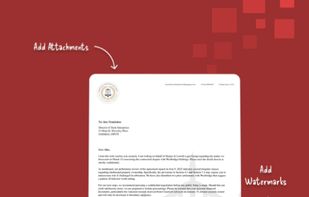
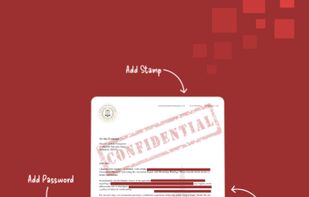
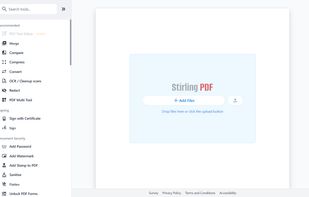
Locally hosted web application offering an interactive GUI to merge, split, reorganize, convert, compress, watermark, secure, sign, flatten, repair, extract images, detect blanks, apply OCR, set permissions, and enable file processing or API integration for PDFs.
 United States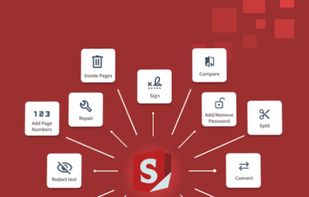

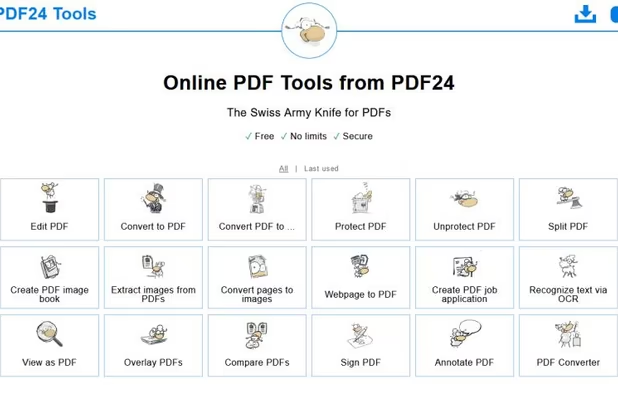
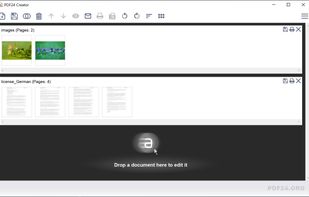
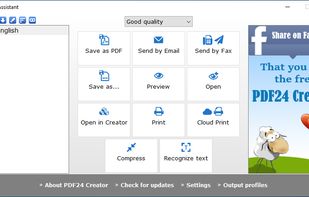
PDF24 Creator is free and feature-filled PDF creation, merging and conversion tool for Windows. Its unique feature among the free PDF printer tools is an editor, which allows to easily assemble, create and modify PDF files with Drag & Drop.
 Germany
 EU
EU


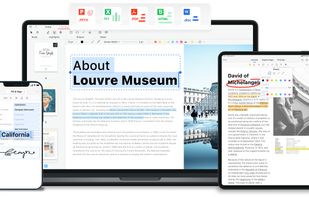
Manage documents effortlessly, edit PDFs, create them from other formats, and e-sign anywhere. Secure sharing and comparison tools ensure smooth workflows and data protection. New AI Assistant offers quick document insights. Perfect for desktop and web platforms.
United States


 GermanyEU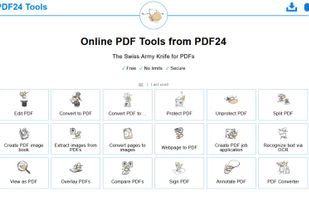


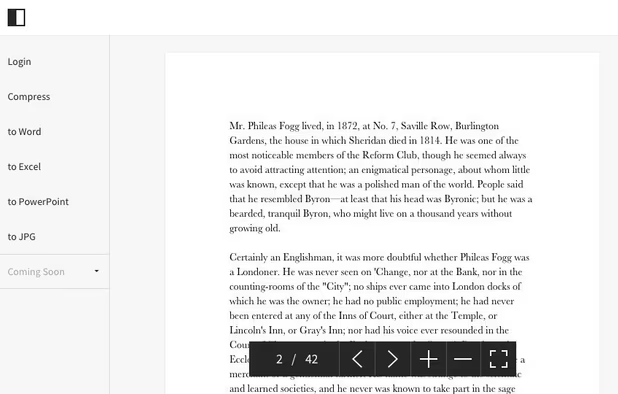
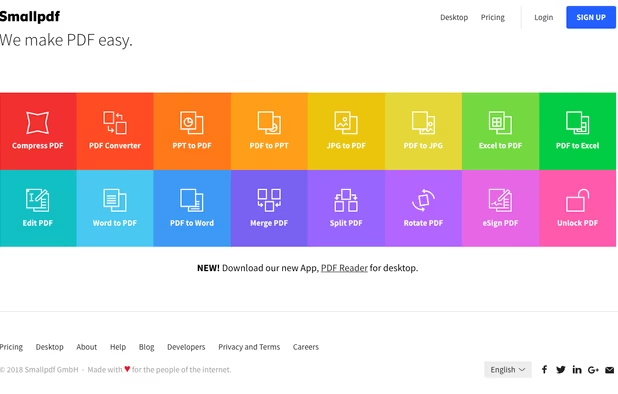
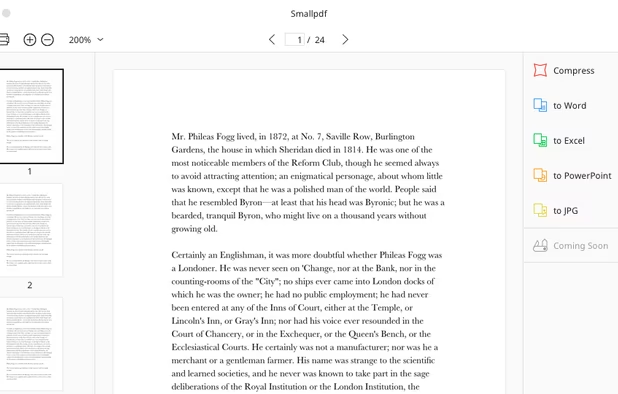
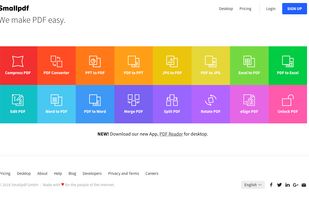
Smallpdf is the first PDF Software you will actually like. The perfect gateway to productive, portable and cost-efficient document management solutions in your everyday life.
 Switzerland


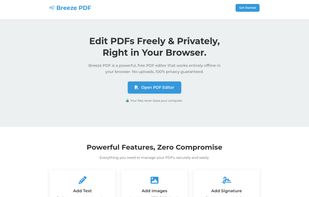
Breeze PDF is a powerful, free PDF editor that works entirely offline in your browser. No uploads, 100% privacy guaranteed.



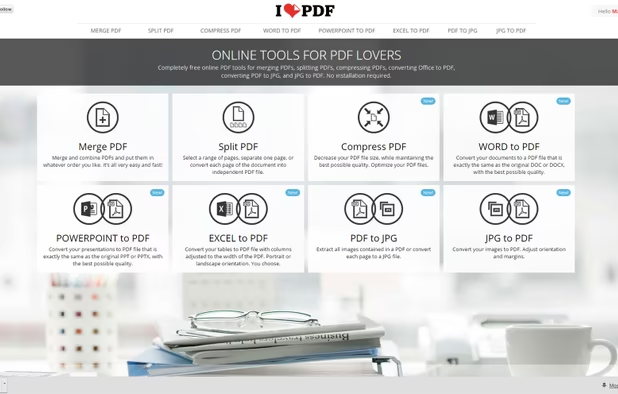
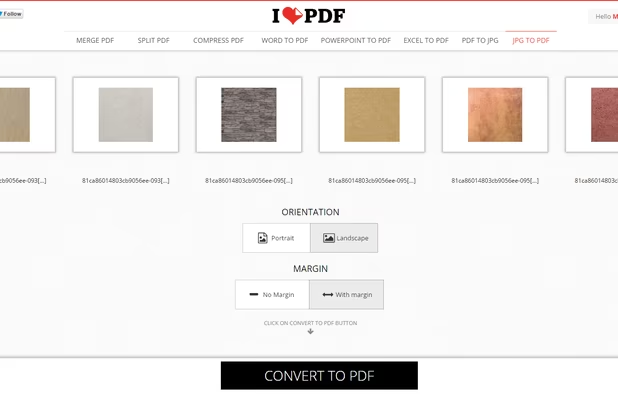
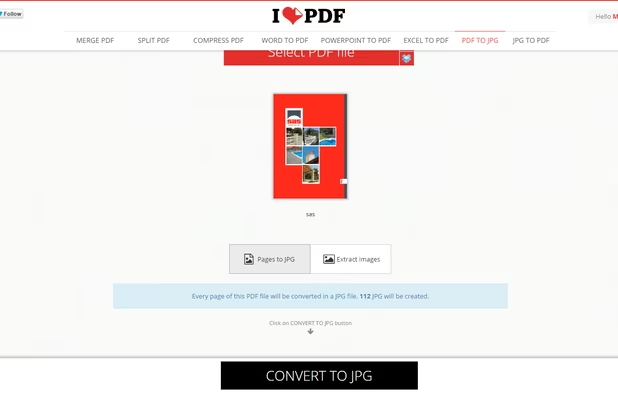
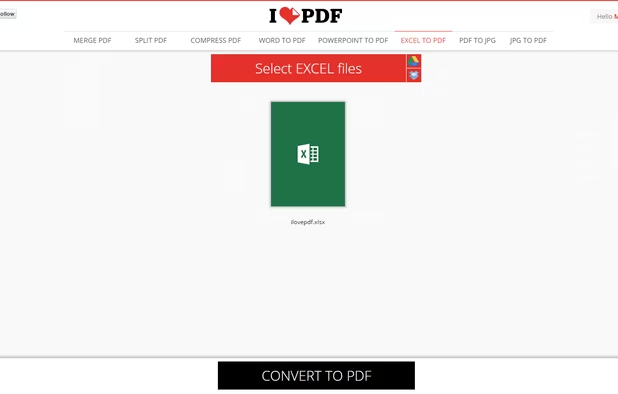
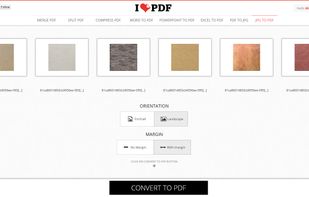
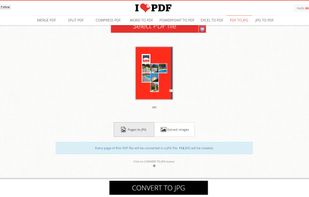
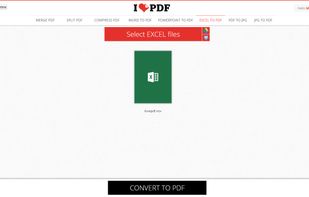
iLovePDF is an online service to work with PDF files completely free and easy to use. Merge PDF, split PDF, compress PDF, office to PDF, PDF to JPG and more!
 SpainEU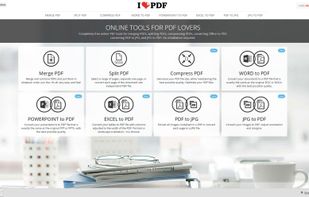


Provides editing of text, images, and objects in PDFs, annotation options, OCR for scanned files, conversion to multiple formats, form filling and signing, page management, merging and splitting, cloud integration, camera to PDF functionality, and sharing tools.
 China
China

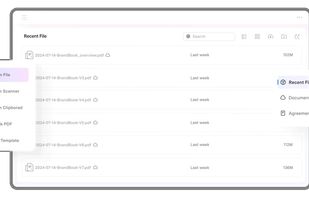
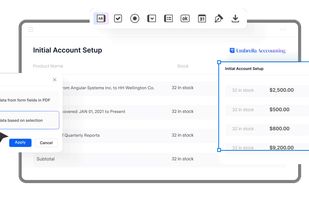


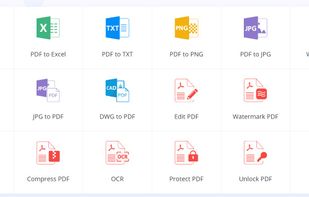
Cloud PDF toolkit provides over 20 tools for editing, conversion, OCR, merge, split, annotation, batch processing, and signatures, with free online access, cross-platform usability, no watermarks, no size limits, and options for mobile and desktop integration.
 Hong Kong SAR China