
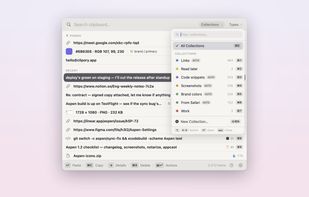
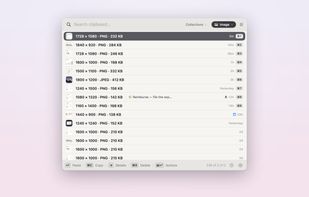
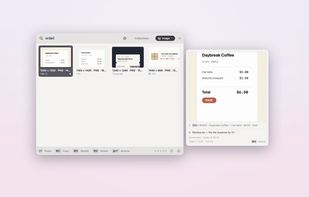
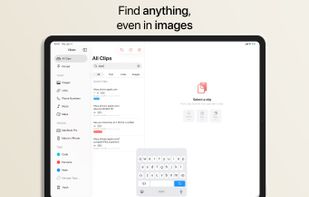
A keyboard-first native macOS clipboard manager with searchable screenshots and auto-collections — all local and encrypted.
Cost / License
- Freemium
- Proprietary
Application type
Platforms
- Mac
 Australia



+6
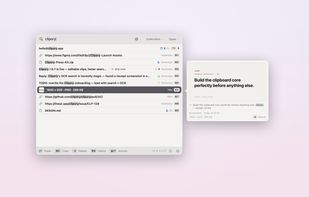




A keyboard-first native macOS clipboard manager with searchable screenshots and auto-collections — all local and encrypted.
Australia
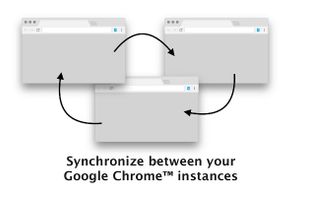
Permanent Clipboard is Google Chrome browser extension that improves the clipboard by allowing users to store multiple entries just a click away.
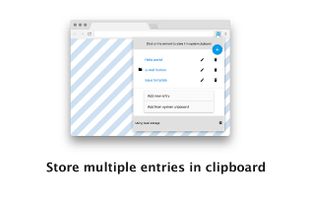
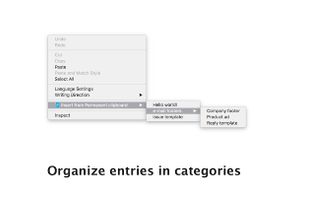


Manage clipboard history & use paste keyboard to insert text, images, links in seconds. Each clipboard item is secured with Face-ID.
 Pakistan




The Microsoft Office (And most other) multi clipboards simply retain the last few clips so that you can copy more than once before pasting. That functionality doesn't even scratch the surface of what Spartan can do!


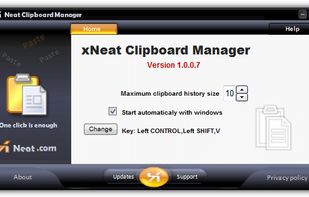
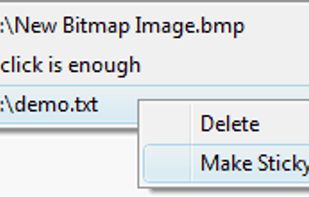
xNeat clipboard manager is handy and very simple to use. it captures clipboard items as they are copied to the Windows Clipboard, and you can simply bring up a menu containing all the previously copied items and select the item you want to paste from it using a hot key.


Clippo is the clipboard manager with a taste — a fast, polished Universal app for iPhone, iPad and Mac that remembers everything you copy: text, links and images. Your history syncs automatically across all your devices via iCloud, so you can always pick up right where you left...

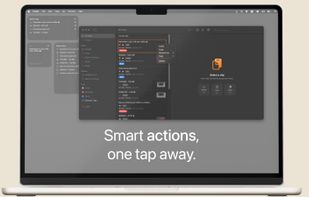



ClipTray is a small taskbar application that maintains a history of all the Clipboard operations. Then you can recover an old or previously copied element and re-use it in your own way.





 United States


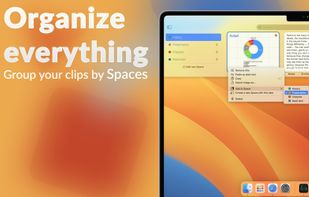
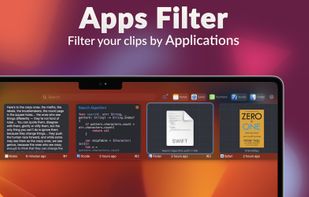
Pasty is a clipboard manager that provides a user-friendly interface for accessing and organizing clipboard history. It is a useful tool for anyone who frequently copies and pastes large amounts of text, images, or other data between applications.
 Germany
 EU
EU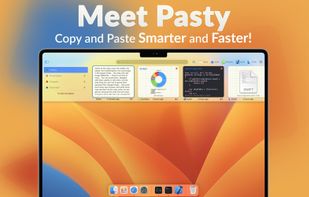



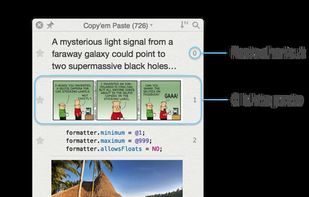
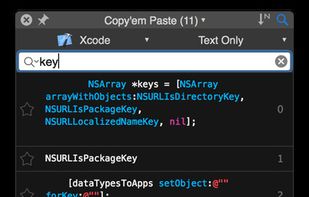
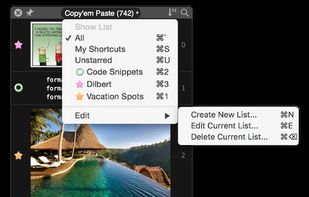
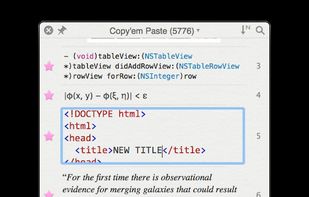
Copy'em Paste lets you collect the things you like by simply copying them! Unlike regular clipboards which can store only one clipping, Copy'em Paste can store as many as you want, without limitation.


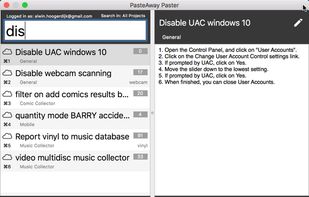
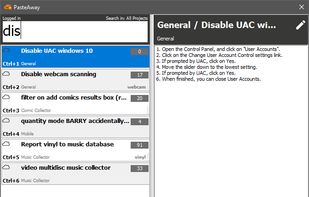
The PasteAway Paster is a client app that lets you easily paste clips from your online repository into any application.