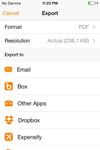
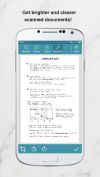
Genius Scan is a scanner in your pocket. Quickly scan your documents on the go and export them as JPEG or multi-page PDF files.
Cost / License
- Freemium
- Proprietary
Application type
Platforms
- Android
- iPhone
 France
 EU
EU




Apps similar to OSS Document Scanner include FairScan, which is free and open source. Other options are MakeACopy, Tesseract, Google Lens and NormCap. You're spoiled for choice with Document Scanners like OSS Document Scanner: we list more than 100 alternatives for Android, iPhone, Windows, iPad and the web.
Genius Scan is a scanner in your pocket. Quickly scan your documents on the go and export them as JPEG or multi-page PDF files.
FranceEU
With the Scanbot Document Scanner SDK, companies can easily equip their mobile and web applications with a fast, accurate, and user-friendly mobile document scanner.
 GermanyEU


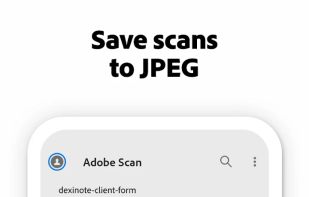
The Adobe Scan scanner app turns your device into a powerful portable scanner that recognizes text automatically (OCR) and allows you to save to multiple file formats including PDF and JPEG.
 United States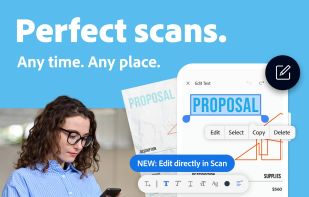


PhotoScan lets you create enhanced digital scans of your old photos, with automatic edge detection, perspective correction, and smart rotation.
United States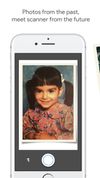




Scanner Pro turns your iPhone into portable scanner in your pocket. It lets you scan multipage documents, email them and even upload to Dropbox, MobileMe iDisk or any other WebDAV enabled server.
 Ukraine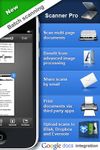
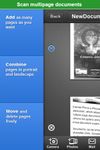


The app is 100% FREE, with NO ads and NO data collection. Donations are possible to support the project.
 ItalyEU
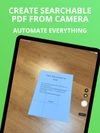
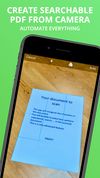


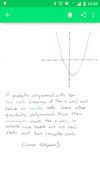
This little application provides a way on scanning handwritten notes and printed documents.
 Brazil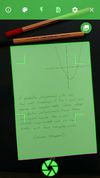

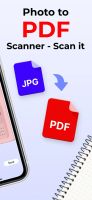
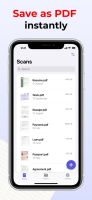
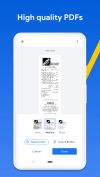
Meet Scanit, a simple yet powerful scanner app that lets you quickly scan any kind of documents and convert them into PDF’s.
 Israel


 SpainEU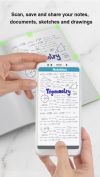
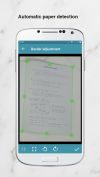




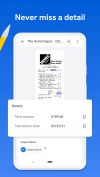
Get rid of paper clutter with Stack. Stack is a PDF scanner, document organizer, and detail finder. All in one.
United States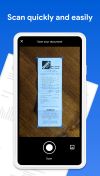


PDF and OCR publishing software (optical character recognition) for MAC & WINDOWS. Do you dream of an intelligent PDF and OCR solution to intuitively manage your documents? You've found it.
 BelgiumEU