OBS Studio AlternativesOnly apps categorised as Screenshot Capture Tools for Mac

There are many alternatives to OBS Studio for Mac if you are looking for a replacement. The best Mac Screenshot Capture Tool alternative is Streamlabs Desktop, which is both free and Open Source. If that doesn't suit you, our users have ranked more than 100 alternatives to OBS Studio and many of them are Screenshot Capture Tools available for Mac so hopefully you can find a suitable replacement. Other interesting Mac Screenshot Capture Tool alternatives to OBS Studio are Camtasia, Screen Studio, Cap and ScreenFlow.

filter to find the best alternatives

OBS Studio alternatives are mainly Screenshot Capture Tools, but if you're looking for Screen Recorders or Screen Casting Tools you can filter on that. Other popular filters include Android, Linux, iPad, Free, Screen Recording, Mac and Windows. These are just examples - use the filter bar below to find more specific alternatives to OBS Studio.
Copy a direct link to this comment to your clipboard
OBS Studio alternatives page was last updated

Alternatives list

  1. Streamlabs Desktop is all you need for streaming! Our developers have combined a streamer's essentials like video preview, dashboard, and chat windows in one app with better video quality and lower CPU usage.

    33 Streamlabs Desktop alternatives

    Cost / License

    Platforms

    • Mac
    • Windows
     
    |
    7
    Streamlabs Desktop vs OBS Studio Comments
    Top Positive Comment
    tangycandy
    0

    I could never get OBS Studio to work, and it slowed down my Windows PC terribly. Streamlabs is a fantastic alternative.

    Top Negative Comment
    Ituaf
    2

    Adds a ton of features that aren't needed for the software, which in turn uses more resources. Even if you believe it to be more convenient, the payoff is simply not worth it. The average OBS user doesn't require many of these features, so this would make a poor choice as an alternative to OBS. 

    ThatSourMelon
    Negative
    2

    Since OBS Studio is open-source, the people who made this software copied the source code, added a new skin to it, and then they added some features that could be added to OBS Studio through plugins, removed some important features, and added micro-transactions. This is just a monetized OBS Studio that uses more resources, there's NO reason to use this over OBS Studio and something like StreamElements.

    3 of 7 comments
    • Streamlabs Desktop is Freemium and Open SourceOBS Studio is Free and Open Source
  2. Camtasia icon
     234 likes

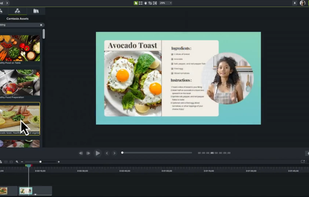
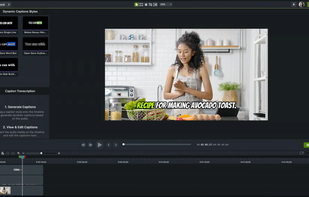
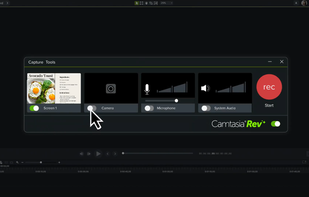
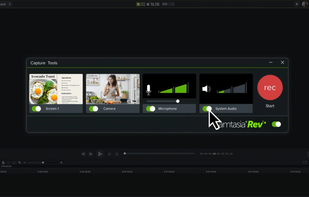
    This all-in-one solution offers screen and webcam recording, video editing, and chroma key features, producing stunning HD-quality content easily shareable on platforms like YouTube and Screencast.com. Designed for training, presentations, and more, it supports H.264 format and compact file sizes.

    272 Camtasia alternatives

    Cost / License

    • Freemium
    • Proprietary

    Platforms

    • Mac
    • Windows
    • Online
     
    |
    1
    Camtasia vs OBS Studio Comments
    Guest
    Negative
    8

    Camtasia isn't for live broadcast.

    Review by a new / low-activity user.
    • Camtasia is Freemium and ProprietaryOBS Studio is Free and Open Source
  3. Screen Studio icon
     16 likes

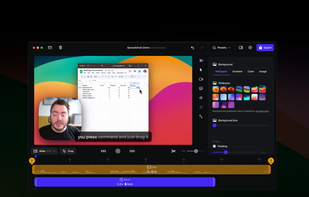
    Record macOS screens with smoothed mouse movement, zoomed click highlights, cinematic motion blur, and customizable backgrounds while integrating webcam, microphone, system sound, and easy video editing. Output in HD for instructional and promotional videos.

    95 Screen Studio alternatives

    Cost / License

    • Paid
    • Proprietary

    Platforms

    • Mac
     
  4. Cap icon
     23 likes

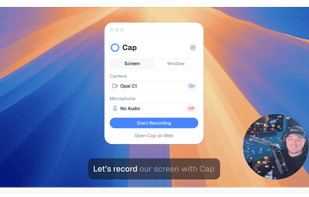
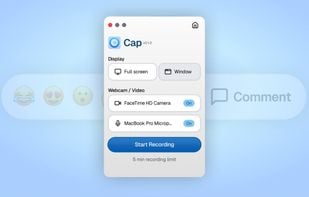
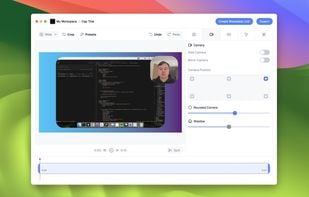
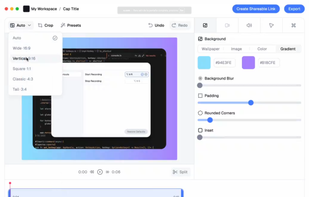
    Open-source tool for screen and camera capture with 4K recording, timeline editor, instant sharing via links, privacy controls, no signup, multiple layouts, custom branding, cursor options, threaded comments, self-hosting, and paid AI-powered features available.

    93 Cap alternatives

    Cost / License

    • Freemium
    • Open Source

    Platforms

    • Mac
    • Windows
     
  5. ScreenFlow icon
     70 likes

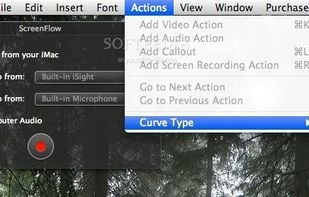
    Capture the contents of your entire desktop at the same time as your video camera, microphone and computer's audio. Sophisticated editing tools allow you to create incredible screencasts in no time.

    Cost / License

    • Paid
    • Proprietary

    Platforms

    • Mac
     
    |
    2
    ScreenFlow vs OBS Studio Comments
    Guest
    Negative
    0

    ScreenFlow focuses on recording only while OBS provides streaming/broadcasting capabilities.

    Review by a new / low-activity user.
    hej
    Negative
    1

    Open Broadcaster is BROADCASTING, aka streaming, software. This is software for recording to disk. If someone is looking for an alternative for OBS to stream this will waste their time.

    • ScreenFlow is Paid and ProprietaryOBS Studio is Free and Open Source
  6. Loom icon
     32 likes

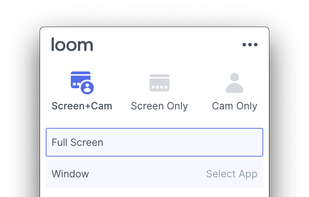
    Easy and free screen recorder for Mac, Windows, and Chromebooks. Record your camera and screen with audio directly from your Chrome browser and share the video with your team, friends, and family.

    220 Loom alternatives

    Cost / License

    • Freemium
    • Proprietary

    Platforms

    • Mac
    • Windows
    • Online
    • iPhone
    • Google Chrome
    • Android
    • Android Tablet
     
  7. Kap icon
     27 likes

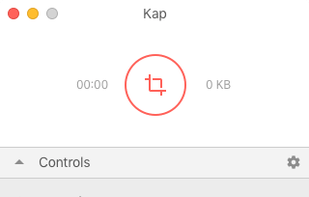
    Kap is an open-source screen recorder built with Electron and designed to be easy to use but extensible.

    Cost / License

    • Free
    • Open Source (MIT)

    Platforms

    • Mac
    • Electron / Atom Shell
     
    |
    1
    Kap vs OBS Studio Comments
    Guest
    Negative
    1

    Kap is not for livestreaming

    Review by a new / low-activity user.
    • Kap is Free and Open SourceOBS Studio is also Free and Open Source
  8. ScreenRec icon
     68 likes

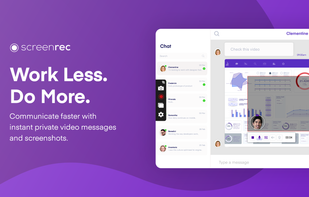
    If you spend too much time on email and chat, try sending instant video messages and screenshots with ScreenRec. You'll get your point across faster and save precious hours.

    154 ScreenRec alternatives

    Cost / License

    • Freemium
    • Proprietary

    Platforms

    • Mac
    • Windows
    • Linux
     
    |
    5
    ScreenRec vs OBS Studio Comments
    Top Positive Comment
    Edita Armenulic
    3

    OBS is complex and works well for professionals. For people who want a simple and lightweight screen recorder, ScreenRec is a better option.

    Eleanor
    Positive
    0

    ScreenRec's simplicity and lightweight design make it a standout free recorder for quick tutorials and meetings.

    Review by a new / low-activity user.
    Erna Lorenz
    Positive
    1

    I mainly use it to create short instructional videos for my students. ScreenRec is perfect for educationist who are working from home or employed at online educational institutes.

    3 of 5 comments
    • ScreenRec is Freemium and ProprietaryOBS Studio is Free and Open Source
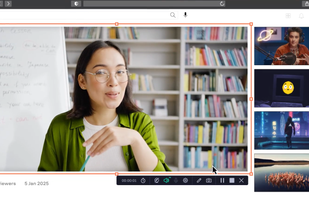
  9. Record full screen or customized areas with webcam options. Annotate in real time, highlight cursor actions, and record both system and voiceover audio. Ideal for creating instructional videos, webinars, and presentations. Free for personal use, compatible with PCs.

    157 Movavi Screen Recorder alternatives

    Cost / License

    • Paid
    • Proprietary

    Platforms

    • Mac
    • Windows
     
  10. Screenify icon
     1 like

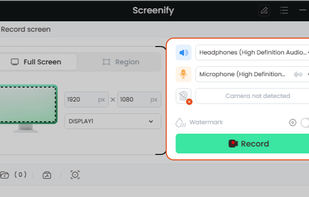
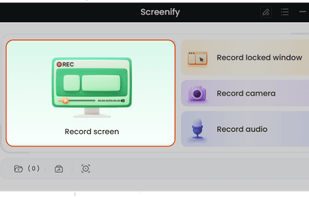
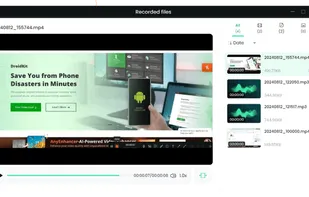
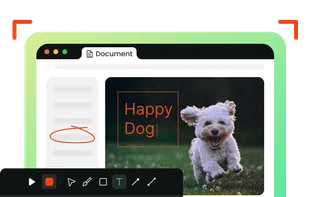
    Screenify is free software for capturing screen, audio, webcam, and mic on Windows and Mac. It supports 4K at 60fps, offers noise reduction, and customizable settings. Export in various formats including MP4, GIF, MOV. No limits on duration or ads, ensuring professional videos.

    Cost / License

    • Free
    • Proprietary

    Platforms

    • Mac
    • Windows
     
12 of 31 OBS Studio alternatives