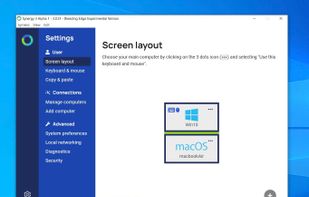
Synergy combines your desktop devices together in to one cohesive experience. It's software for sharing your mouse and keyboard between multiple computers on your desk. It works on Windows, macOS and Linux.
 United Kingdom


Apps similar to OneMouse include Synergy. It's paid, but Barrier and Mouse without Borders are free. Other options are Magic Switch, Mickey and DeskFlower. In total there are six Keyboard Sharing Utilities like OneMouse for Windows, Linux and Mac.
Synergy combines your desktop devices together in to one cohesive experience. It's software for sharing your mouse and keyboard between multiple computers on your desk. It works on Windows, macOS and Linux.
United Kingdom
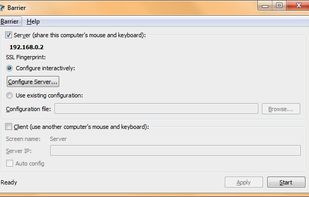
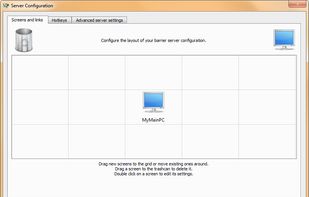
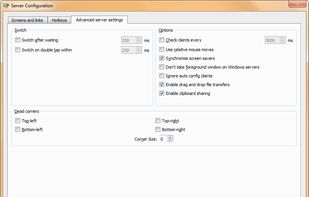
Barrier is a cross-platform software utility for sharing your mouse and keyboard between multiple computers on your desk. It was forked from Synergy version 1.9's codebase.
 United States


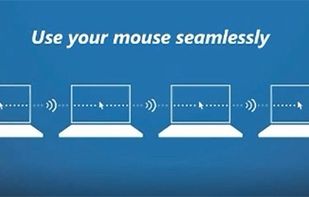
Control multiple PCs effortlessly with a single mouse and keyboard, drag-and-drop files between machines, and customize your screens with Bing images, all without extra gear.


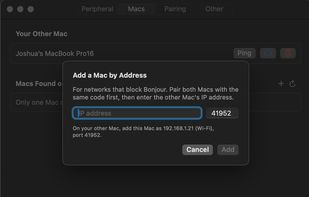
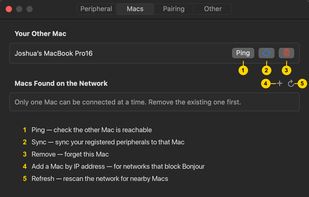
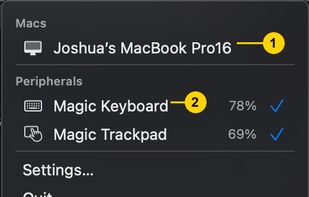
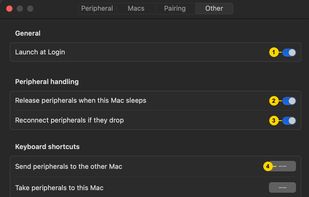
Magic Switch is a simple macOS menu bar utility that lets you quickly (and securely) switch Magic Keyboard, Magic Trackpad, Magic Mouse, and other Bluetooth peripherals between Macs with one click.
 Poland
 EU


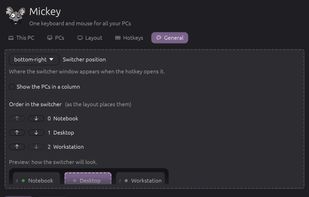
Mickey is an open source tool to share one keyboard and mouse between Linux and Windows PCs. Push the cursor off the edge of one screen and it appears on the next PC. It also shares the clipboard (text, images and files) and the sound of every PC on one pair of headphones.
 Brazil
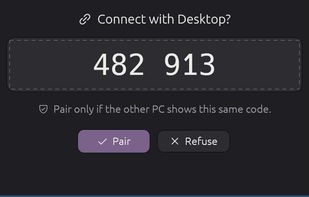
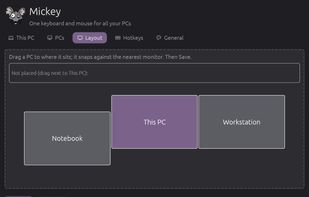
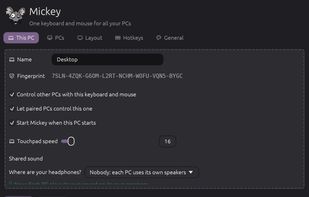


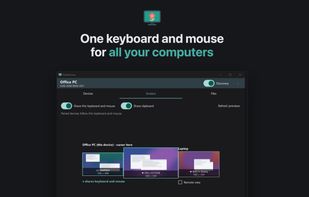
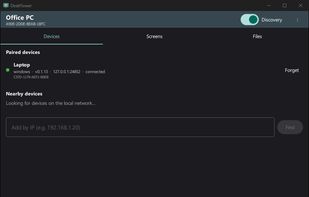
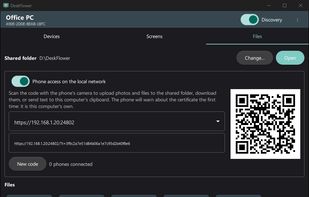
Shares a keyboard and mouse between paired computers by moving across screen edges. It transfers text, images and files through the clipboard or drag and drop, provides permission-based remote viewing, QR phone transfers and encrypted, account-free local networking.
 SpainEU