


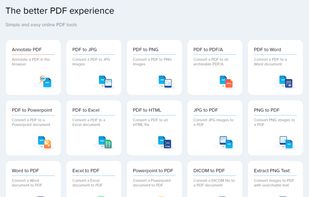
The better PDF experience - Simple and easy online PDF tools
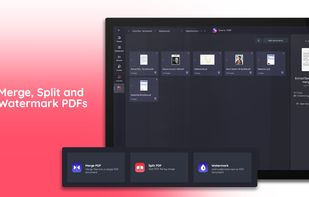
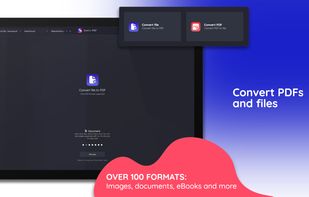
Annotating. converting and editing pdfs in a web application by the developers of xodo.
Cost / License
- Free
- Proprietary
Application typeApplication types
Platforms
- Online
 Canada


One of the most popular alternatives to Okular is SumatraPDF, which is free and open source. Other popular alternatives are Foxit PDF Reader, LibreOffice - Draw, KOReader and Evince. PDF Readers like Okular are a crowded field, with more than 100 alternatives for Windows, Mac, Android, Linux and iPhone.
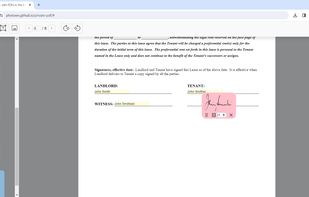
The better PDF experience - Simple and easy online PDF tools
Annotating. converting and editing pdfs in a web application by the developers of xodo.
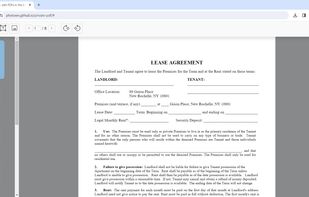
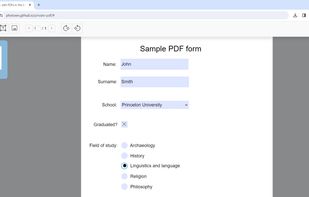
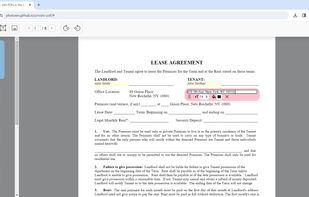
CanadaPrivatePDF is a free web tool that lets you make quick PDF edits from within your web browser, without uploading anything anywhere.

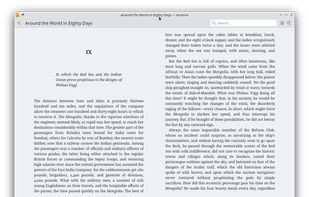
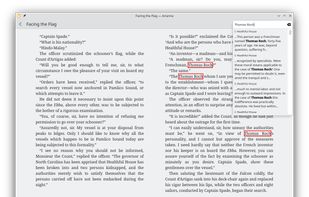
An ebook reader and library management app supporting ".epub" files. Arianna discovers your books automatically, and sorts them by categories, genres and authors.
 Germany
 EU
EU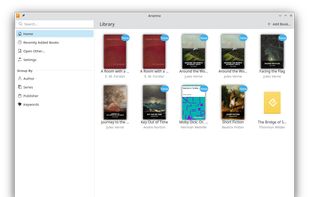
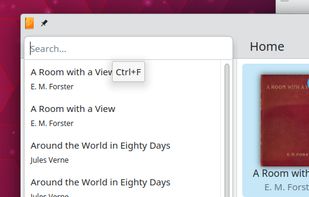


Xreader is a document viewer capable of displaying multiple and single page document formats like PDF and Postscript.


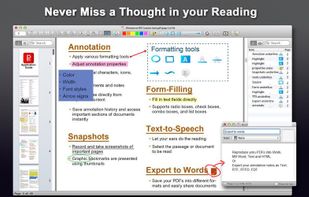
PDF Connect Suite is a full-featured PDF document system that transforms your Mac into a powerful PDF Office. PDF Connect Suite serves as your one-stop shop for your PDF document needs, as it provides a complete array of functions to help annotate, view, bookmark, share, and...
 United States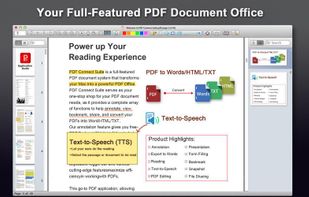


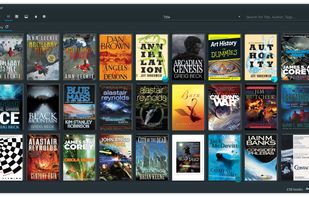
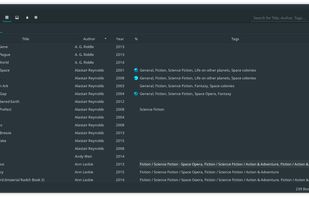
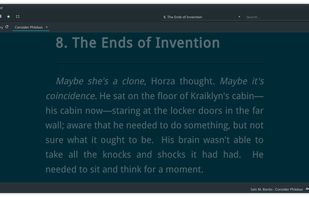


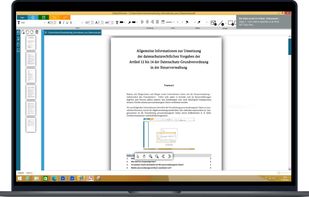
Edit your PDF files quickly and intuitively. Open, edit, save or convert PDF files with PDFTool – it’s up to you.
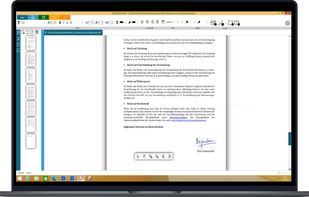
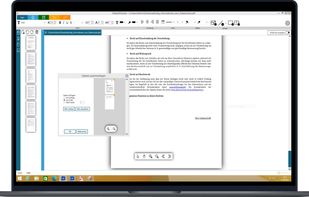


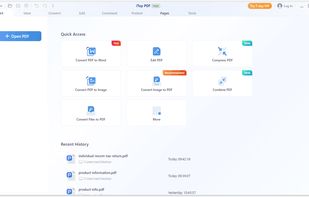
Comprehensive PDF tool for viewing, editing, annotations, and conversion between formats like Word, Excel, or PPT. Features include encryption, redaction, and fast batch processing.
 Hong Kong SAR China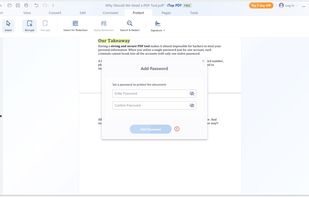
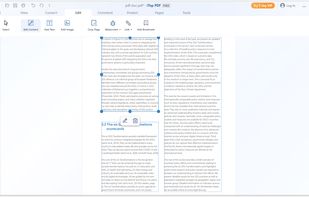


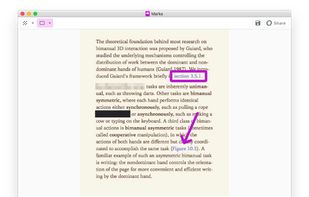
Redact & Annotate images. Hide or mark up essential parts of your image by simply clicking and dragging on it.
United States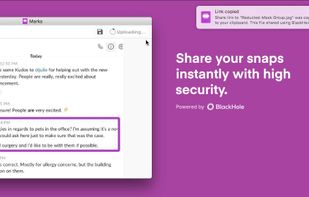


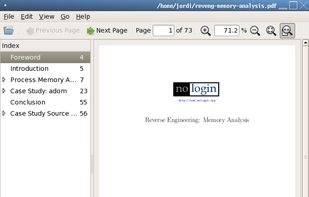
A simple PDF document viewer, in the lines of Evince but without using the Gnome libraries. ePDFView is a free lightweight PDF document viewer using Poppler and GTK+ libraries.


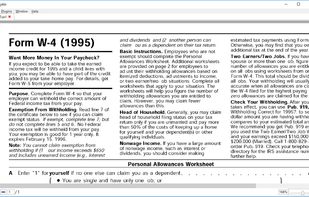


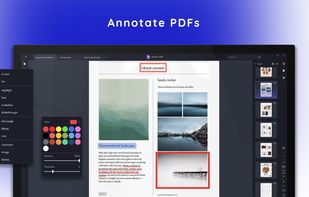
Sonic PDF is your go-to PDF editor for Windows, offering intuitive tools for document processing.
Canada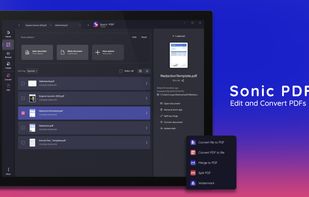





 Ireland


