iGTD: Getting Things Done for MAC is a very useful MAC tool to get organised.
Cost / License
- Freemium
- Proprietary
Platforms
- Mac


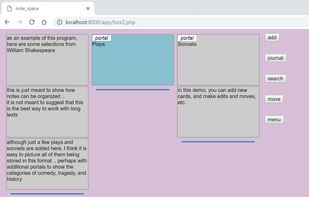
Oinker has been discontinued. Similar sites and apps include Raindrop.io, which has a free version. Other options are Zim, CherryTree, TagSpaces and Cryptee. You're spoiled for choice with Note-taking Tools like Oinker: we list more than 100 alternatives for Windows, Mac, Linux, Android and iPhone.
iGTD: Getting Things Done for MAC is a very useful MAC tool to get organised.

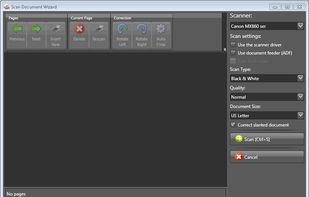
eDoc Organizer is a document management software solution for home and small business users. It is an easy to use applciation that can help you scan and manage your paper documents along side all your digital documents.
 United States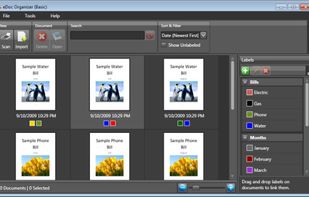


recordando (Spanish for remembering) is a program in which to keep your written thoughts
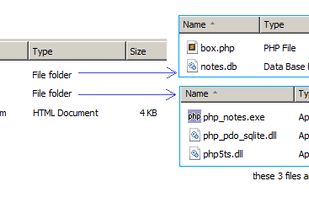
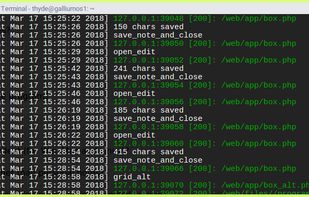


Swiftnotes is a note taking app that takes simplicity and speed to a whole new level.





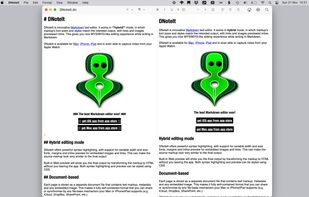
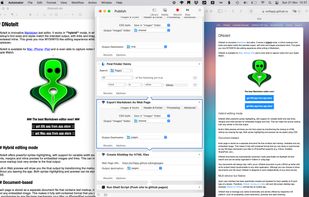
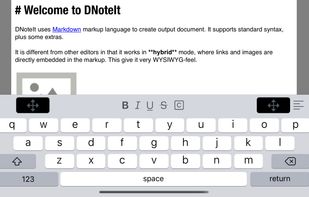
DNoteIt is innovative markdown text editor. It works in hybrid mode, in which all links and images are directly embedded in the markup. This gives you nice WYSIWYG-like editing experience while writing in Markdown.
 Netherlands
 EU
EU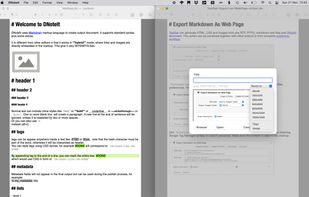




If you often need to quickly jot something down, SideWriter is there with a flick of the wrist.


Record and save important information, brilliant ideas, and moments of everyday life easily and securely with SomNote.





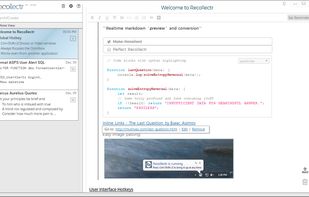


Quickly and easily access your Simplenote account from your OS X dashboard. Stay organized with no effort. Let your notes automatically sync between multiple devices.

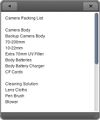



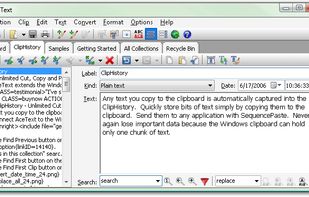
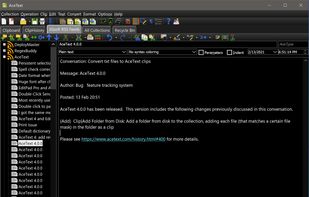
AceText is a smart software tool that simplifies working with text by enabling you to store, manage, edit and reuse text from a central location.
 United Kingdom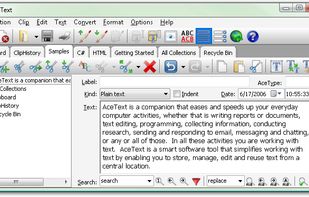


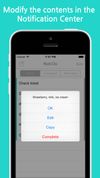
This simple productivity app allows you to log all of the tasks you need to complete for the day within Notification Center.