MemoPad is software that comes with your Blackberry: it allows you to make notes, but not edit files.
Cost / License
- Free
- Proprietary
Application type
Platforms
- Blackberry


Oinker has been discontinued. Similar sites and apps include Raindrop.io, which has a free version. Other options are Zim, CherryTree, TagSpaces and Cryptee. You're spoiled for choice with Note-taking Tools like Oinker: we list more than 100 alternatives for Windows, Mac, Linux, Android and iPhone.
MemoPad is software that comes with your Blackberry: it allows you to make notes, but not edit files.

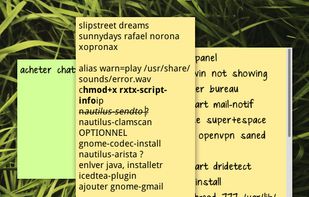


"The private, unfiltered, personally meaningful micro-journal that sends your thoughts back to you in unexpected ways. Try it - the effect is poignant."



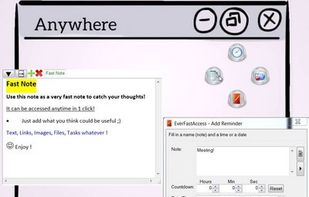
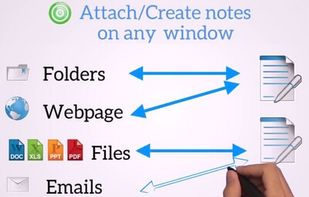
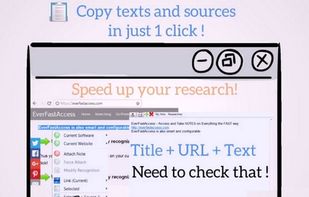
Boost your productivity. Take notes, set reminders and save contents and links, all in 1 swipe of the mouse. Attach notes automatically to any window.



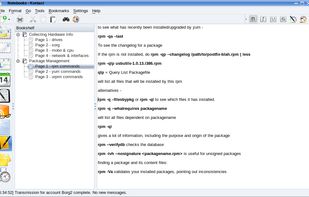
KJots is a hierarchical note taking application that organizes all of your notes into separate books displayed as tree. Since Plasma 5 KJots isn't part of Kontact anymore.

Have you ever needed to remember something real important but had no way to? Catzware introduces Simple Notes, a program which allows you to make up to five notes and keep them open on your desktop all at the same time so you never forget anything again!

Make lists, add by voice from home screen.
QwikList Voice is a handy home screen app that allows you add items to a list, send SMS, or quick add to Google Calendar by speaking to your phone! Uses Google voice to text. You can quickly and easily create reminders, shopping lists.
 United States


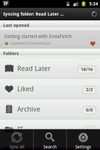
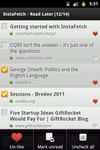
InstaFetch lets you save complete web pages to your mobile device for offline reading. It integrates with Instapaper.com - the best service to use if you don't have time to read an article but want to read it later.



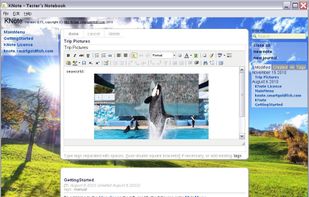
KNote is an easy to use wiki-like note taking program with built in file management and blogging capabilities.


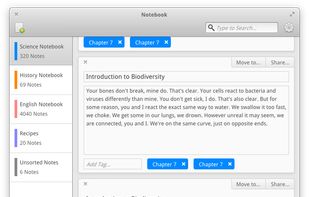
A beautiful, fast, and simple note taking app in the style of elementary OS


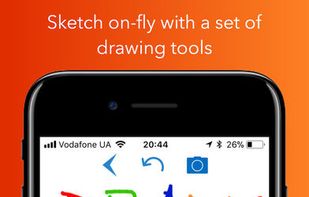
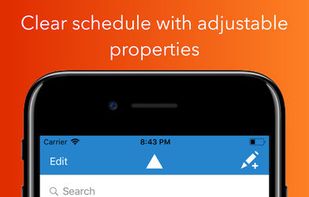
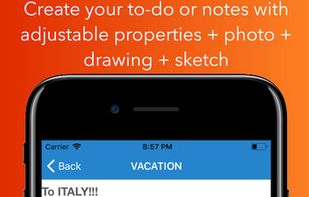
USticker is free of charge version of "MakerX" app. USticker is notebook app for your iPhone or iPad with set of tools for organizing.


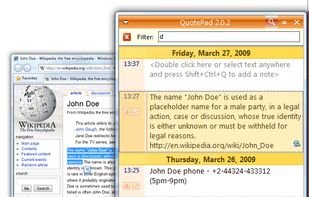
Most information entered into your computer notepad is copied and pasted from somewhere. With QuotePad, you can do it with maximum efficiency: just select some text in any application, press Ctrl+Shift+Q and the selected text will be saved to QuotePad together with the URL of...