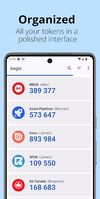
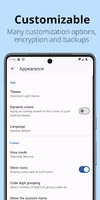
Aegis Authenticator is a free, secure and open source app to manage your 2-step verification tokens for your online services.
Cost / License
- Free
- Open Source (GPL-3.0)
Application type
Platforms
- Android
- Android Tablet
- F-Droid
- OpenAPK
 Netherlands
 EU
EU





Apps similar to Sentinel Authenticator 2FA include Aegis Authenticator, which is free and open source. Other options are Proton Authenticator, Bitwarden Authenticator, 2FA Authenticator (2FAS) and Authy. You're spoiled for choice with Authenticators like Sentinel Authenticator 2FA: we list more than 50 alternatives for Android, iPhone, iPad, Mac and Windows.
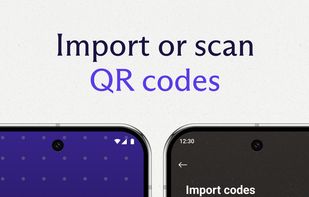
Aegis Authenticator is a free, secure and open source app to manage your 2-step verification tokens for your online services.
NetherlandsEU
Protect your accounts with Proton Authenticator, a private and secure cross-device two-factor authentication (2FA) that works offline. Created by Proton, the creators of Proton Mail, Proton VPN, Proton Drive, and Proton Pass.
 Switzerland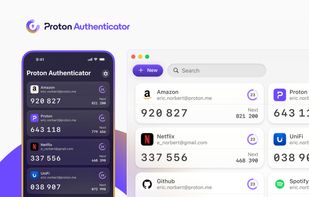


Bitwarden Authenticator generates verification codes for two-factor authentication, ensuring your identity is verified when you log into accounts.
 United States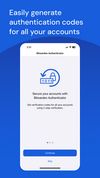
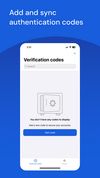
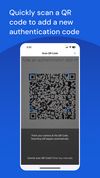


2FAS Authenticator is a simple and free application for Two Factor Authentication (2FA Authentication) which generates Time-based One-time Passwords (TOTP) and PUSH authentication*.
United States


Manage two-factor authentication seamlessly across various platforms with secure cloud backups and offline access. From Gmail to LastPass, enhance security effortlessly. Sync multiple devices securely and protect sensitive data with robust encryption.
United States


Google Authenticator generates 2-Step Verification codes on your phone.
United States


Open-source authenticator for Android and Wear OS providing local, encrypted token storage, TOTP/HOTP support, and export options. No server communication, no corporate ties, and no data lock-in—prioritizing privacy, usability, backup, and secure multi-token management.
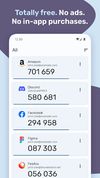
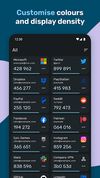
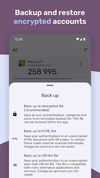


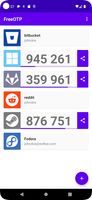
FreeOTP is a two-factor authentication application for systems utilizing one-time password protocols with support for Android (6 or later) and iOS (11 or later). Tokens can be added easily by scanning a QR-code or by manually entering in the token configuration.
United States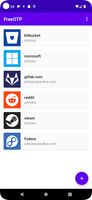


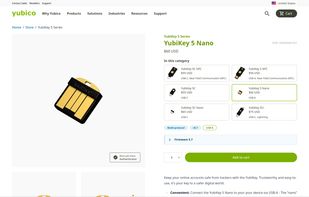
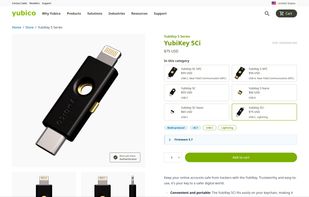
The multi-protocol security key offers the highest assurance, protecting devices with passwordless workflows and strong 2FA against phishing. It plugs into computers, tablets, and mobile devices, integrates PIN or biometric for identity verification, and reduces helpdesk costs.
 SwedenEU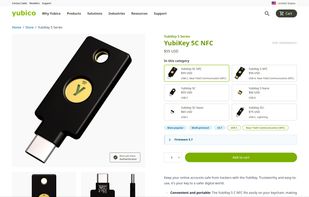


Authenticator generates two-factor authentication (2FA) codes in your browser. Use it to add an extra layer of security to your online accounts.
United States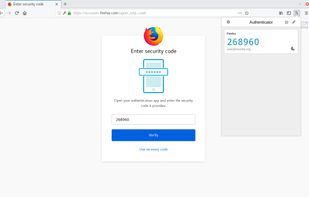
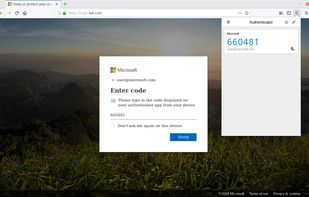
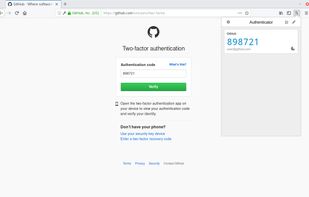


Sign in is easy, convenient, and secure when you use Microsoft Authenticator. Use your phone, not your password, to log into your Microsoft account. You simply have to enter your username, then approve the notification sent to your phone.
United States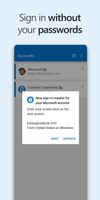



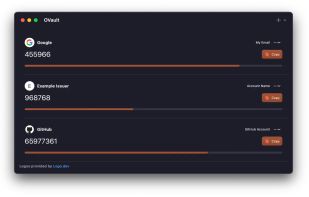
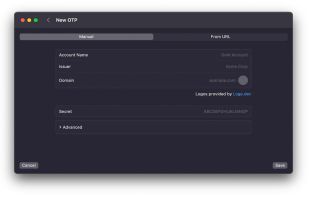
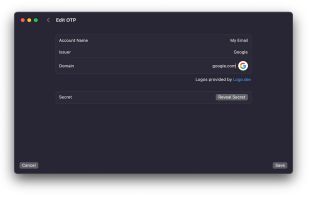
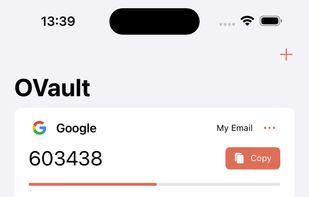
OVault is a super simple OTP app that lets you view and manage OTPs for all your accounts. Set up OTPs by scanning QR codes with your devices Camera App, or by manually providing the OTP secret to the app.
 United Kingdom