




Nexus Messenger
Like
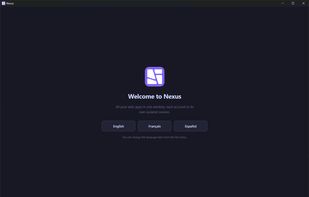
All your messaging apps in one Windows window: WhatsApp, Teams, Telegram, Gmail and your calendar. Each service keeps its own isolated session, so two accounts of the same service stay signed in side by side instead of signing each other out. Free and open source.

Cost / License
- Free
- Open Source (MIT)
Application type
Platforms
- Windows



Features
Nexus Messenger News & Activities
Highlights All activities
Recent activities
- MrJOYEN updated Nexus Messenger
- MrJOYEN added Nexus Messenger
 MrJOYEN added Nexus Messenger as alternative to Ferdium, Franz, Rambox, Hamsket and 9 more
Nexus Messenger information
Developed by
Mehdi JoyenLicensing
Open Source (MIT) and Free product.Written in
Alternatives
13 alternatives listedBadge
Get an embeddable badge for Nexus MessengerSupported Languages

AlternativeTo Category
Social & CommunicationsGitHub repository
- 1 Stars
- 0 Forks
- 0 Open Issues
- Updated


No comments or reviews, maybe you want to be first?