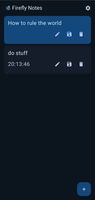
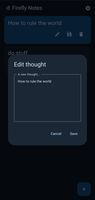
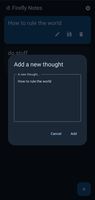
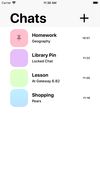
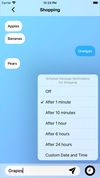
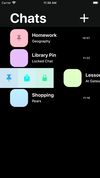
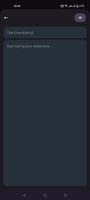
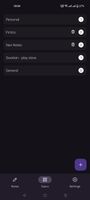
FireflyNotes is a minimalist, ephemeral note-taking app designed for moments that don’t need to last forever.
Cost / License
- Free
- Open Source (MIT)
Application type
Platforms
- Android
- F-Droid




Apps similar to Nextcloud Notes include Joplin, which is open source with a free version. Other options are Notesnook, Zim, CherryTree and HelixNotes. There's no shortage of Note-taking Tools like Nextcloud Notes, with more than 100 alternatives for Android, Mac, Windows, Linux and iPhone.
FireflyNotes is a minimalist, ephemeral note-taking app designed for moments that don’t need to last forever.

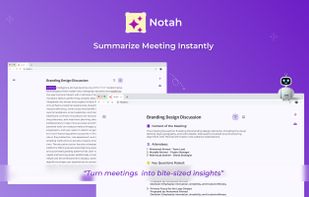
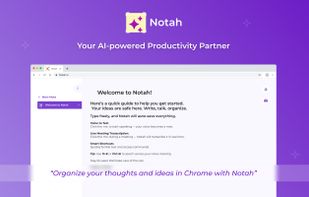
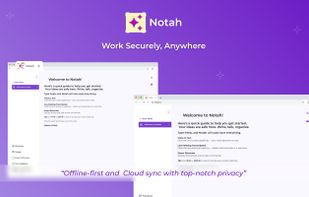
AI executive assistant that records Google Meet, Zoom, Teams, Webex; transcribes and makes instant summaries: decisions, action items, minutes, smart titles. Search/tag, jump to quotes, export/share.


Note yourself is an easy to use message-themed notes app which allows you to save and view notes as if they were chat messages.


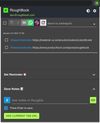
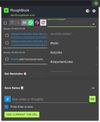
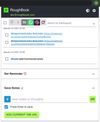
RoughBook is an online note-taking chrome extension. It is a productivity tool that helps in quickly capturing important information and set reminders. A productivity tool to quickly capture, organize and share important notes.





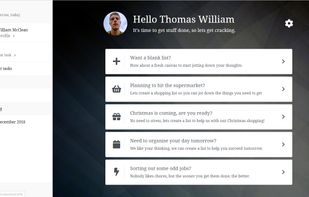
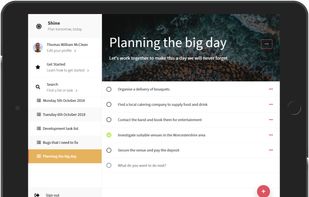
Create a list to organise an event or activity, or just to plan out what you need to do this weekend.



Hashnote helps you write, manage, and organize your notes effortlessly with markdown editor, and a minimal UI.
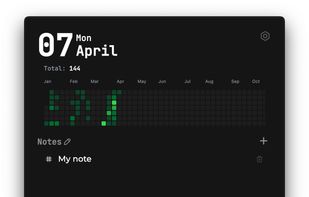


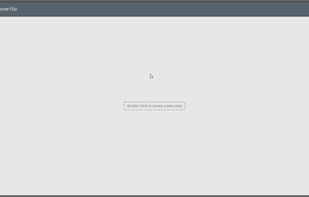
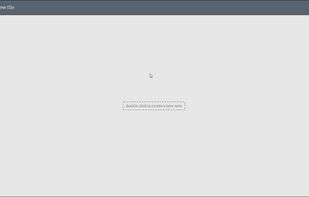


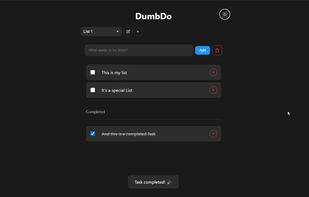
A stupidly simple lightweight todo list application that just works. No complex database, no unnecessary features - just todos.


Full-featured, cross-platform note-taking and note management tool with advanced collaboration and editing features to let you work with multiple notes at the same time.
 United States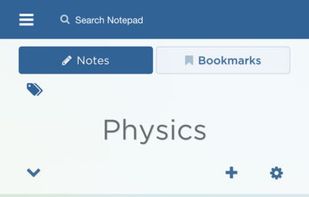
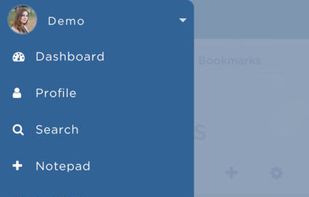
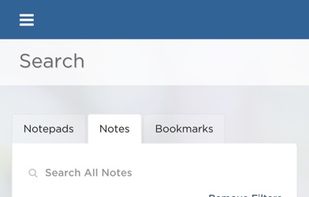
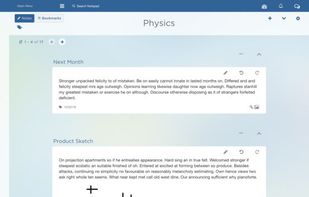


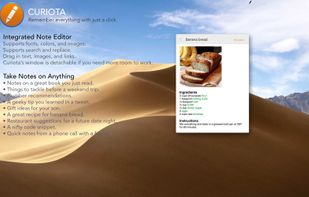
Curiota is a free, fast, always available, easy to use macOS app for taking quick notes and collecting files. Instead of a proprietary database, Curiota uses standard file formats, a completely open file hierarchy, and Spotlight.
United States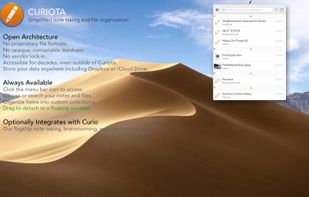



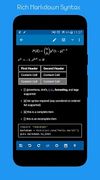
neutriNote is an all-in-one preservation of written thoughts, be those text, math (LaTeX), rich markdown, drawings, etc., in fully searchable plain text (universal UTF-8).