


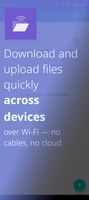
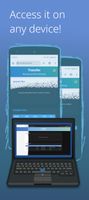
A simple local file server app for Android. Download and upload files quickly across devices over Wi-Fi — no cables, no cloud.


+3


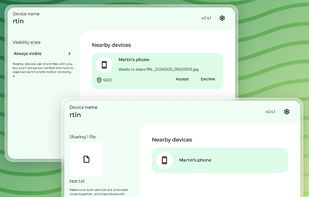
Apps similar to NearDrop include LocalSend, which is free and open source. Other options are PairDrop, RetroShare, DashBeam (Previously AltSendme) and Send Anywhere. Large File Transfer Services like NearDrop are a crowded field, with more than 25 alternatives for Android, Windows, Mac, Linux and iPhone.
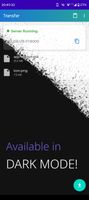
A simple local file server app for Android. Download and upload files quickly across devices over Wi-Fi — no cables, no cloud.



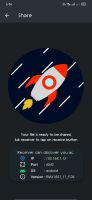
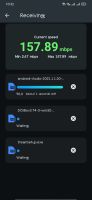
It uses http to transfer files between devices.You can transfer files between devices that run Photon.(No wifi router is required ,you can use hotspot)

Encrypted peer-to-peer file transfer for Android. Send files straight from one phone to another over your local network or Wi-Fi Direct. No servers, no account, no cloud.
 United States
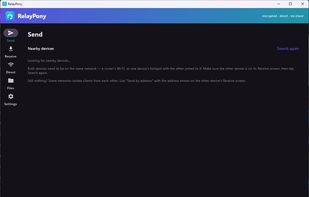
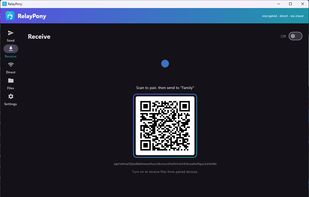
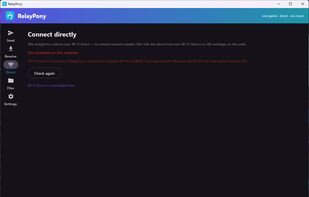


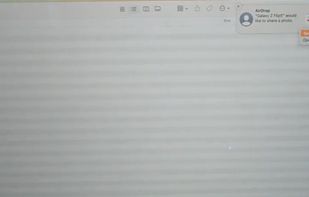
OpenDrop is a command-line tool that allows sharing files between devices directly over Wi-Fi. Its unique feature is that it is protocol-compatible with Apple AirDrop which allows to share files with Apple devices running iOS and macOS.


Send and receive files directly between your devices, phone, laptop, or desktop, with no internet, no accounts, and no cloud uploads.
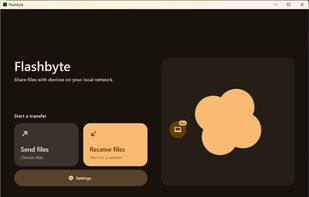
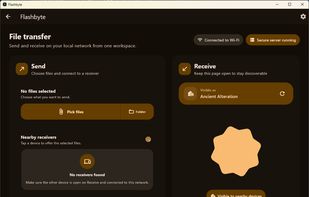
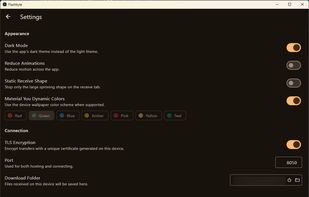


LiberDrop is a convenient and efficient service designed to simplify the process of transferring files between different devices. Whether you're looking to send documents, photos, or entire folders, LiberDrop makes it easy to securely transfer your files with just a few...


 Indonesia
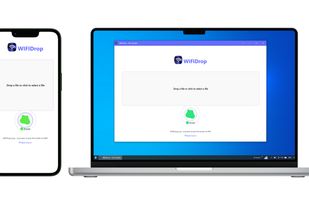

WarpShare is an application that enables file transfers from Android devices to Macbooks using Apple's AirDrop technology, developed by the creators of the MoKee custom ROM.
 China
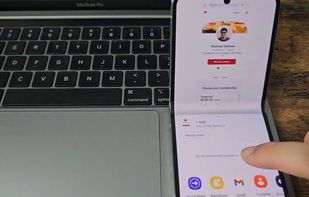

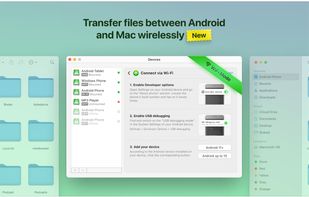
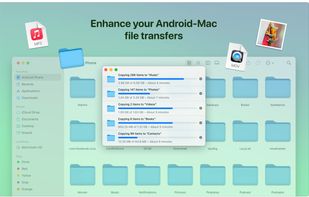
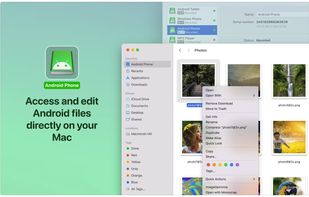
MacDroid is the android file manager for Mac that allows you to easily manage all the files stored on your phone, no matter the brand. Manage Android devices with the touch of a button and edit all of your photos on the go, without downloading them on your computer.
United States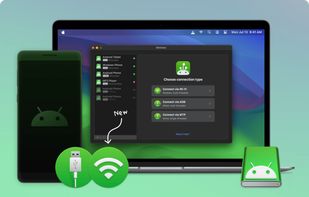


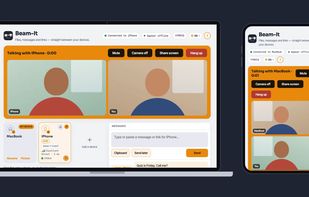
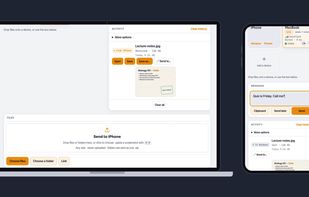
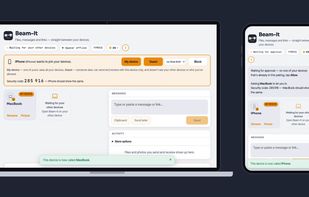
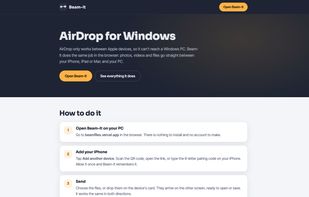
Beam-It sends files, photos, messages and links straight from one device to another. Open it in the browser on both devices, pair them once with a QR code or a 6-letter code, and drop files in.


 Italy
 EU


 Germany


