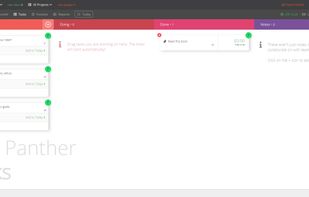
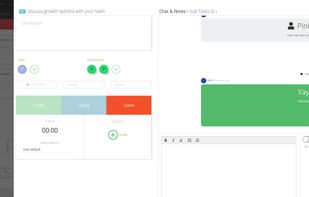
What-Do? makes it easy to manage your todo items and tasks on a clean todo list so you can focus on what is actually important.
Cost / License
- Free
- Proprietary
Application typeApplication types
Platforms
- Online


Apps similar to myDay: To dos & Calendar include Super Productivity, which is free and open source. Other options are Todoist, TickTick, Workflowy and Tasks.org. There's no shortage of Todo List Managers like myDay: To dos & Calendar, with more than 100 alternatives for the web, Android, iPhone, Mac and Windows.
What-Do? makes it easy to manage your todo items and tasks on a clean todo list so you can focus on what is actually important.

A simple, slick, speedy, no-nonsense task manager.


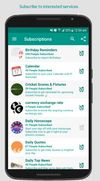
Quickly add future tasks and reminders for Others and yourself. Setting Bill reminder for your spouse, Task reminder, call reminder, Water intake Repeat reminders, Birthday reminder or any kind of Public reminder you wish everyone should know, maybe a World cup match or your...




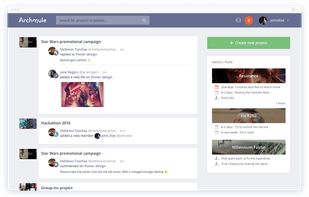
Organise your projects, connect with others, share your work and ideas and work together in real-time. Upload your progress and complete your goals effectively.
 United States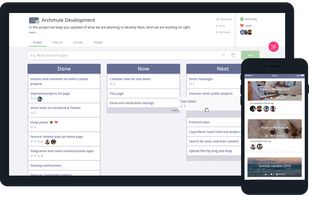



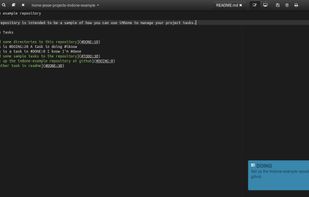
I use an app that helps me stay focused and keep from getting overwhelmed. It’s called iMDone and it does this by letting you hide the distraction of things you haven’t done and allows you to move your tasks in and between lists while keeping them in sync with your code.
United States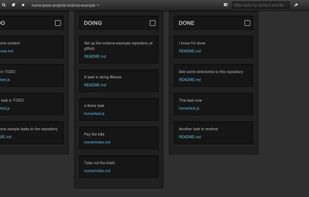


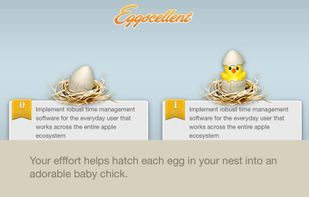
Eggscellent (formerly Pomodorable) offers an exciting and adorable approach to get work done! Based on effective time management principles, Eggscellent transforms your to-do list into manageable activities.
United States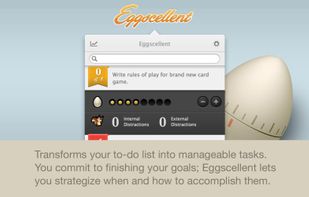


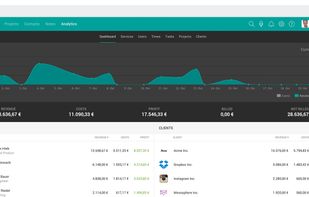
TeamGrid makes it easy to collaborate with your entire team. TeamGrid brings a a full-fledged platform with task and projectmanagement, time tracking, budgeting and a special mode for agencies.
 Germany
 EU
EU


Built-in quick note: save ideas, contacts, interesting facts
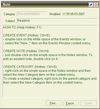
With Exstora, you can write down a thought that comes to your mind as soon as possible. To create a new note, just double-click next to the corresponding section.
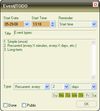
Personal organizer software: plans for the future, eve.
 SlovakiaEU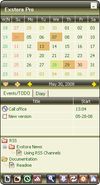


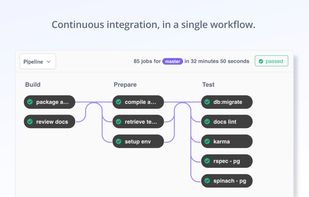
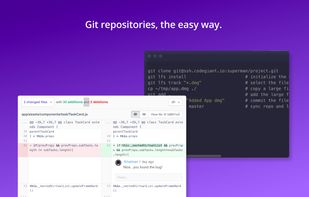
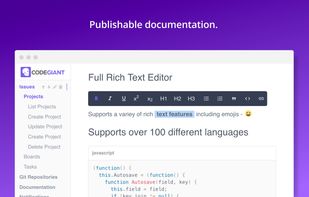
Codegiant includes pretty yet powerful tools for agile project management. It is meant to be a single platform for project management. People are loving it as a great alternative to Jira as it is faster with better UI/UX and is free to use for upto 5 users.
United States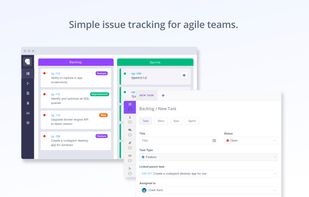


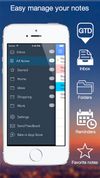
Note-ify it's an elegant, simple and easy-to-use application made in minimalistic design developed for the iPhone and iPad. It will help you quickly and easily save your thoughts, ideas and all necessary information in the form of text notes.






Doddle, the all in one Client, Team, Project and Task Management platform. With: Lead Management Integrated CRM - all your client information in one place Time Management - track billable time Daily 'Today' list - plan and view all of today's tasks.
 United Kingdom