
Fast, lightweight and easy to use Minecraft launcher. Natively available for Windows and Linux.
Cost / License
- Free
- Open Source
Application type
Platforms
- Windows
- Linux
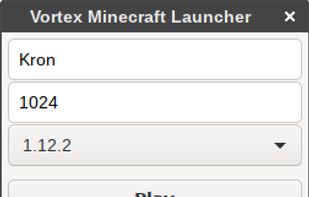

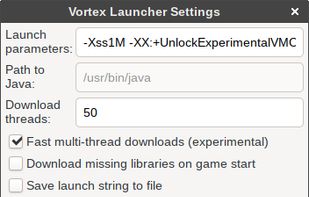

V


Apps similar to MultiMC include Prism Launcher, which is free and open source. Other options are PineconeMC (formerly ElyPrism Launcher), Shard Launcher, Freesm Launcher and Shattered Prism. There's no shortage of Minecraft Launchers like MultiMC, with more than 25 alternatives for Windows, Linux, Mac, Android and iPhone.
Fast, lightweight and easy to use Minecraft launcher. Natively available for Windows and Linux.
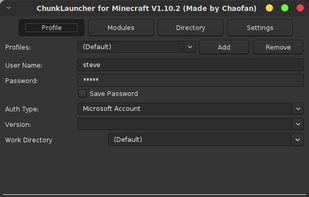
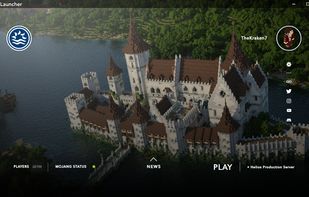
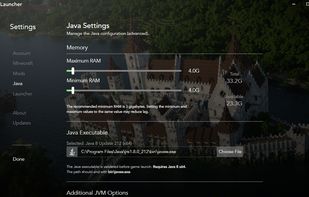
Minecraft game launcher. The main features of the launcher are the same as the official launcher, including managing game versions, player profiles, and launching Minecraft. ChunkLauncher also supports Minecraft Forge game versions.

HMCL is a cross-platform Minecraft launcher which supports Mod Management, Game Customizing, Auto Installing (Forge, Fabric, Quilt, LiteLoader and OptiFine), Modpack Creating, UI Customization, and more.
 China
China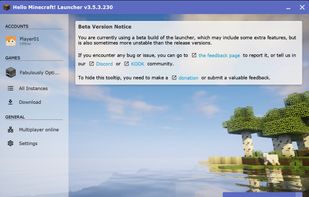
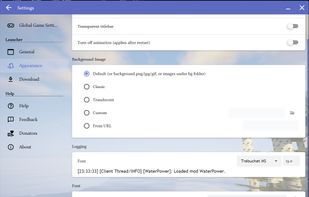

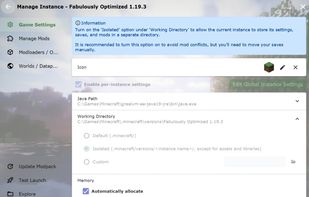


UltimMC is a custom launcher for Minecraft which allows you to manage multiple instances and use offline ("cracked") accounts while keeping as close as possible to the original.

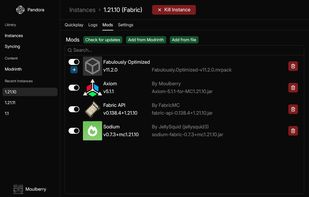
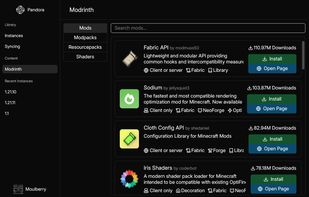
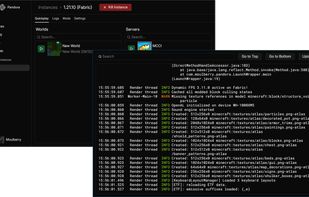
Pandora is a modern Minecraft launcher that balances ease-of-use with powerful instance management features.

Untitled Minecraft Launcher (UML) is a command-line Minecraft launcher for Linux, written in Rust. It's built for people who want a Minecraft launcher that can be fully used without leaving a terminal.

Open-source desktop Minecraft launcher for Windows and Linux with isolated instances, Modrinth modpacks, automatic Java, crash diagnostics, and safe backups.
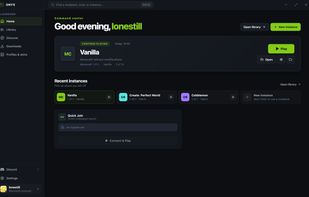
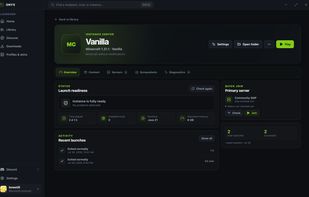
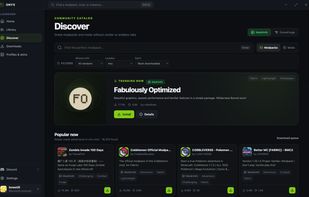


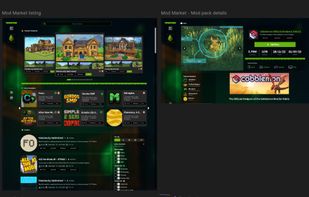
Free Minecraft launcher for Windows, macOS, and Linux with one-click modpack installation, performance optimization, and ad-free gameplay.
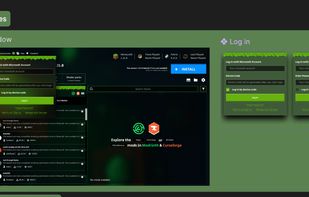
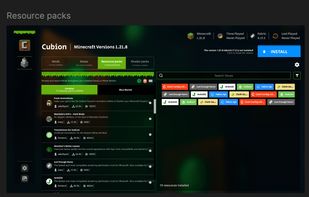


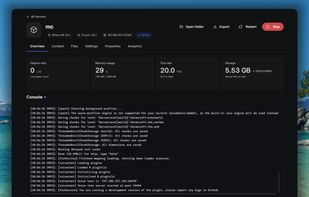
Catalyst is a free and open-source tool for hosting Minecraft servers on your own computer or server. It gives you an easy dashboard to create, start, stop, manage, and monitor your servers without needing to use the terminal all the time.
 Germany
 EU
EU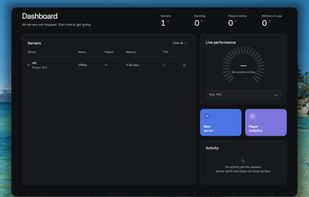




 United States


