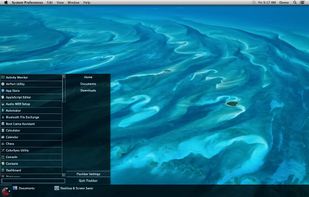
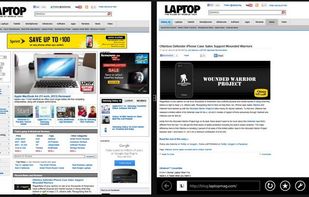
SplitView enables dual monitor usage with Remote Desktop and widescreen monitors.
Cost / License
- Paid
- Proprietary
Platforms
- Windows


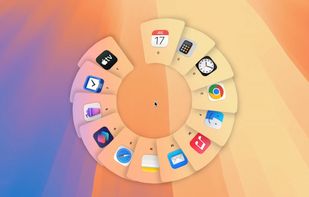
Apps similar to Multi Dock include RocketDock, which is free. Other options are ObjectDock, Compiz, Pieoneer and DockProfiles. You're spoiled for choice with Window Managers like Multi Dock: we list more than 50 alternatives for Mac, Windows and Linux.
SplitView enables dual monitor usage with Remote Desktop and widescreen monitors.

A zero-config Mac app switcher that learns your habits. Click your mouse and type - no shortcuts to remember. Simple. Fast. Effortless.
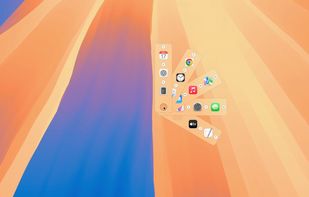
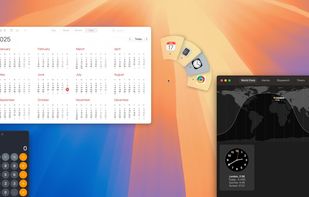
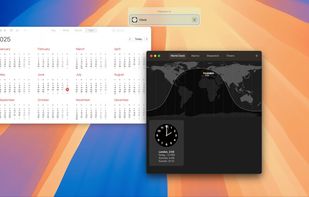


Split Screen allows you to effortlessly resize windows to exactly half your desktop at the touch of a simple keystroke. Gone are the days of trying to resize windows to fit nicely next to each other, with Split Screen it is as easy as pressing a button.
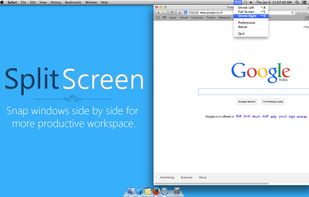
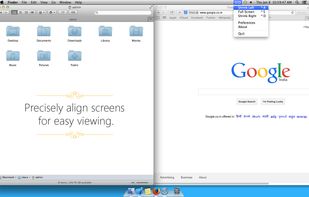
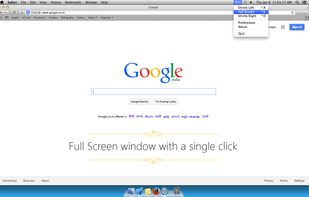
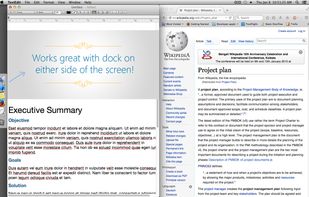

Handle windows, from the comfort of your home row.
Using AppGrid is dead simple. Just use the global hot keys to move and resize your windows. The windows will automatically fit themselves to a simple but flexible grid.
The default global hot keys are designed to be comfortable.
 United Kingdom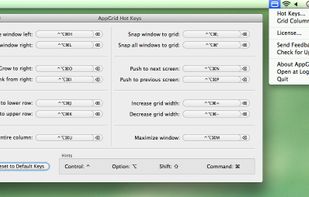

The macOS Dock is built around apps, not windows. Multiple displays and desktops make it hard to track what's open where. boringBar keeps windows organized by desktop, with instant previews, one-click desktop switching, and pinned apps within reach.
 United States
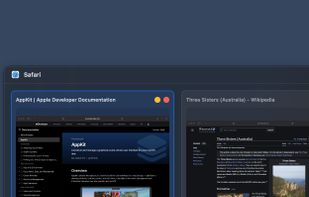




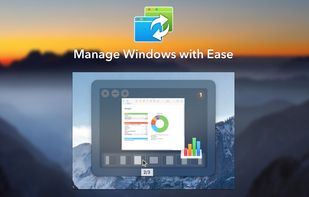
When Mac several applications are running, with many windows open, it is difficult to manage the chaos and to work productively. Manually switching between windows and placing them on the screen wastes a lot of time.
 Ukraine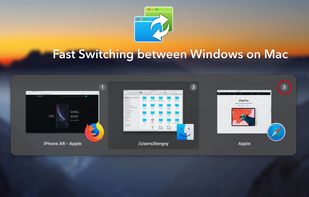
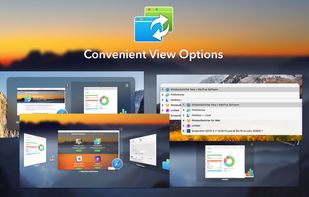


The one and only taskbar for OS X. Try it out and become more productive!