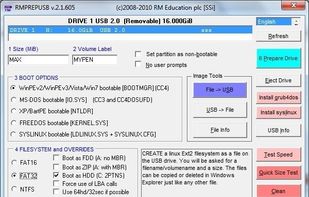
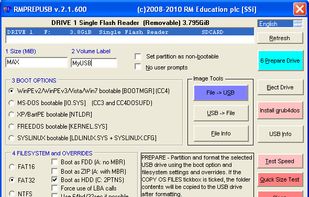
RMPrepUSB allows the Windows user to easily and quickly 'roll their own' multiboot USB drive.
Platforms
- Windows
 United Kingdom



One of the most popular alternatives to YUMI exFAT is Rufus, which is free and open source. Other popular alternatives are Ventoy, balenaEtcher, UNetbootin and Universal USB Installer. You're spoiled for choice with Bootable USB Creators like YUMI exFAT: we list more than 50 alternatives for Windows, Linux, Mac and Android.
RMPrepUSB allows the Windows user to easily and quickly 'roll their own' multiboot USB drive.
United Kingdom
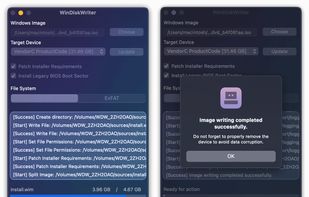
Prepare bootable USB drives for Windows on macOS with support for UEFI and Legacy BIOS modes. Patches Windows 11 to bypass TPM and Secure Boot requirements, requires just an image file and USB. Offers a quick, user-friendly process for PCs and Intel Macs.
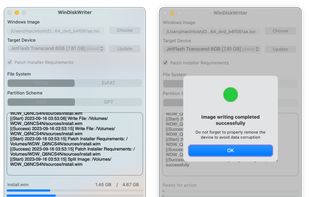


 Germany
 EU
EU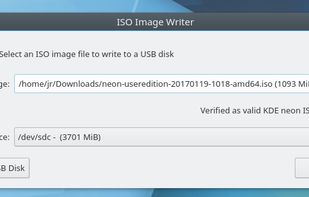


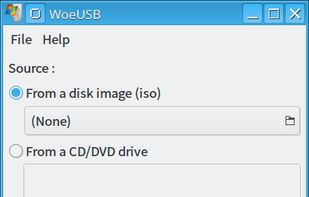
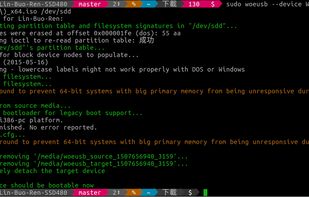
WoeUSB is a simple tool that enable you to create your own usb stick windows installer from an iso image or a real DVD. It is a fork of Congelli501 s WinUSB.


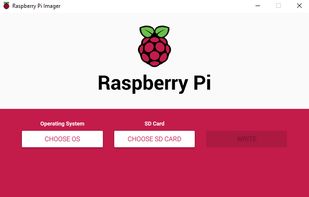
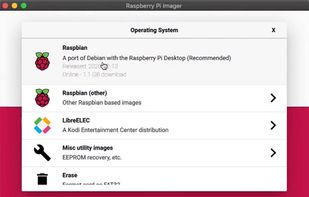
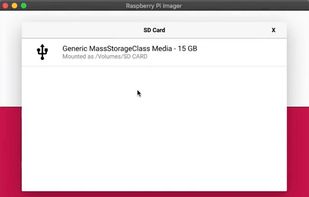
Use Raspberry Pi Imager for an easy way to install Raspberry Pi OS and other operating systems to an SD card ready to use with your Raspberry Pi.
United Kingdom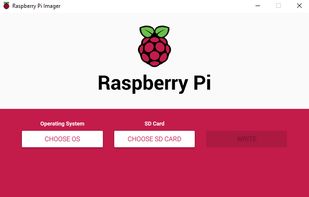


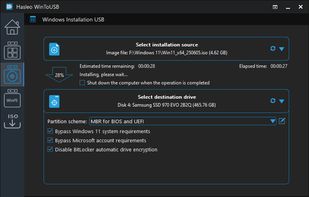
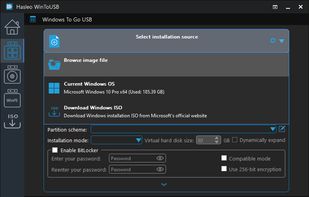
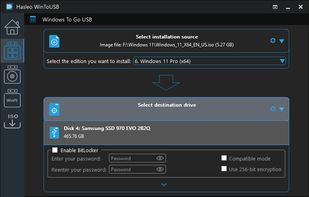
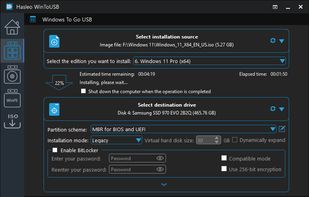
WinToUSB is a free software that allows you to install and run Windows operating system on a USB hard drive or USB flash drive, using an ISO image or CD/DVD drive as the source of installation. WinToUSB also support creating bootable WinPE USB drive, it can help you to transfer...


Write an ISO or other image to multiple USB devices all at once. Easily preparing a bunch of flash drives of your favorite OS with just a couple of clicks.
 United States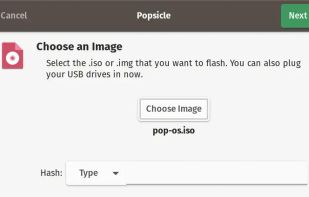
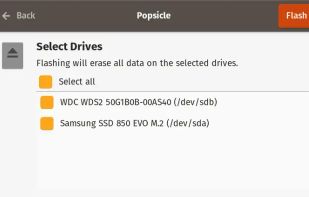
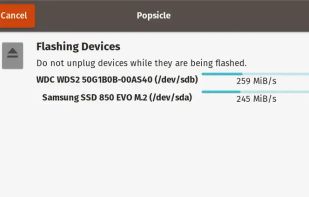
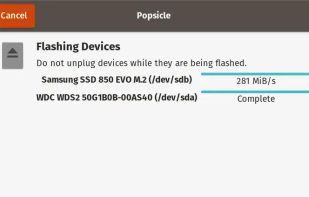


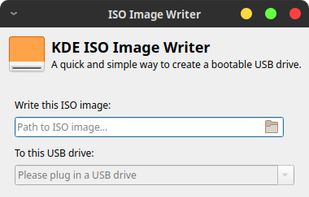
A rufus clone designed to work with linux, burn ISO Windows/Linux images to external flash drives like USB devices or TF cards.
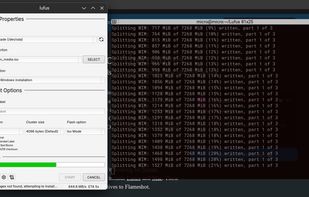
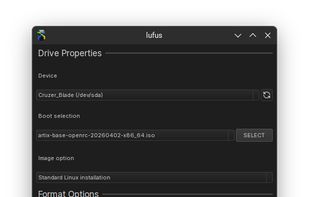
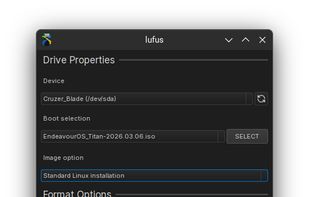


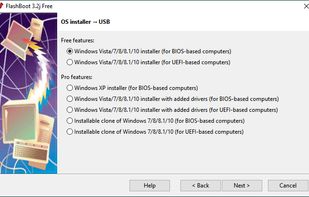
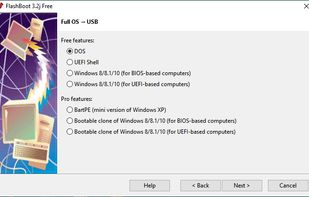
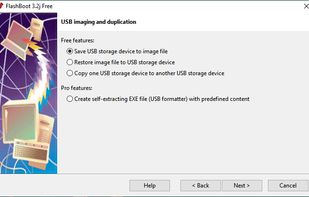
FlashBoot is a tool to create an installable clone of Windows 7/8.x/10 (including all your apps and data) on the USB thumbdrive/HDD and instantly transfer your entire OS to another computer, even with dissimilar hardware:
 Russia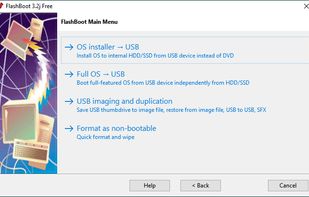


A tool to create a bootable live USB drive with an edition of Fedora. Not only can Fedora Media Writer write an image to your flash drive, it can also download it for you. It offers official editions (Server, Workstation), Fedora spins (KDE Plasma Desktop, Xfce Desktop, Cinnamon...
United States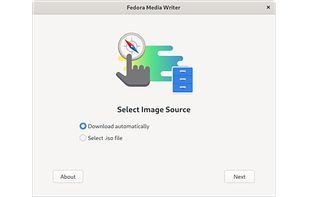
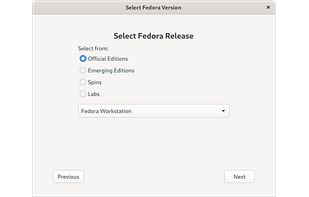


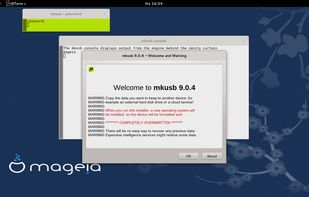
(Straight up rufus for Linux users ) The mkusb tool was developed to make it simpler and safer to create boot drives with the method to flash or clone an iso image or a compressed image file. It is using dd under the hood.


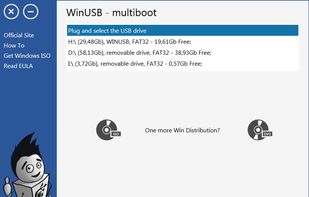
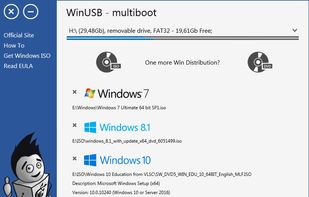
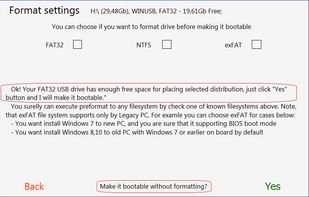
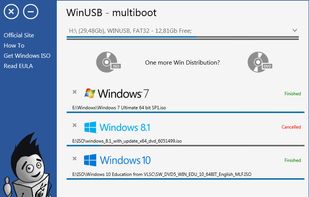
WinUSB - simple, portable and lightweight tool, lets you create multiple Windows bootable USB flash drive using ISOs or DVDs. Formatting drive is not required when free space is enough. Boot with NTFS flash drive in UEFI system supported for most PC.