WildRename is a multi-file renaming application with simple user interface helps you build and perform many file renaming operations one-by-one or in batches.


Multi File Renamer is described as 'MultiFileRename is a program that can easily rename multiple files within the same directory. And repeat the same procedure(s) on different directories and at a later time' and is a File Renamer in the file management category. There are more than 50 alternatives to Multi File Renamer for a variety of platforms, including Windows, Mac, Linux, BSD and Flathub apps. The best Multi File Renamer alternative is Bulk Rename Utility. It's not free, so if you're looking for a free alternative, you could try Bulk Rename Utility or Ant Renamer. Other great apps like Multi File Renamer are ReNamer, Rename X Pro, NameQuick and Rename Master.
WildRename is a multi-file renaming application with simple user interface helps you build and perform many file renaming operations one-by-one or in batches.


A file renamer which renames many files at once. Has Undo, you can preview changes instantly & use STAR TREK stardate/startime.


Helps you rename a batch of files and folders with all kinds of customizable and flexible renaming rules. Especially, rename MP3 files with ID3 Tags and rename photos using EXIF data. it can batch convert and edit your photos, even encrypt your file or folder names with RC4 or...


FileWrangler's speed is back to the gold old days; 2.5 GB of data, composed of 11,000 files nested 8 subfolders deep can be renamed in under 30 seconds on a PowerBook.


Panda Batch File Renamer is an easy to use utility for changing the names of multiple files.


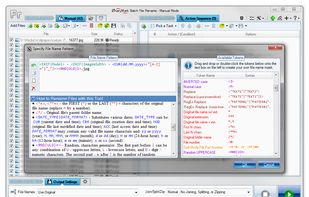
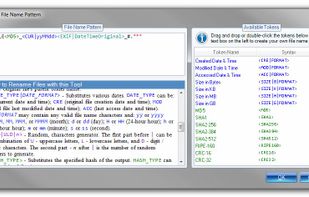
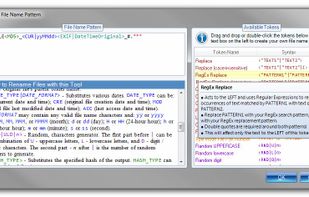
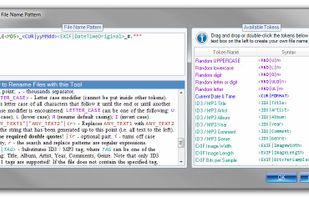
Rename multiple files according to a pattern you specify. Modify original file name by removing/copying its parts, replacing text, or changing letter case. Use dynamic elements like file properties, hashes, MP3 ID3 and EXIF tags, random characters.


Magic File Renamer (MFR) is a powerful multiple file renamer and ID3 tag setter. With MFR you can change names, dates and attributes for files and folders instantly. MFR also let you change text files contents and ID3v1 / ID3v2 tags for MP3 files.


Run Renamer.exe to add a shortcut to the SendTo menu. Then select a set of files to be renamed in Windows Explorer, right click, select SendTo menu, and select Renamer to rename all these files.


vimv is a terminal-based file rename utility that lets you easily mass-rename files using Vim. It lets you leverage the power of Vim, for example use visual selection to delete a prefix from all files or use search and replace to match patterns.