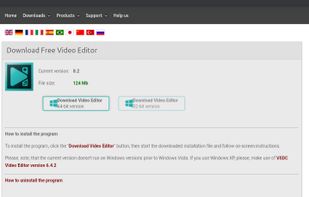
VSDC Free Video Editor allows you to add quick changes to a video file as well as create a more complex project involving advanced post-production techniques.
Platforms
- Windows
- iPhone
 United States



+9


Sites and apps similar to Miru include Kdenlive, which is free and open source. Other options are Shotcut, Avidemux, OpenShot and DaVinci Resolve. Video Editors like Miru are a crowded field, with more than 25 alternatives for Windows, Mac, iPhone, Android and iPad.
VSDC Free Video Editor allows you to add quick changes to a video file as well as create a more complex project involving advanced post-production techniques.
United States
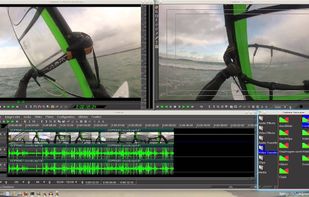
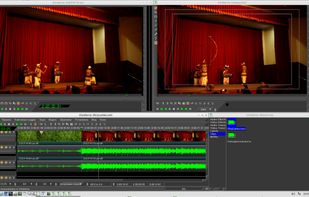
Cinelerra is a highly advanced and professional non-linear video editing software, but still remains open source. Cinelerra solves three main tasks: capturing, editing and compositing.
United States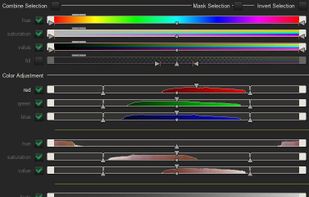



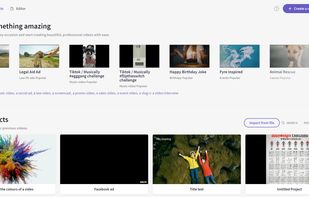
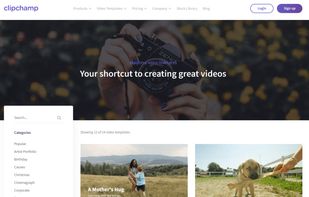
Browser-based video editor offering customizable templates, stock footage and audio, intuitive drag-and-drop interface, real-time preview, webcam and screen recording, multiple file format support, fast auto-save, watermark-free exports, and cloud integration.
United States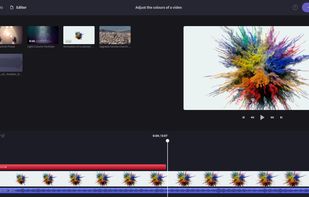



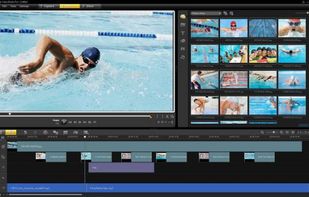
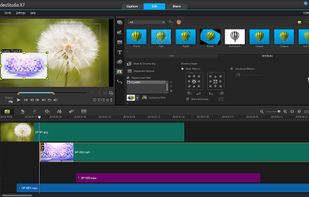
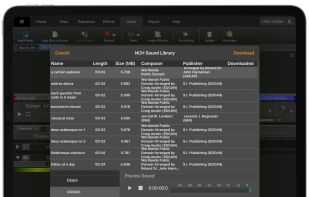
Comprehensive video editor with over 50 visual effects and transitions, offering real-time previews and fully adjustable parameters. Supports diverse audio/video formats, adds photos and text, and enables sharing on DVDs, HD DVDs, Blu-Ray, mobile devices, or online. Free and professional versions available.
 Australia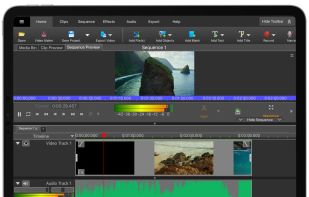
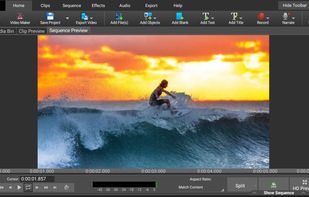
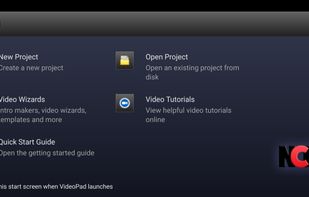


Empower your video and photo editing with advanced AI tools, including instant presets, seamless slow-motion, smart tracking, and 4K output resolution, perfect for social sharing.
United States




YouTube's official editing app, offering a range of features such as filters, effects, royalty-free music, voiceover, auto-captions & more, to enhance your videos without complex editing tools.
United States



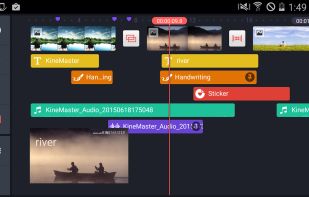
Mobile video editor supporting multiple video, image, audio, sticker, and text layers, real-time previews, frame-by-frame edits, advanced color controls, transitions, precision audio, customizable effects, and direct sharing to online platforms.
 South Korea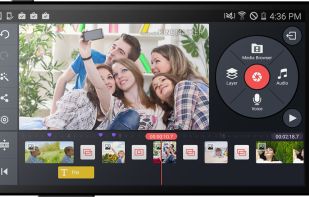


Leverages multitrack timeline editing, built-in filters, effects, title templates, and stickers. Enhance video with audio tools, slow motion, and stabilize clips. Fast export to popular formats, upload directly to YouTube, Vimeo, and Google Drive.
 Cyprus
 EU
EU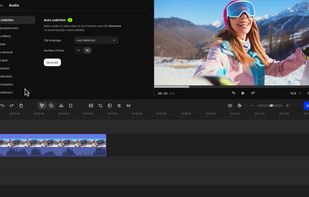

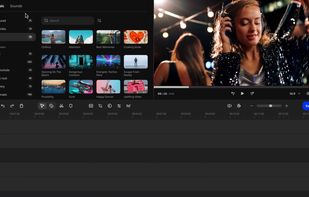


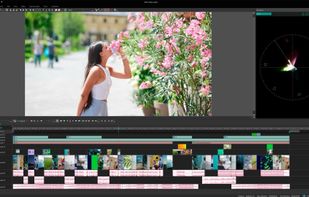
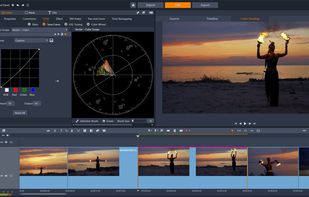
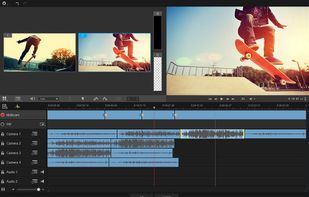
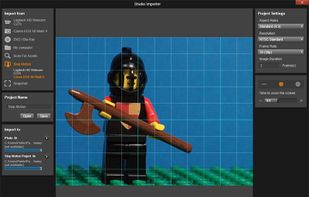
Non-linear editor for Windows supporting HD, 4K, and 360 video, unlimited tracks, advanced effects, multi-camera editing, screen recording, stop motion, enhanced keyframe controls, audio layering, split screen, selective color, and disc or web export.
United States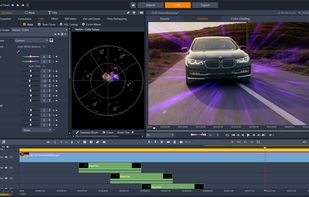


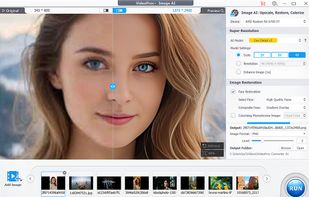
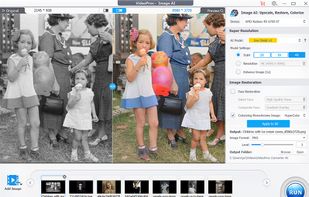
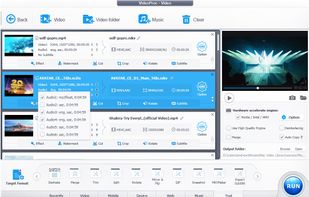
Comprehensive AI tool for video, image, audio enhancement, offering remastering, upscaling, various conversions, and basic editing, powered by GPU acceleration, for HD/4K HDR content from devices like iPhone, GoPro, and more.
 China
China


LightCut is an AI-powered video editing app with awesome templates and effects that help you create stylish videos and vlogs with ease. Try the AI video editor for unique videos with just a tap, or the Inspire Cam feature, which lets you shoot like a pro.
China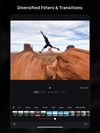




Comprehensive video-editing software enabling HD and standard-definition movie creation with intuitive editing tools, advanced creative control, and seamless sharing on social media, mobile devices, and disc formats for both beginners and experts.
 Canada