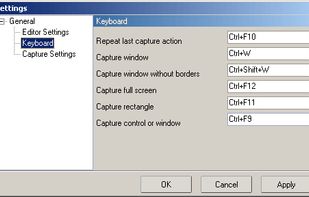
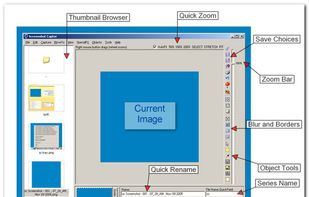
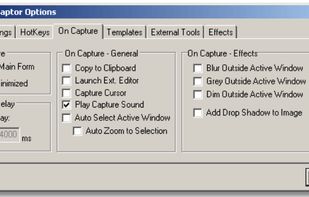
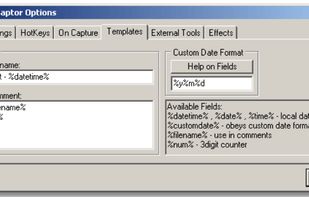
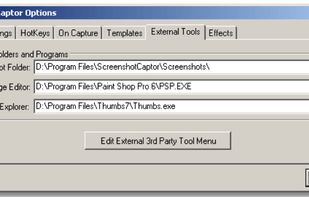
Screenshot Captor is a program for taking screenshots on your computer. Its different from other screenshot utilis in several notable ways:
Cost / License
- Free Personal
- Proprietary
Application type
Platforms
- Windows
 United States



+7


Apps similar to MiniSnip include ShareX, which is free and open source. Other options are Greenshot, Flameshot, macshot and Snipping Tool. You're spoiled for choice with Screenshot Capture Tools like MiniSnip: we list more than 50 alternatives for Windows, Mac, Linux, the web and Android.
Screenshot Captor is a program for taking screenshots on your computer. Its different from other screenshot utilis in several notable ways:
United States
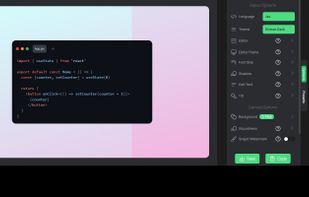
If you are using Windows, SnapInker is an easy way for beautifying your screenshots with effects such as Background Images, Shadow effects, and more.
 United Kingdom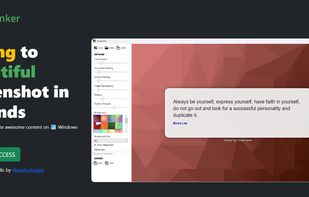


ScreenshotX is a new, lightweight app for Windows for creating beautiful screenshots. It's freeware, it doesn't come with any spyware and you can also share your screenshots without the need to register or any other nonsense.
United States
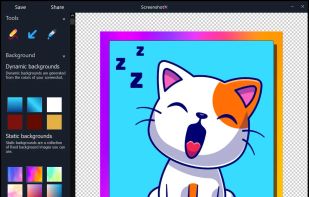


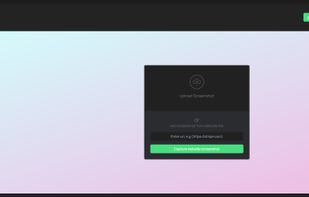
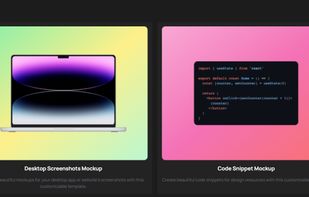
Snapit is a tool to capture, annotate, and share screenshots with just few buttons. Take a screenshot of anything on your screen and we’ll make it look amazing in seconds. Creating beautiful screenshots has never been so easy!


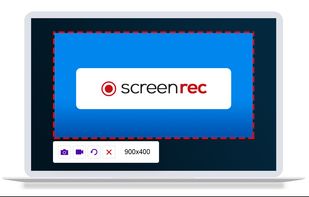
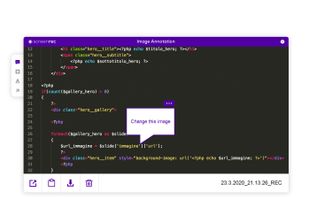
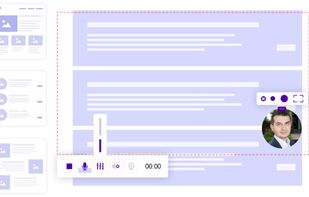
ScreenRec is a free screen recorder for Windows, Linux, and Mac with webcam, microphone, and system audio capture. Record without a watermark or time limit, store videos in free cloud storage, and share instantly with private links.
 Bulgaria
 EU
EU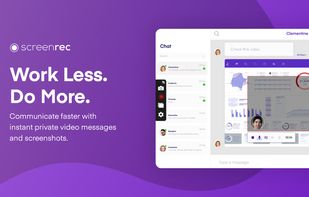


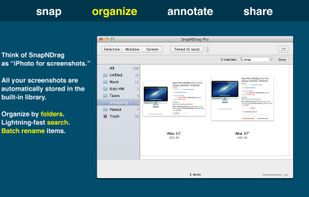
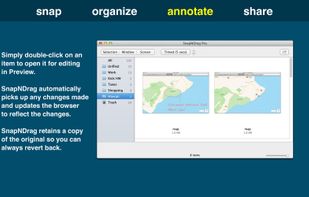
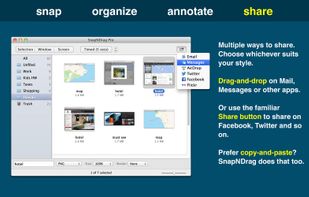
SnapNDrag makes taking screenshots super easy. Click, select and the screenshot is added to your library. SnapNDrag maintains a library of all the screenshots you have ever taken. Think of it as iPhoto for screenshots.
United States


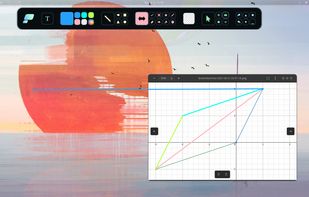
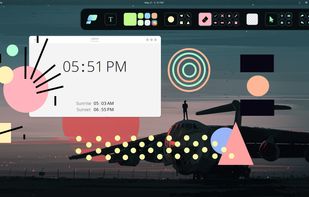
Pensela is an screen annotation tool that can also take screenshots available cross-platform.

 GermanyEU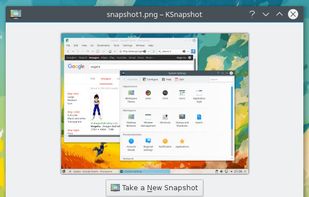


This application allows you to capture the entire screen, the active window or a selected region. You can set the delay that elapses before the screenshot is taken and the action that will be done with the screenshot: save it to a PNG file, copy it to the clipboard, open it...
GermanyEU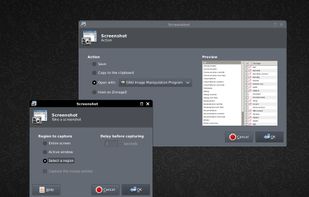


Swappy is a Wayland screenshot editing tool featuring brushes, text, shapes, arrows, and blur. Images can be saved locally or copied directly to the clipboard.
 FranceEU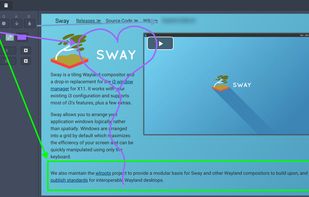


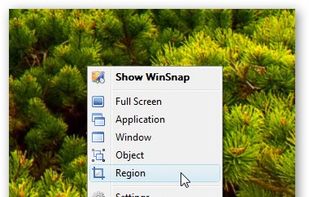
WinSnap is a small enhancement utility for taking and editing screenshots. Standard features include easy capture of non-rectangular windows with customized and transparent backgrounds, simple and automatic canvas transformations, coloring effects, and the addition of eye-candy...
 Russia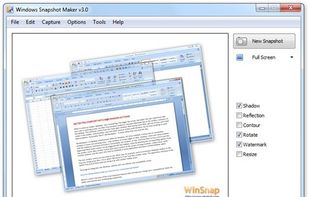



Easy Screen Capture and Annotation lets you capture and annotate any part of the screen. The main goal of the product is to speed up the capture and editing process saving you valuable time by automating repetitive tasks.
United States