Cost / License
- Paid
- Proprietary
Application type
Platforms
- Online
 Germany
 EU
EU


Microsoft Word is one of the most widely used word processors, known for document editing, formatting, collaboration, and AI-assisted writing. Still, many users look for alternatives—often because of cost, licensing, or platform preferences.
On this page, you’ll find Microsoft Word alternatives that cover a wide range of needs. Some focus on being open source, others on strong real-time collaboration, and many work across platforms like Windows, macOS, and Linux. You can use the filters to narrow the list based on what matters most to you.
If you prefer a free and open solution, LibreOffice Writer and ONLYOFFICE are popular choices, offering desktop apps and good Microsoft Word file compatibility. For users who mainly work in a browser, Google Docs emphasizes easy sharing and live co-editing without installing anything. Privacy-focused users may want to explore Proton Docs, which stores documents with end-to-end encryption.
Word alternatives generally fall into two groups: offline desktop editors for working without an internet connection, and cloud-based editors designed for teams collaborating in real time. Some tools support self-hosting for full data control, while others prioritize convenience and instant access from any device.
Use the filters above to compare features like PDF export, spell checking, collaboration tools, platform support, and licensing—and find the Word alternative that best fits your workflow.
GermanyEU
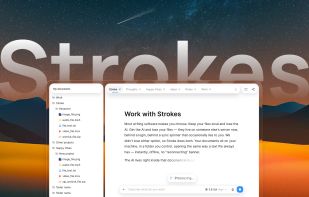
A modern AI document editor, write your documents with ease with intergrated Context aware AI.
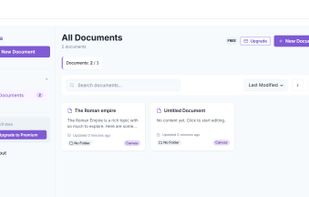
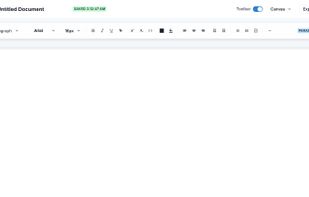
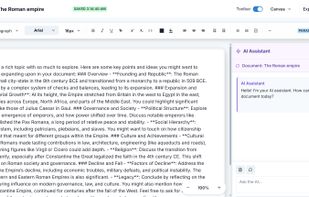
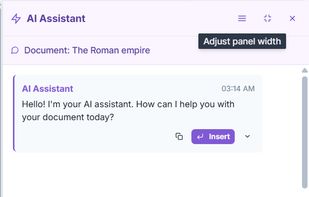


Tolstoy Compose is a local-first professional writing app you can use in your browser or install as a Progressive Web App. Keep your notes, research, citations, feedback and earlier versions together in one place.
 United Kingdom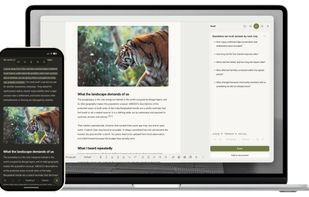

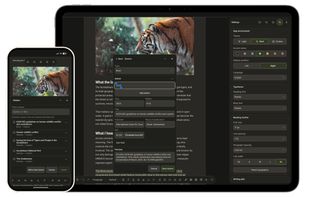
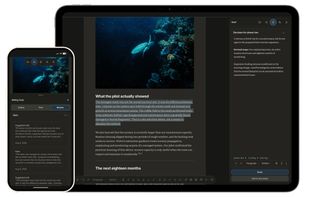


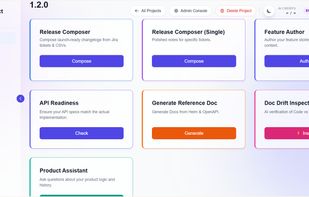
SudoDocs is an AI-powered documentation assistant for technical writers and product teams. You can create product demos and author product features along with composing release notes for your launches.
 India
India




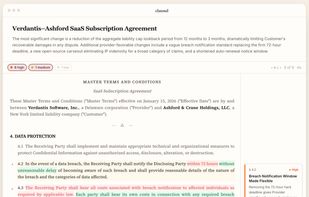
AI-powered document comparison for legal teams that separates material changes from formatting noise and produces clean, export-ready redlines.

DocCafe is a native .docx editor for Mac and Windows that opens, edits, and saves Microsoft Word files offline — no account and no separate subscription. Documents round-trip with Word and Google Docs. DocCafe is included in every getapps.cafe subscription.
 United States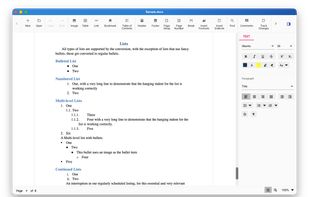
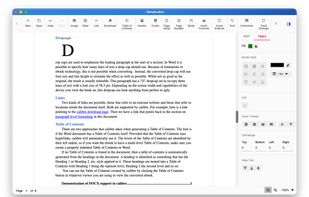
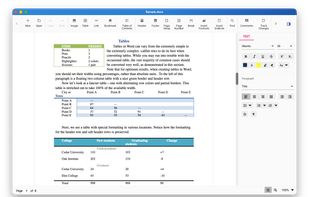
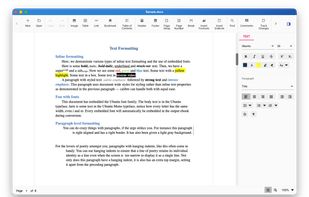


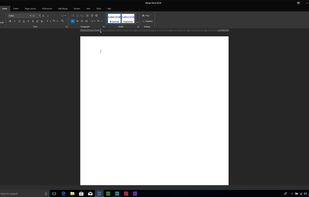
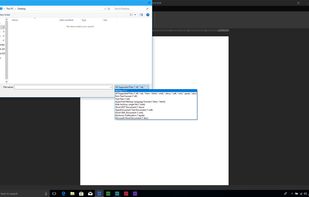
Merge Word is a user friendly word processing application. It is fully compatible with most word processing file formats. It is a great value in comparison to other word processors. It is part of Merge Soft Office.



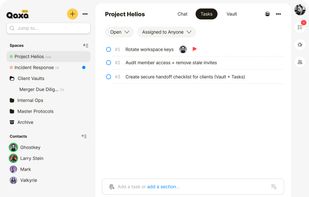
Qaxa is an end-to-end encrypted workspace for teams. Chat in real time, assign tasks, write notes, and share files — all encrypted on your device. Your encryption keys stay with you, so Qaxa can’t read your content. No trackers. No logs. No AI training.
 SlovakiaEU



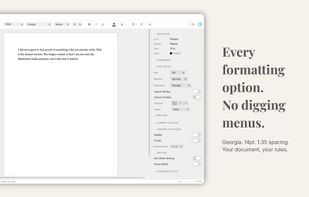
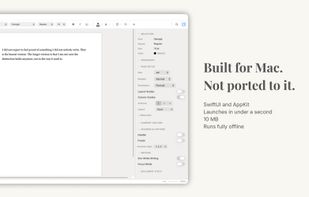
Verso Writer is a word processor that feels like it belongs on your Mac, because it does. Built natively for macOS, it launches in under a second, respects Dark Mode, and never asks you to create an account or sign into anything.
United Kingdom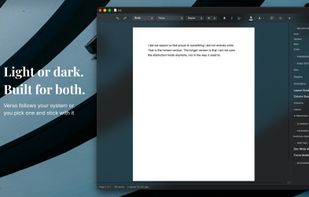



Letters is a modern, minimalist word processor for the GNOME desktop, with support for reading and writing DOCX, ODT, MD and HTML, using the Pandoc library.
India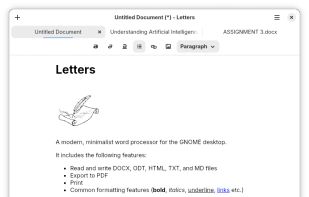


Storyloft is an AI-powered writing, design, and publishing platform that helps authors write, edit, format, and publish books—all in one place.
United States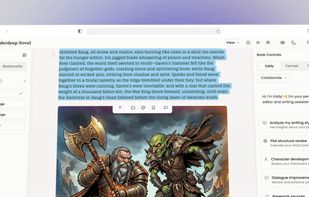




Desktop text editor for macOS and Windows with GPT, Claude, Gemini and Grok built in: AI edits appear as diffs you accept or reject, and documents stay as files on your disk.