


Cost / License
- Paid
- Proprietary
Application typeApplication types
Platforms
- Mac
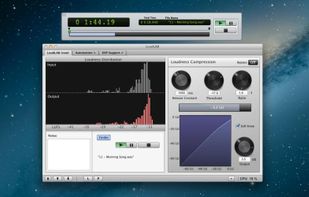

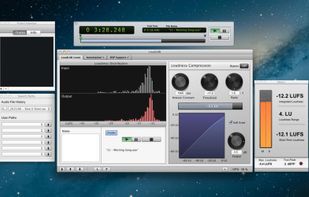

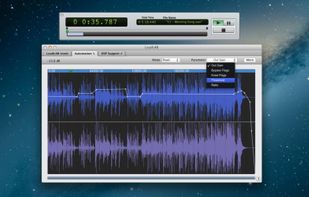


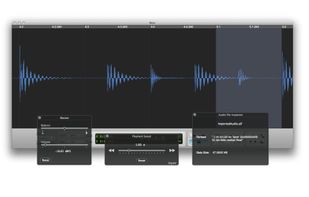
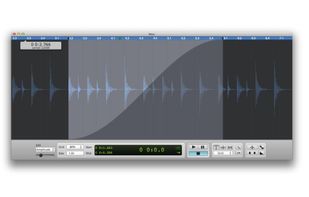
Fluctus is a professional audio file editor for the most basic audio engineering needs. It allows fast and simple audio editing and conversion.


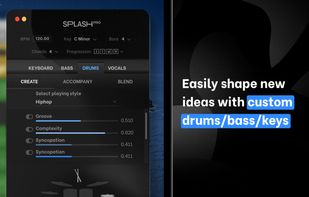
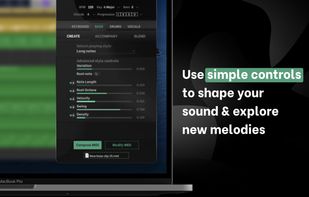
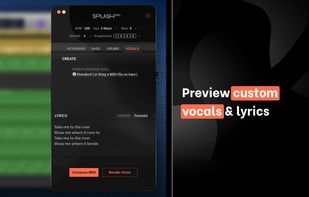
Splash Pro is a totally new, simple, and powerful music creation tool and the easiest way to get creative in Garageband, Logic Pro X, or your favourite DAW. Using exclusive A.I technology, Splash Pro allows YOU to generate an infinite number of unique musical ideas, melodies...
 United Kingdom


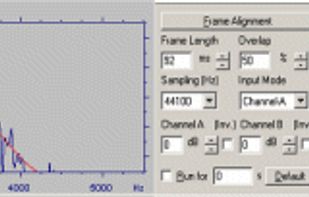
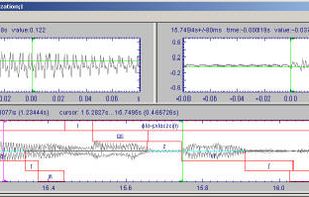
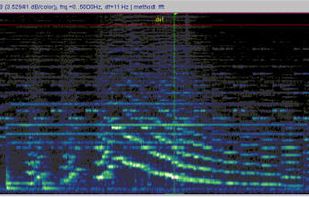
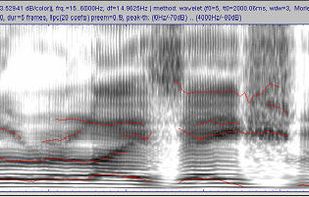
S_TOOLS-STx provides tools for digitization of sound, single or multi (up to 128) channel signal recorder, 16/24 bit, sampling frequencies depending on audio hardware; analogue to digital transfer.


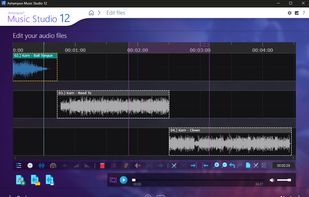
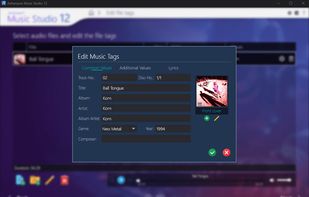
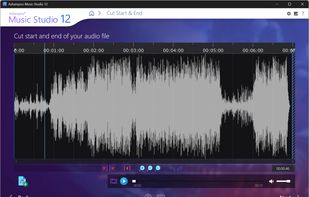
Ashampoo Music Studio offers a comprehensive set of tools to easily edit, produce, cut, mix, and organize audio files. Even streams from apps like Spotify, Deezer, or Amazon Music can be conveniently recorded.
 Germany
 EU
EU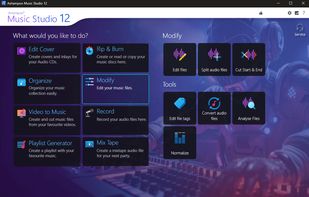


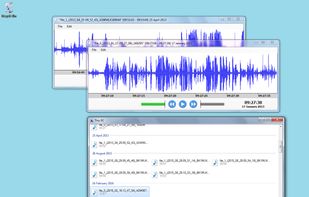
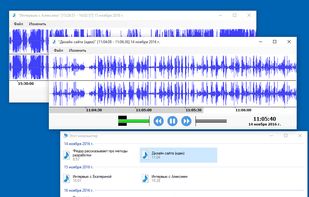
Edic Suite helps you to keep track of all voice recordings on your computer. Comes with other features (trim tool, noise removal, autogain, channel mixer, converter into flac, autopause playback).


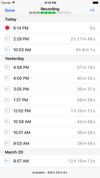
Speecap is a high-quality voice recording app for iPhone, iPad and iPod touch. Speecap automatically detects and eliminates background hissing noise while recording. No need of expensive professional microphone. Easily make clean speech recordings with any cheap microphone.


 GermanyEU




Ashampoo Soundstage Pro processes all audio signals on your PC and alters them to simulate how they would sound on an actual surround system.
GermanyEU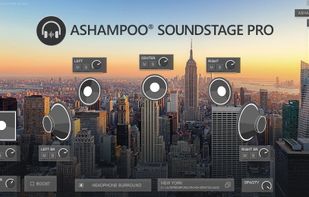


AutoAudioRecorder is a Windows audio recording tool directly records the sound inside the PC to mp3 files and supports automatic start and stop. It can help you to record audio lessons, online meetings, VoIP calls, live broadcasts or any content.
 China
China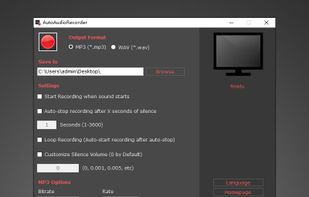


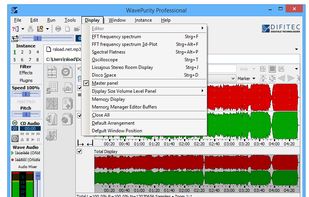
WavePurity is a powerful software tool for recording, replaying, editing and restoring music tracks. It is equipped with excellent digital filters for reducing noise and crackling, filters for frequency response correction, and effects filters, which allow you to improve...
GermanyEU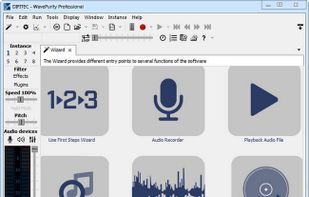


 Australia


