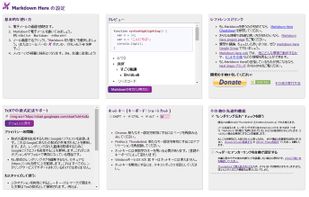
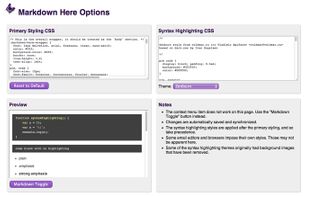
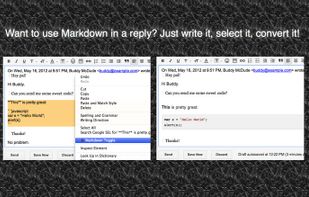
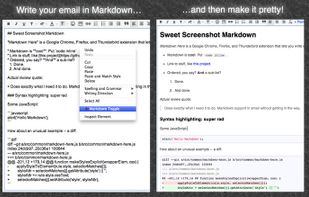
Google Chrome, Firefox, and Thunderbird extension that lets you write email in Markdown and render it before sending.
Platforms
- Mac
- Windows
- Linux
- Google Chrome
- Google Charts
- Thunderbird
- Firefox
 United Kingdom



+2


Apps similar to MarkUpDown include Typora. It's paid, but ghostwriter and MarkText are free. Other options are Rentry.co, StackEdit, HedgeDoc and Hemingway Editor. There's no shortage of Text Editors like MarkUpDown, with more than 50 alternatives for Mac, Windows, Linux, the web and iPhone.
Google Chrome, Firefox, and Thunderbird extension that lets you write email in Markdown and render it before sending.
United Kingdom
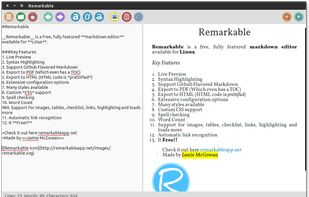
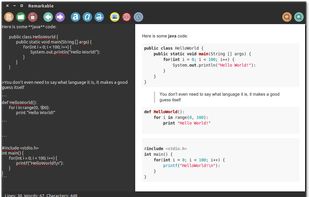
A fully featured markdown editor for Linux. Features include Live Preview, PDF/HTML export, MathJax support, Syntax highlighting, customizable, keyboard shortcuts, GFM, images, tables and much more.


SSuite NoteBook Editor is a free portable text editor that has all the functionality to start you on writing that important novel, short-story or article, with enough bells and whistles to help out. It also includes all the necessary editing short-cut keys for power users and...
 South Africa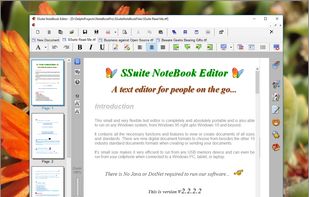


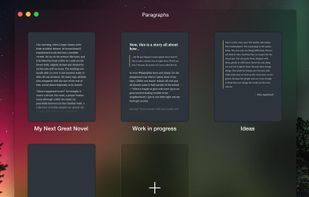
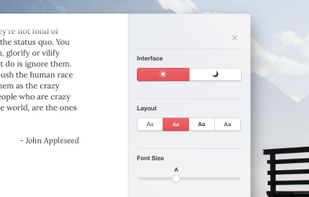
Paragraphs is an app just for writers. It was built for one thing and one thing only: writing. It gives you everything you need to create brilliant prose and does away with the rest.
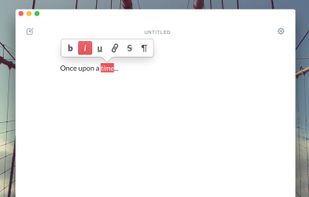


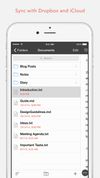
1Writer combines all the basic text editing features you would expect with all the advanced features you will ever need. Use 1Writer to write, research, revise, and share your ideas with maximum efficiency.
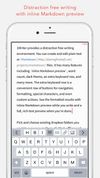



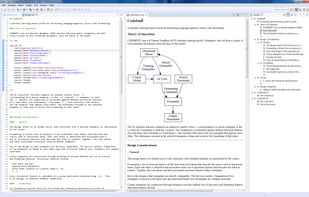
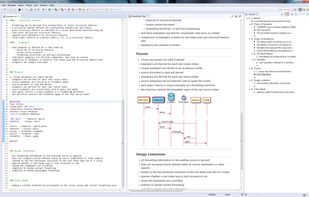


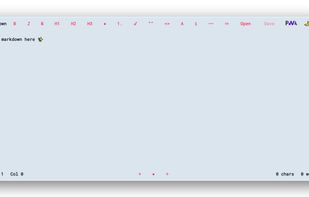
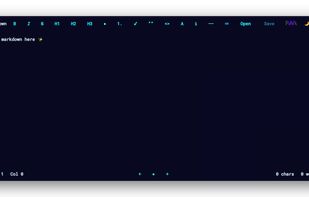


This is the simplest and slickest Markdown editor. Just write Markdown and see what it looks like as you type.
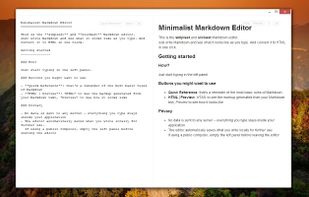
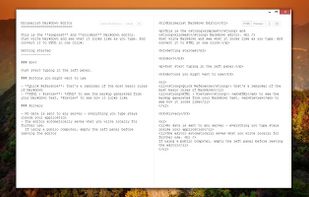


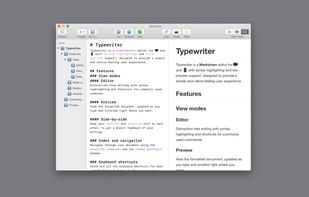
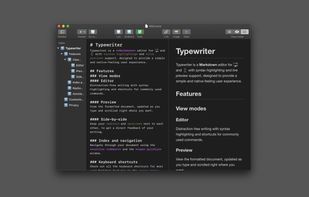


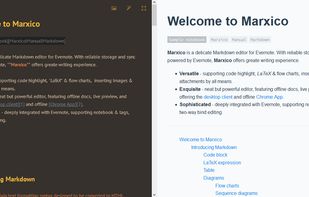
Markdown editor for a note service with live preview, code highlighting, tables, images, attachments, LaTeX, flowcharts, checkboxes, and offline storage. It supports notebook and tag selection, browser and desktop clients, and two-way editing through synchronized rich-text notes.


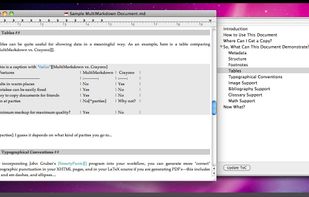
MultiMarkdown Composer is a text editor for Mac that is designed from the ground up around the MultiMarkdown Syntax. It is designed to make writing in MultiMarkdown even easier than it already is, with automatic syntax highlighting, built in previews, easy export to any format...
 United States