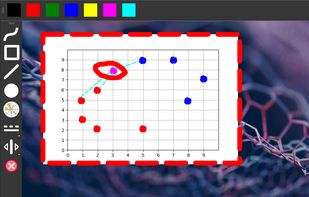


Lightweight Windows annotation tool enabling live drawing, shapes, spotlights, magnification, and click-through overlays, with PDF/image export, portable mode, multi-board backgrounds, and no subscription or registration for seamless presentations.
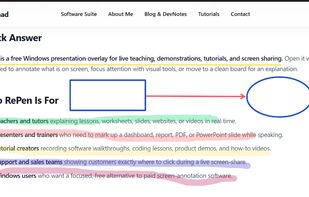




Apps similar to MarkerOn include RePen, which is free and open source. Other options are ZoomIt, Epic Pen, gInk and Gromit-MPX. In total there are eight Screenshot Capture Tools like MarkerOn for Windows, Linux and Mac.
Lightweight Windows annotation tool enabling live drawing, shapes, spotlights, magnification, and click-through overlays, with PDF/image export, portable mode, multi-board backgrounds, and no subscription or registration for seamless presentations.

ZoomIt is screen zoom and annotation tool for technical presentations that include application demonstrations. ZoomIt runs unobtrusively in the tray and activates with customizable hotkeys to zoom in on an area of the screen, move around while zoomed, and draw on the zoomed...
 United States


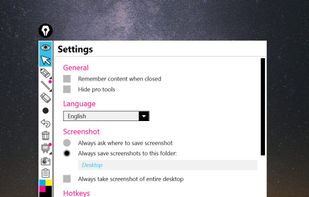
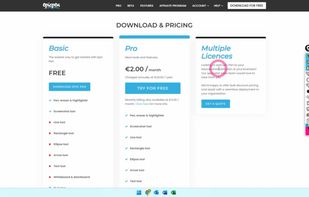
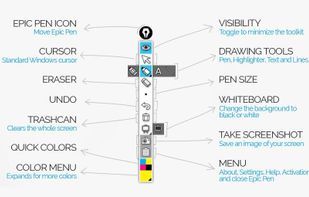
Turn your desktop into a workspace with Epic pen's intuitive drawing tools, enabling free-hand annotation over any app. Supports Windows platform with lightweight features, offline usability, screenshot capture, and comprehensive hotkey functionalities for seamless interaction.
 United Kingdom


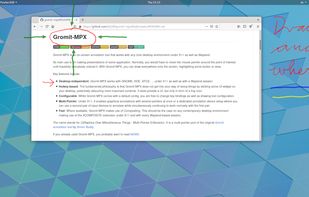
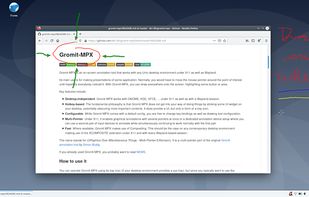
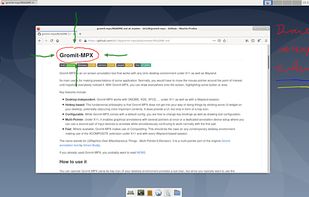
Gromit-MPX is an on-screen annotation tool that works with any Unix desktop environment under X11 as well as Wayland.
 Germany
 EU

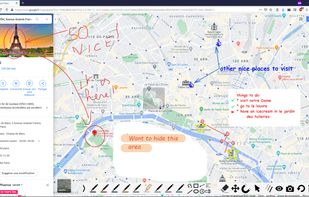
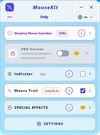
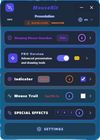
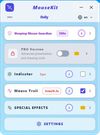
MouseKit turns your mouse cursor into a presentation, on-screen drawing, and cursor-tracking tool — all in one, for Windows.
 Serbia


Screen annotation software which allows drawing directly on the screen. It is an open source and multiplatform (all systems that support Python) alternative to tools such as Epic Pen.