Cost / License
- Freemium
- Proprietary
Platforms
- Mac
- Windows
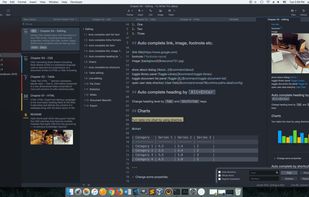


Apps similar to MarkDrop include Typora. It's paid, but ghostwriter and ReText are free. Other options are Hemingway Editor, Dillinger, Marked and Haroopad. You're spoiled for choice with Text Editors like MarkDrop: we list more than 25 alternatives for Mac, Windows, Linux, the web and self-hosting.

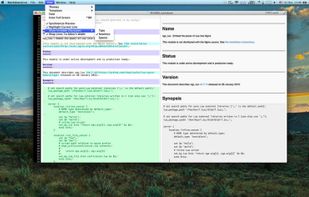
A beautiful and easy to use editor for the popular Markdown markup language, combined with a themed live preview feature, you will never have to write boring documents again.
 United States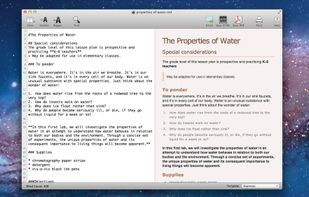
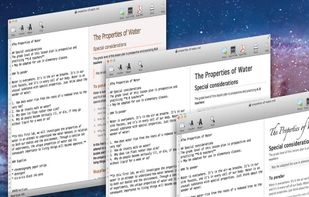


Epsilon Notes is a text editor for writing texts with Markdown-compatible CommonMark tags. Epsilon Notes can generate pdf and HTML code from your documents. CommonMark is an easy text formatting tool taking only a few minutes to learn, Runs on Android and Windows.


A clean & intuitive design focused on things that matter most - your notes! Write offers a well designed writing experience with beautiful inline markdown rendering and some gorgeous fonts. Add Folders from Anywhere.


Writage is a new add-in for Word, which enables to edit Markdown documents. Zero knowledge of Markdown is required in order to write structured documents. No need to remember markup for hyperlink or footnote, or how to format a table.

An elegant and easy to use editor with simplicity for the Markdown markup language. Markdown Life is able to use full power of your new Mac and brings you unprecedented performance.



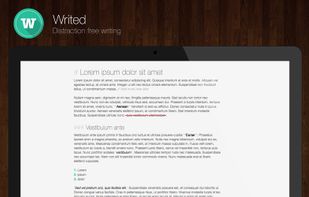
Writed is a distraction free text editor that will help you type more in less time. Writed uses markdown* syntax to format your document in real time, keep both your hand on the keyboard and just type.

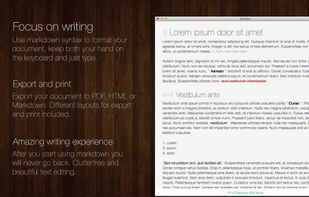


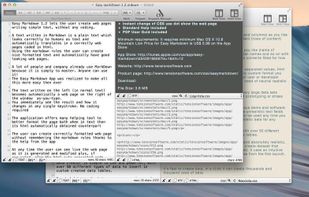
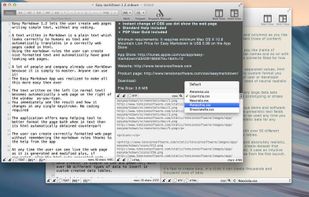
Easy Markdown lets the user create web pages writing simple text using the Markdown rules to create readable well formatted text. A text written in Markdown is a simply text which looks correctly to humans as text and automatically translates in a correct web page.
 Italy
Italy EU
EU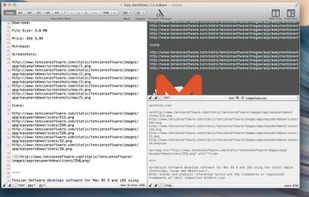


 GermanyEU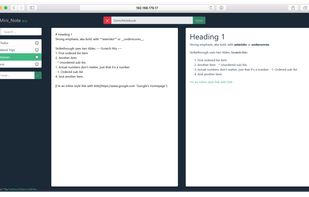


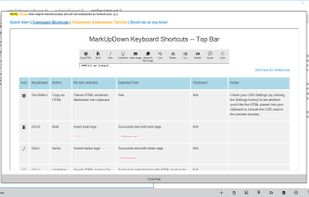
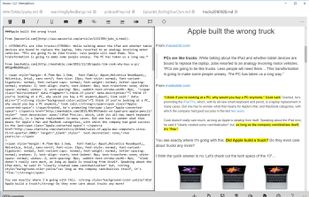
MarkUpDown is an editor specialized to make creating Markdown code easy for beginners and experts. With helpful toolbars for beginners, GitHub Flavored/Multimarkdown table support, and keystroke shortcuts & Easy Actions for the expert, MarkUpDown is ready to help anyone...