


Cost / License
- Free Personal
- Proprietary
Application type
Platforms
- Windows


Apps similar to Magnifixer include SHARA, which has a free version. Other options are ZoomIt, ZoomShot, Eyedropper and LumiZoom. There's no shortage of Screen Magnifiers like Magnifixer, with more than 25 alternatives for Windows, Linux, Mac, the web and Android.

Screen magnification tool designed for low vision users, providing adjustable magnification, clear text rendering with xFont technology, color and pointer customization, multiple monitor support, speech output, cursor enhancements, and application compatibility.
 United States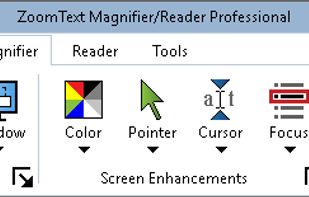

MouseZoom is a nice but small utility. It zooms the current mouse position (50x) and show the color value and the absolute + relative position of the point where the mouse is.
 Germany
 EU
EU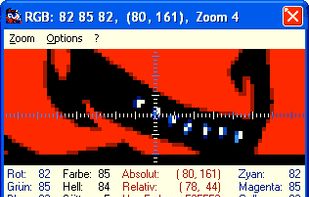

This color picker is an extensive and easy to use color selection tool for web designers, graphic producers and developers. Supported color number formats: decimal, vrml, hexadecimal and RGB hex.
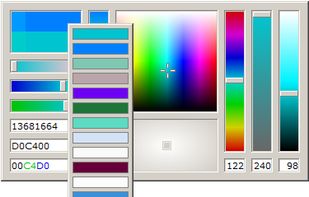


Use ColorPro to create and organize palletes of colors, and change the palette of colors in your HTML webpage simply by clicking
United States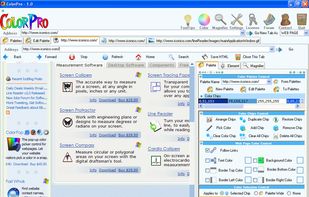


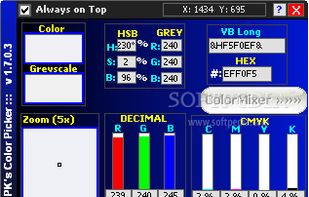
PK's Color Picker is a lightweight freebie application that allows you to pick any color from the desktop screen and get the RGB values.


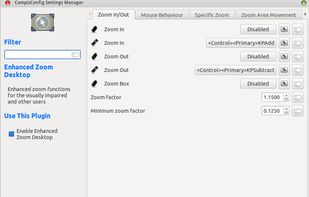
The Enhanced Zoom Desktop plugin allows the whole screen to be zoomed in for improved legibility. It is possible to continue working with other applications while zoomed in.


A lightweight Windows fullscreen magnifier that lives in the system tray. Smoothly zooms and pans around your cursor without a console window.


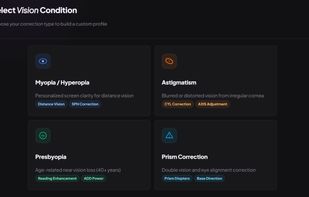
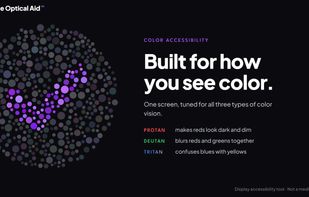
DOA (Device Optical Aid) is a free Windows app that adjusts your screen in real time to make it more comfortable to look at without wearing your glasses.


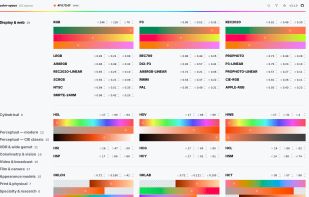
Open collection of color spaces: one minimal API, verified formulas, conventional ranges, zero dependencies. Covers 162 spaces from sRGB, Display P3 and Rec. 2020 through OKLCH, CIELAB, camera log formats and appearance models like CAM16. Backends: JS, WASM, GLSL/WGSL, LUT (.


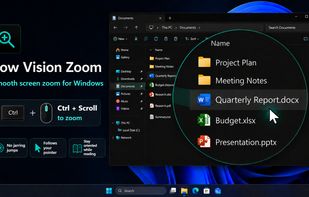
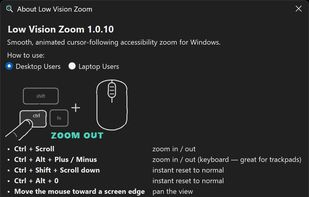
Low Vision Zoom is a screen magnifier for Windows 10 and 11, designed for people with low vision. Hold Ctrl and scroll to zoom anywhere in Windows; the view eases in smoothly and pivots around the mouse pointer so you never lose your place. Works offline and collects no data.


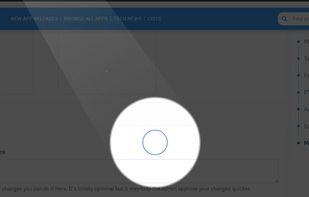
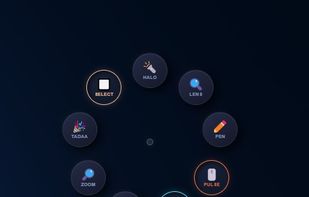
Turn every screen share into a polished presentation. Cursaura adds beautiful cursor highlights, click effects, zoom, annotations, keystroke display, and focus tools directly on your screen — perfect for demos, tutorials, livestreams, online courses, and remote meetings.



 Morocco


