


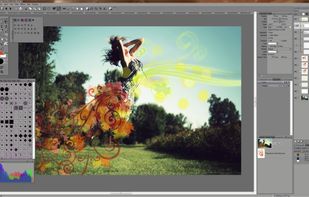
Photoline is a professional image editor which offers creatives a mostly non-destructive workflow for 8/16/32bpc image processing and compositing in RGB, CMYK, and Lab modes.
Full vector editing, DTP features, and a HSV/HIS workflow are supported.




The best Photo Editor alternative to Luminar Neo is GIMP, which is both free and Open Source. If that doesn't suit you, our users have ranked more than 100 alternatives to Luminar Neo and loads of them are Photo Editors so hopefully you can find a suitable replacement. Other interesting Photo Editor alternatives to Luminar Neo are Adobe Photoshop, PhotoSplice, Adobe Lightroom and Pixlr.
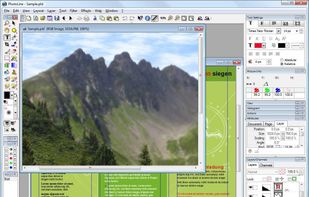
Photoline is a professional image editor which offers creatives a mostly non-destructive workflow for 8/16/32bpc image processing and compositing in RGB, CMYK, and Lab modes.
Full vector editing, DTP features, and a HSV/HIS workflow are supported.

Imagen is an AI post-production tool for professional photographers. It learns and emulates a user's editing style, simplifying the editing process. Users upload past edits for the AI to study and create an editing profile, which can be used to automatically edit large image...
 United States


AliveColors is comprehensive graphics and photo editing software for Windows and Mac. It comes in Free, Home, and Pro versions, with differing levels of functionality.
 Russia


Lensa is the best photo app for selfies. It automates editing process allowing you to make perfect pictures in a matter of seconds.
United States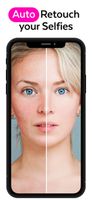




With Reshot AI, create professional photo shoots for your brand with fully controllable face poses, lighting, and expressions.


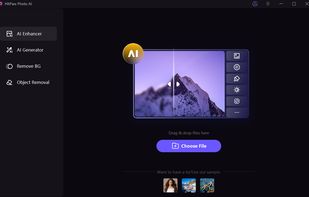
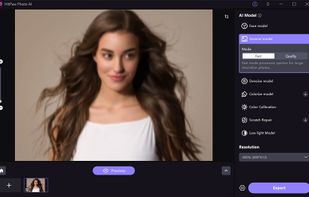
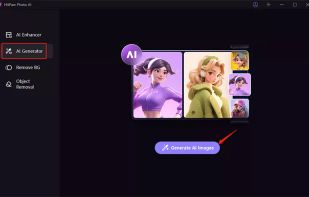
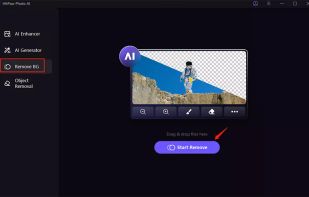
AI-powered photo editing tool with features like photo enhancement, object and background removal, and AI art generation. Upscale images to 8K, enhance facial features, remove noise, blemishes, colorize, and fix faded photos. Includes portrait, object, and background editing.
 China


The new Exposure X7 combines professional grade photo adjustments, a huge library of gorgeous photo looks, and an efficient design that is a joy to use.
United States


Retouch4me uses AI for photo editing, including face and body retouching, background cleaning, and fabric smoothing. Offers a standalone, offline solution that corrects color based on references, suitable for all skill levels without needing external editors.
 Estonia
 EU


Image editor using AI-driven automation for enhancement, upscaling, and watermark removal, supports various formats, preserves details during enlarging, autosaves results to desktop, previews changes, requires minimal manual input, and suits beginners or advanced users.
 Hong Kong


AI Enhance/Face Beautifier: turns blurry, out of focus photos into sharp, pixel perfect images, and automatically detects and beautifies faces.




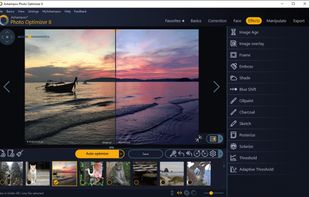
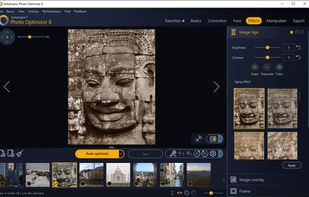
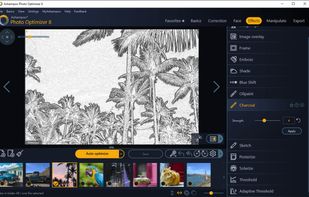
Ashampoo Photo Optimizer 8 enhances your photos at the click of a button! The program fully automatically adjusts colors, contrasts and exposure settings to perfection for individual images or entire collections.
 GermanyEU


OM Workspace features a customizable screen layout and high-speed RAW preview, supporting various styles of photography workflows.
 Japan


