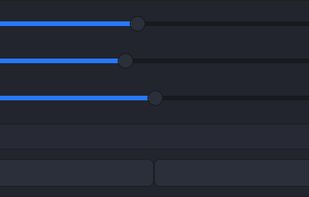
To schedule Night Light so it turns on automatically, select Start > Settings > System > Display > Night light > Night light settings.
Cost / License
- Free
- Proprietary
Application typeApplication types
Platforms
- Windows
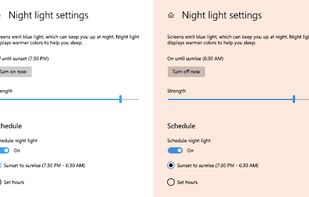


To schedule Night Light so it turns on automatically, select Start > Settings > System > Display > Night light > Night light settings.

Free software for eye protection and more! It protects your eyes while you are working on the computer. Eye Saver has three main functions: blue light filter; eliminates the invisible flickering of the display backlight; reminds you to take breaks;
 United Kingdom


Twilight Blue Light Filter is an optimal night filter that can be created to provide a warm light night screen for your eye care.
 India
India
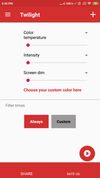


Do you use your mobile phone after sunset? Do you use your phone within three hours of your bed time? If yes, then your device might be taking your sleep away. Bluelight from your mobile screens sends a signal to brain to wake up, and makes it difficult for us to sleep at night.

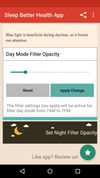

Setting the color temp of the screen really only requires about 40 lines of C (80 or so all inclusive). sct is a crude utility which does roughly that. I’d say exactly that, but some of the calculations aren’t actually exact.
Small GTK GUI application to set contrast, brightness and gamma for wayland compositors which support the wlr-gamma-control protocol extension. Basically this is the example from here: https://github.com/swaywm/wlroots/blob/master/examples/gamma-control.