


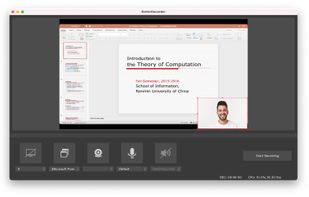
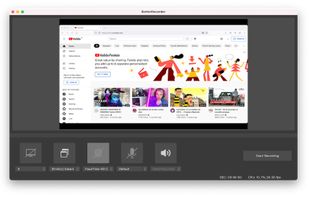
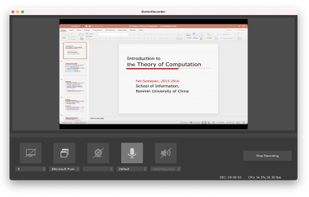
BetterRecorder is a screen recorder for mac, it can record screen with desktop internal audio, webcam video and microphone audio.
Cost / License
- Free
- Proprietary
Application typeApplication types
Platforms
- Mac




Apps similar to Loom include OBS Studio, which is free and open source. Other options are ShareX, OpenScreen, Recordly and GPU Screen Recorder. You're spoiled for choice with Screen Recorders like Loom: we list more than 100 alternatives for Windows, Mac, the web, Linux and Android.
BetterRecorder is a screen recorder for mac, it can record screen with desktop internal audio, webcam video and microphone audio.

Quick Screen Recorder is a lightweight desktop screen recorder for Windows, built on top of WinForms (C#).
 Canada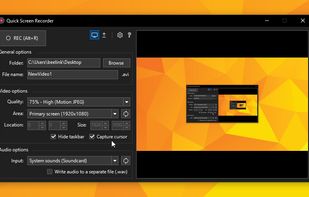


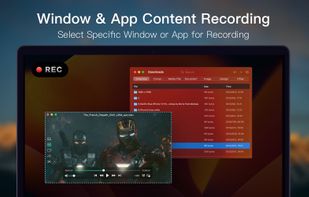
Screen Recorder for Mac is a powerful tool that allows you to quickly and easily capture your computer screen in high-quality video format. With just one click, you can record the full screen, a designated area, or footage from your camera.


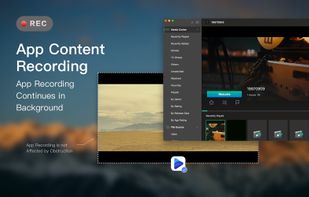

Open-source screen recorder agents can read — every clip ships as transcript + timestamped frames, callable as MCP tools.

A freeware application that lets users stream high quality content similar to XSplit Broadcaster and Flash Media Live Encoder. Currently, the application is in early stages of development. This project is actively looking for dedicated testers.


 South Korea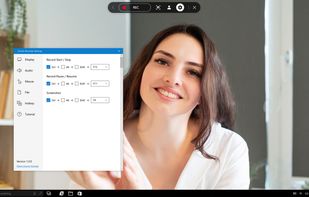
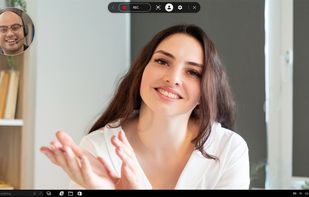
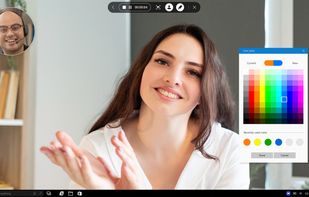
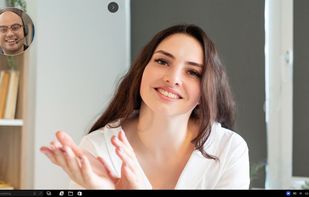


Free Screen Video Recorder is a compact, yet full-featured screen video recorder and screenshot capture tool that allows you to easily record screen activities and capture anything on the screen including windows, objects, menus, full screen and rectangular regions.
 United Kingdom


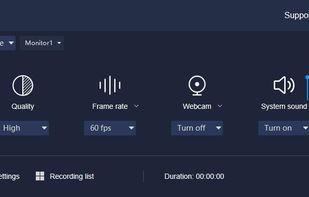
Built with five screen recording modes, RecMaster will offer you an easies and most efficient way to record your computer screen. Just one click from RecMaster, enjoy every moment and details from your computer screen.
United Kingdom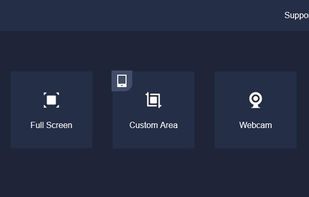
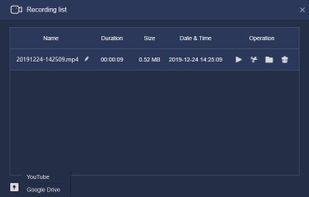
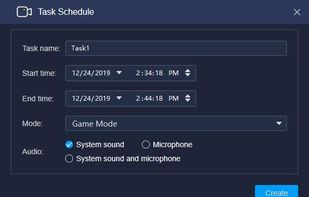




HyperCam v2 is a video capture software that records AVI movies (screencam) directly from your monitor, for software presentations, software training, demos, tutorials, and fun! HyperCam supports text annotations, sound, and screen notes (great for creating automated software...
 United States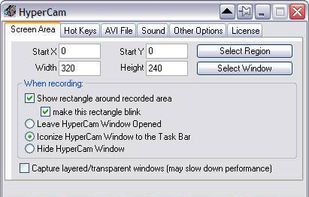




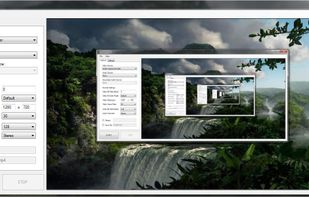
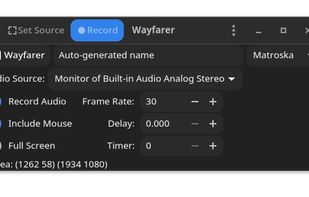
Record your desktop, speaker output and microphone at once, then output it to WebM, Ogg, or Matroska files. If you have the necessary codecs, you can even output to an AVI file or Matroska and h264. Control the size of the capture area, get a visual countdown to the start of...


