



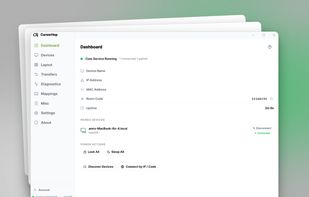
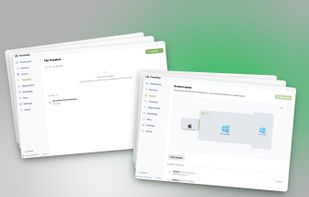
Cross-platform KVM software to share one mouse, keyboard, and clipboard across multiple Windows and macOS computers over your local network.
Cost / License
- Freemium
- Proprietary
Application typeApplication types
Platforms
- Mac
- Windows
- Global



+1



Apps similar to Logitech Options include Synergy. It's paid, but Input Leap and Barrier are free. Other options are OpenLogi, Mouse without Borders, Logi Options+ and Solaar. You can choose from more than 10 Keyboard Sharing Utilities like Logitech Options for Windows, Mac, Linux, the web and Chrome OS.
Cross-platform KVM software to share one mouse, keyboard, and clipboard across multiple Windows and macOS computers over your local network.

GiMeSpace KVMShare Pro is one of the very few real KVM software sollutions that not only shares mouse and keyboard but really allows you to share video in the form of windows on the screen of connected computers while using minimal bandwidth.
 Netherlands
 EU
EU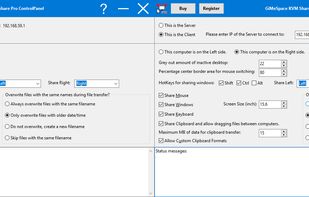


The Apple Universal Control allow you to control multiple Apple devices, such as an iMac, MacBook, and iPad, all with the same keyboard and mouse.


Logitech Gaming Software lets you customize Logitech G gaming mice, keyboards and headsets.
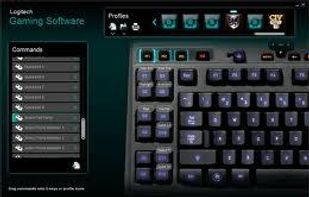
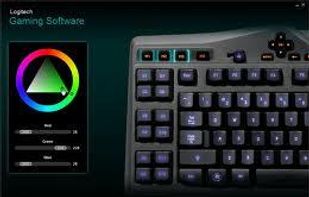
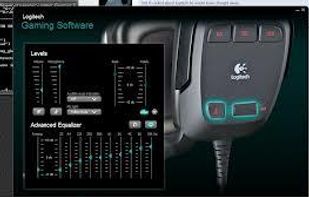


Logitech SetPoint™ software lets you customize your mouse buttons, keyboard F-keys, and hot keys.


Add devices to your Unifying receiver.
This software will allow you to add or remove compatible mice, keyboards and other devices to your unifying receiver.
The tiny receiver stays plugged in.
 Switzerland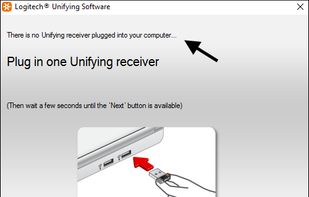
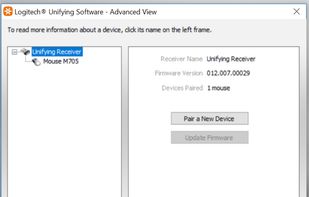
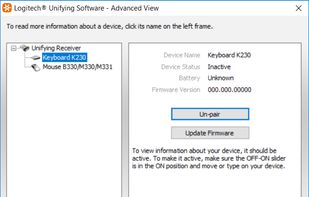


Logitech’s Unifying technology is awesome. Plug the USB receiver in the computer, power on your keyboard or mouse and it is ready for use! Well, the devices themselves do work, but software to attach new devices to a single receiver (or detach bound devices) is only available...

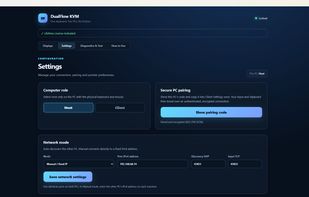
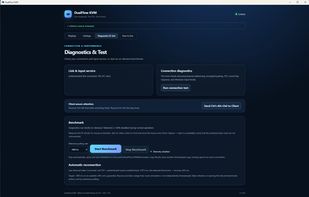
DualFlow KVM is a native software KVM for two Windows 11 PCs. Share one keyboard and mouse over LAN, with clipboard sharing, native file and folder drag-and-drop, Windows sign-in control, and remote Ctrl+Alt+Del.
 Norway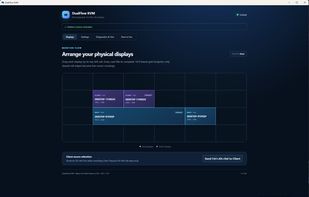


 United States


