Swappy is a Wayland screenshot editing tool featuring brushes, text, shapes, arrows, and blur. Images can be saved locally or copied directly to the clipboard.
Cost / License
- Free
- Open Source (MIT)
Application type
Platforms
- Linux
 France
 EU
EU


Lightshot has been discontinued. Similar apps include ShareX, which is free and open source. Other options are Greenshot, Flameshot, FastStone Capture and PicPick. Screenshot Capture Tools like Lightshot are a crowded field, with more than 100 alternatives for Windows, Mac, the web, Linux and iPhone.
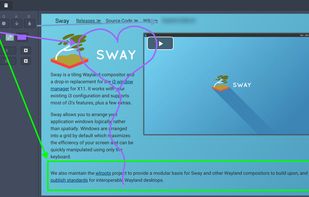
Swappy is a Wayland screenshot editing tool featuring brushes, text, shapes, arrows, and blur. Images can be saved locally or copied directly to the clipboard.
FranceEU
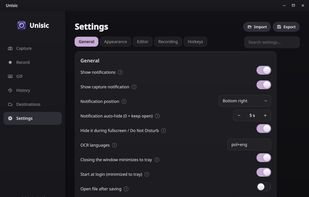
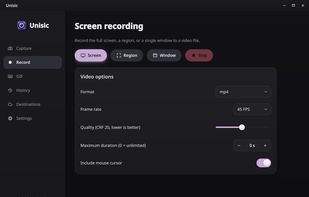
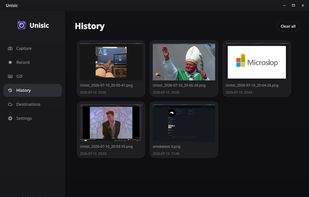
Unisic is a ShareX-style screenshot and screen-recording tool built natively for Linux Wayland, with first-class support for KDE Plasma/KWin and portable fallbacks via xdg-desktop-portal for GNOME, niri, and other compositors.
 PolandEU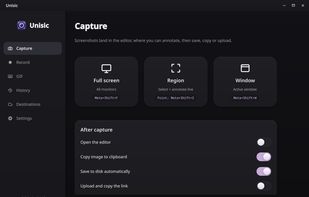


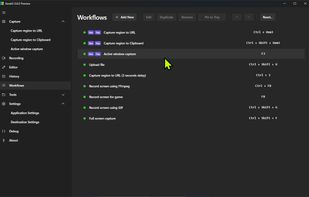
The most advanced screen capture tool for Windows, macOS, and Linux. ShareX reimagined with modern UI technologies, built from the ground up for cross-platform performance.
 United States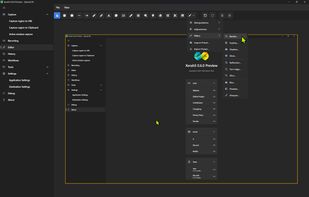


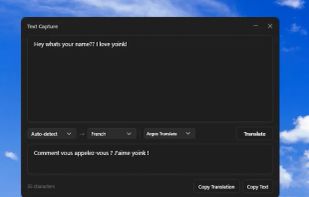
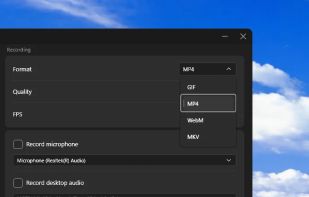
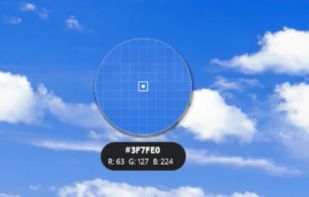
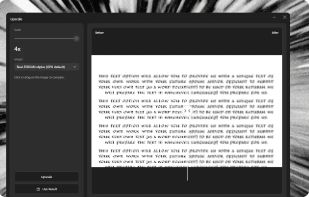


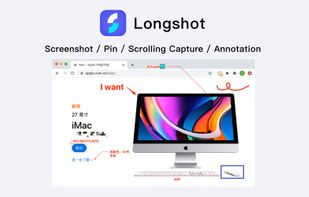
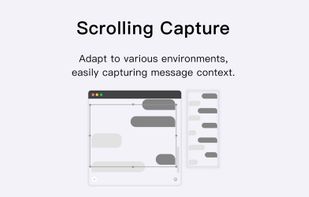
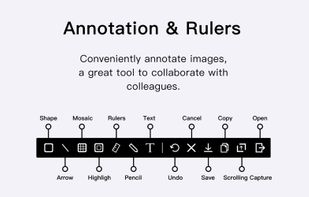
Longshot is a versatile software that allows you to conveniently annotate images, capture scrolling screenshots, highlight windows, and turn any image or text into a tack for easy viewing and comparison.



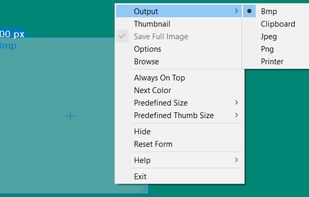
Cropper is a screen capture utility written in C#. It makes it fast and easy to grab parts of your screen. Use it to easily crop out sections of vector graphic files such as Fireworks without having to flatten the files or open in a new editor.



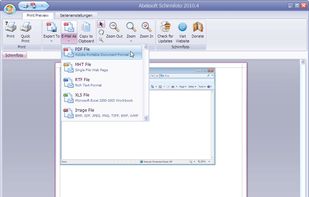
Schirmfoto is the easiest way of creating screenshots. Schirmfoto integrates itself into your Windows system by adding a new button in the title bar of each window. Clicking this icon will create a screenshot for you.
 GermanyEU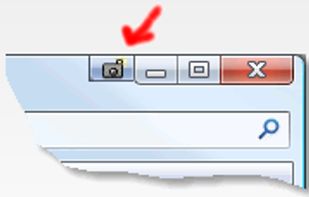


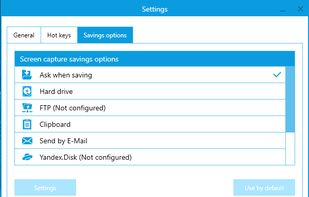
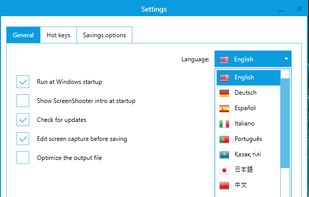
Simple, but powerful application for taking screenshots, editing them with included editor, and saving using multiple options, such as local storage, cloud, FTP-server, or direct copying to the clipboard or E-mail message.
 Russia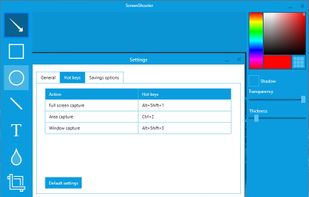


With Free Snipping Tool, not just you create snips, you can save your snips on major backup services like Imgur, Google Drive and Dropbox. Not just this you can also upload them via FTP or simple WebRequest.
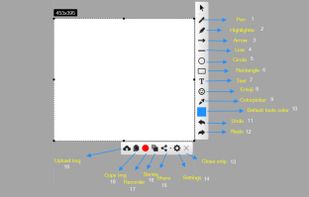
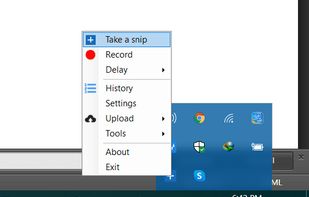
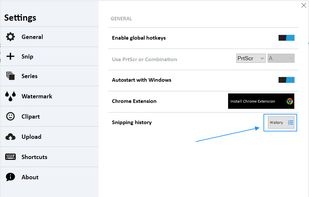
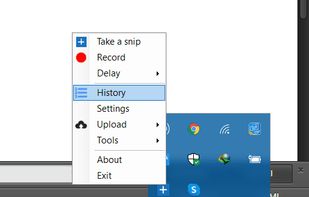


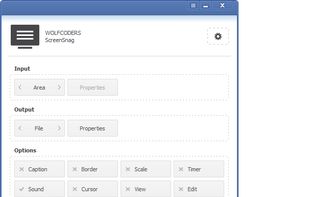
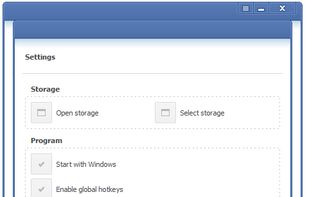
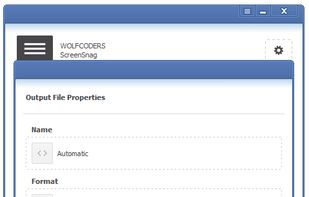
ScreenSnag provides a quick and easy way to take a photo of your computer screen. Capture the entire screen, a region of the screen, a window, or an element on the window with a single hotkey or click. You can also use Timer option to perform captures at intervals that you...


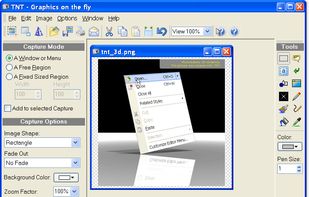
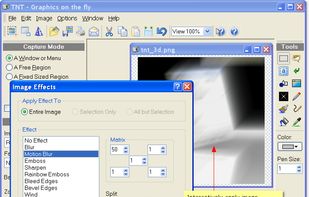
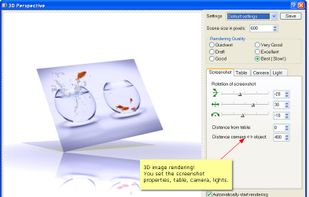
TNT Screen Capture creates screen shots that look better than the original screen.
 AustriaEU