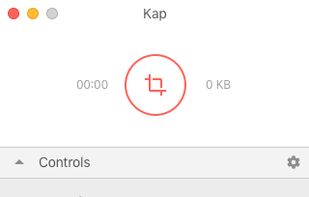
Kap is an open-source screen recorder built with Electron and designed to be easy to use but extensible.
Cost / License
- Free
- Open Source (MIT)
Application typeApplication types
Platforms
- Mac
- Electron / Atom Shell
 Sweden
 EU
EU


Apps similar to LifeScreen include OBS Studio, which is free and open source. Other options are OpenScreen, Recordly, GPU Screen Recorder and SimpleScreenRecorder. You're spoiled for choice with Screen Recorders like LifeScreen: we list more than 50 alternatives for Windows, Mac, Linux, the web and Android.
Kap is an open-source screen recorder built with Electron and designed to be easy to use but extensible.
SwedenEU
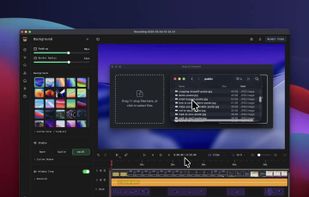
macOS tool for detailed screen recording, timeline-based video editing, customizable cursor animations, camera and audio capture, background editing, and easy sharing. Suitable for tutorials, presentations, or social media creation with a user-friendly workflow.
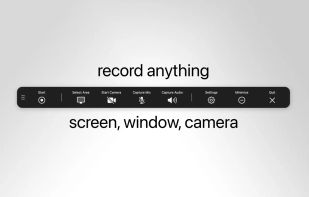
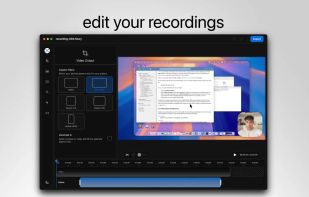
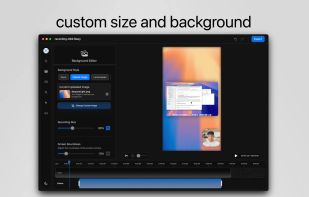
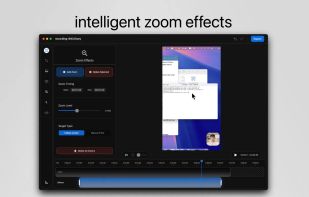


Screen recording app providing native Windows and macOS support, adds AI-driven auto-zoom following actions, motion blur, 3D effects, animated backgrounds, captions, keystroke and click highlights, webcam overlays, and fast 4K or GIF exporting without watermark.
 Bangladesh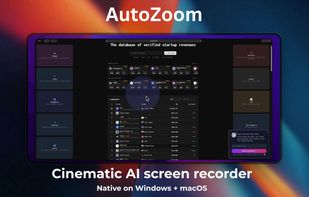


Capture the contents of your entire desktop at the same time as your video camera, microphone and computer's audio. Sophisticated editing tools allow you to create incredible screencasts in no time.
 United States


Android application for capturing and streaming the screen, audio, or both. It can record playback audio from other apps on Android 10 or later without root, although vendors may restrict some sources. The project is maintenance-only, with bug fixes possible but few new features.


Native macOS screen recording and editing with auto-zoom following every action, built-in editor for quick trims, super-fast Metal-accelerated 4K export, no subscription, customizable backgrounds, movable camera overlay, shadow effects, and AI-driven features.
 Canada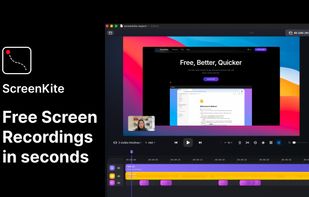


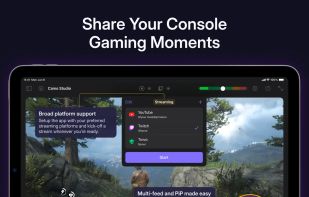
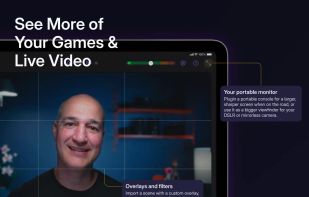
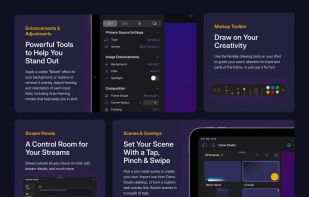
Start a stream or record your next video in a few taps – hone your scenes, connect a camera, and start creating with ease.
 United Kingdom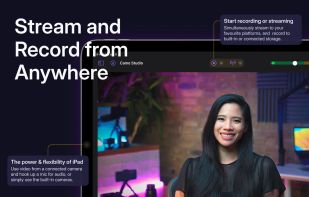


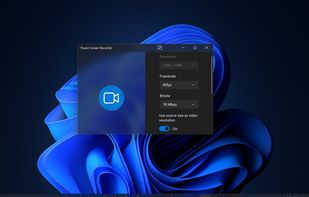


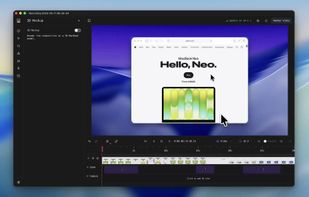
Screenshot and screen recorder app for macOS. One app instead of four. Capture multiple windows, annotate, zoom, add transitions, and drop your recording onto a 3D MacBook with a simulated lens. Everything stays local.
 Australia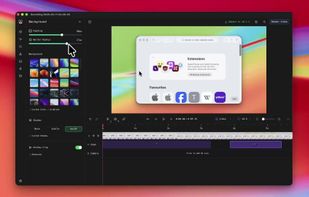
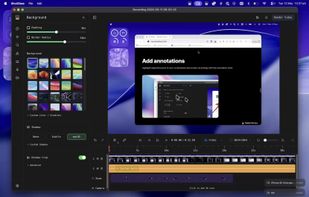


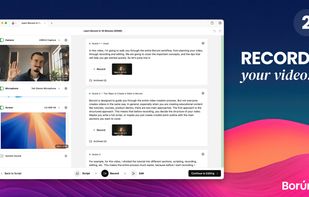
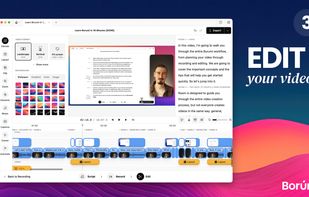
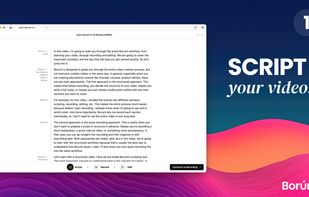
Comprehensive tool supporting all video creation stages with a doc-style editor, separate scene recording, auto-sync, customizable layout, and transcript-based editing.
 ItalyEU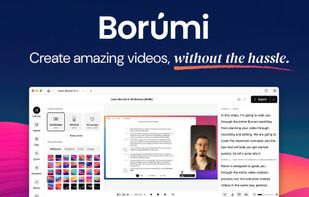


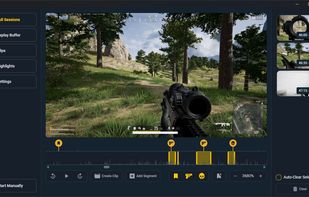
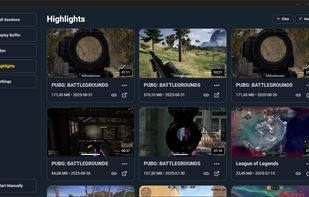
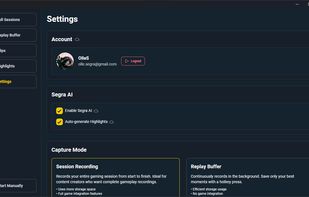
Capture your gaming moments with professional-grade quality. Built for gamers and content creators, featuring smart automation and advanced AI to ensure you never miss a highlight.


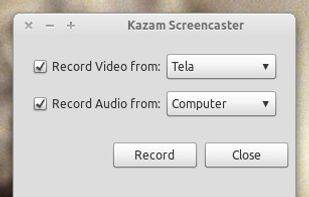
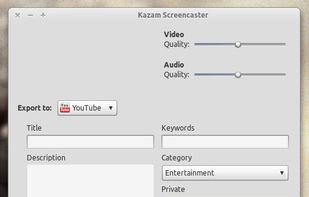
Kazam is a simple screen recording program that will capture the content of your screen and record a video file that can be played by any video player that supports VP8/WebM video format.