


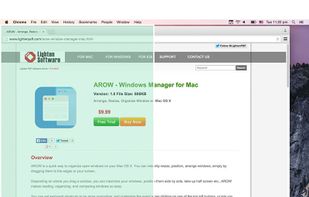
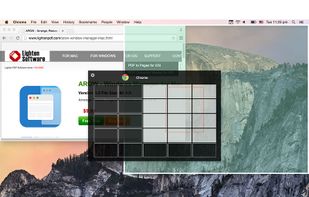
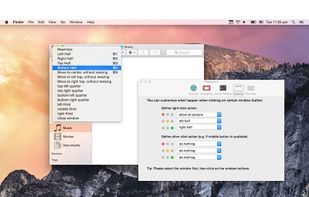
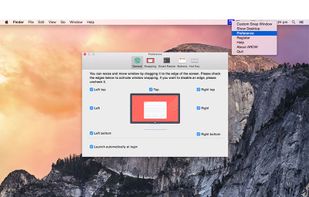
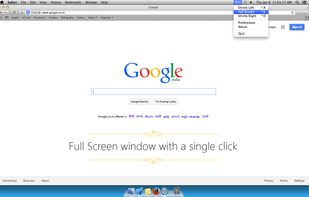
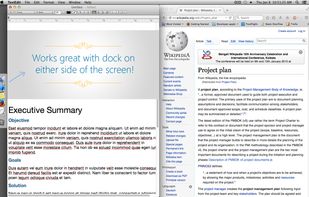
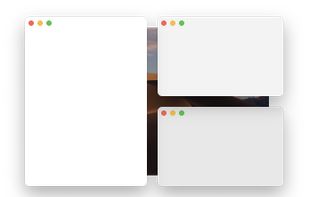
Arrange, resize, snap, and move windows in OS X with the help of keyboard shortcuts, certain window dragging gestures, or using OS X's window buttons.
Platforms
- Mac



+1


Apps similar to Lasso Window Manager include Microsoft PowerToys, which is free and open source. Other options are Rectangle, DisplayFusion, BetterTouchTool and Loop - Window Management. Window Managers like Lasso Window Manager are a crowded field, with more than 50 alternatives for Mac, Windows, Linux and Android.
Arrange, resize, snap, and move windows in OS X with the help of keyboard shortcuts, certain window dragging gestures, or using OS X's window buttons.

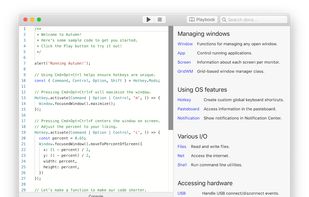
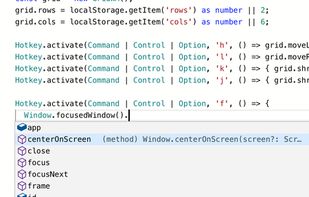
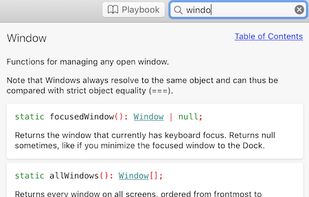
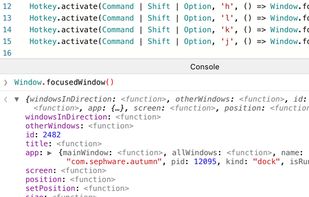
Autumn is a full customizable window manager for Mac with a built-in IDE for coders to configure everything with JavaScript or TypeScript.

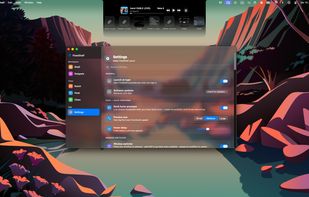
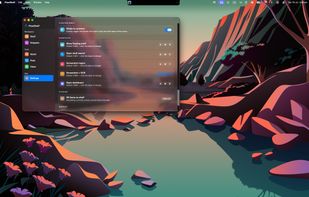
FlowShelf a free Mac app that turns your notch into a Dynamic Island and gives everything you copy, drop, or screenshot a temporary home.
 Australia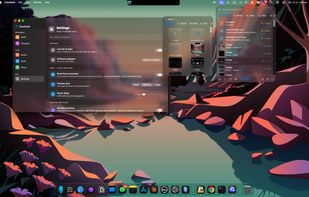


TileWindows helps you to easily organize your desktop: Move and resize your application windows, so you can view them side by side, by using keyboard shortcuts.
 Germany
 EU
EU
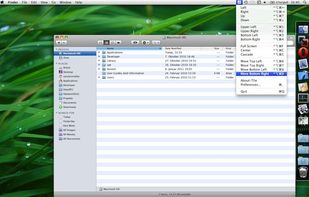
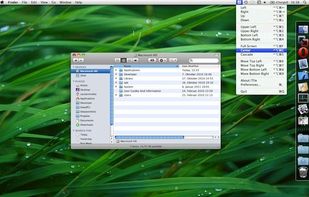
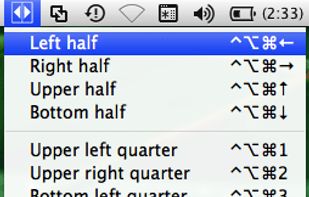


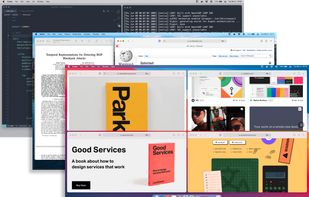
Window Collage is free menubar app that can split the screen into your favorite layout, placing several windows in the best way to fit your work habits when you multitask.
 China
China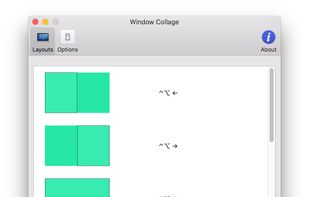


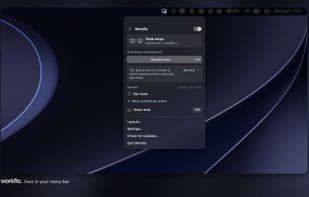
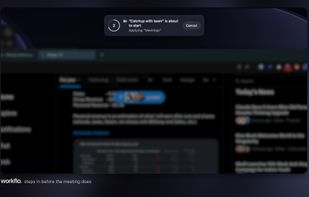
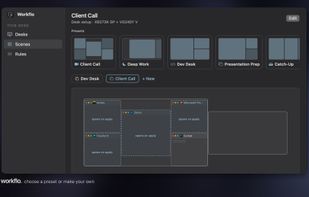
Workflo automatically arranges the windows on your Mac: it opens the apps you need, moves and resizes every window the way you set it, and clears the rest, before a call, before a focus block, and every time you dock or undock.
 India
India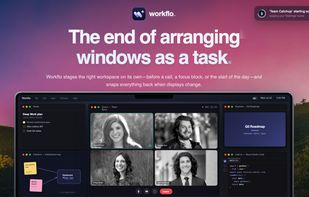


Tiled is a Chrome extension that lets you arrange your windows using a grid-based interface.
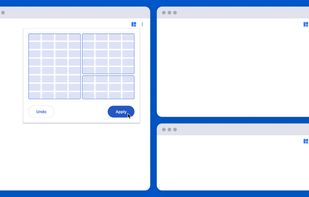
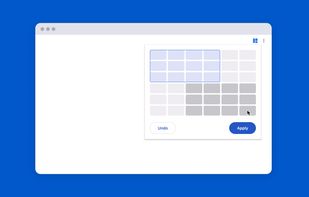
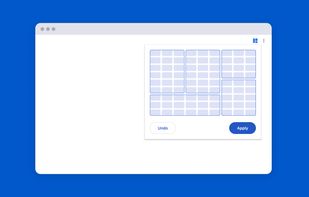
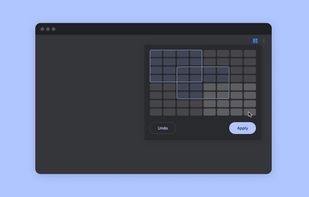


Managing the windows on your computer has become a snap! With the iSnap app, you can organize various windows to fit perfectly on your screen and access them simultaneously!

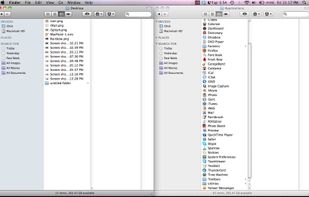
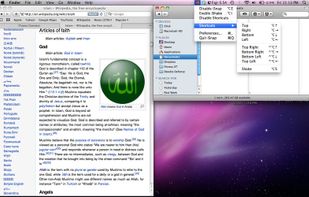


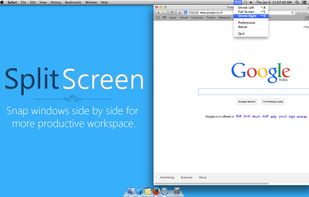
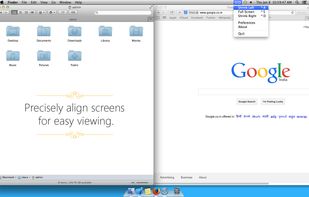
Split Screen allows you to effortlessly resize windows to exactly half your desktop at the touch of a simple keystroke. Gone are the days of trying to resize windows to fit nicely next to each other, with Split Screen it is as easy as pressing a button.


 Brazil

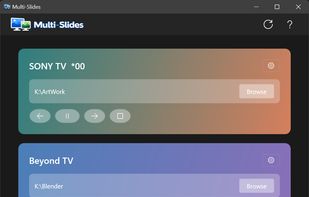
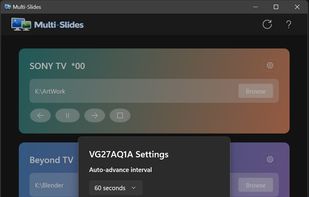
Native Windows 11 app that runs truly independent image slideshows on each monitor — own folder, own pacing, own transitions per display.
 United Kingdom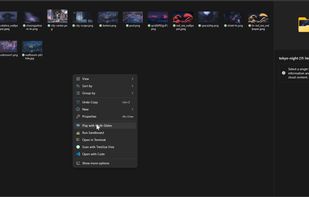


 South Korea


