


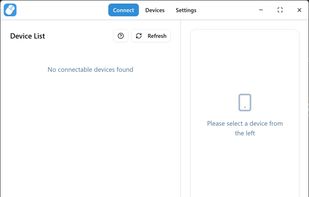
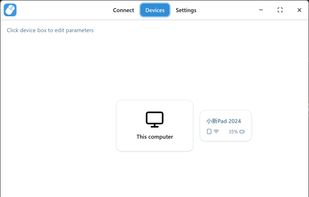
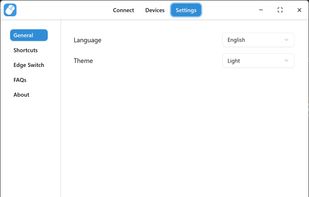
An desktop application that makes it easy to share your mouse, keyboard and clipboard between your PC and your Android tablets and phones.
Cost / License
- Freemium (Pay once)
- Proprietary
Application typeApplication types
Since
- Since 2025



+2


Apps similar to Lan Mouse include Synergy. It's paid, but Barrier and Input Leap are free. Other options are Deskflow, Mouse without Borders, Multiplicity and InputShare. You can choose from more than 10 Keyboard Sharing Utilities like Lan Mouse for Windows, Mac, Linux and Android.
An desktop application that makes it easy to share your mouse, keyboard and clipboard between your PC and your Android tablets and phones.

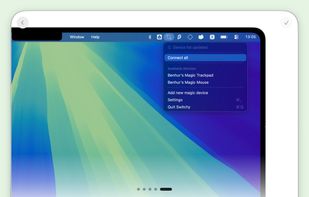
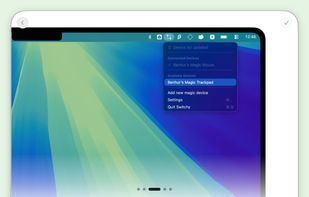
Switchy is a macOS menu bar app that lets you switch an Apple Magic Keyboard, Magic Mouse, and Magic Trackpad between multiple Macs with a single click. It automatically discovers nearby Macs on your local network, so you can move between a work Mac, personal Mac, MacBook, or...
 United Kingdom


Cross-platform KVM software to share one mouse, keyboard, and clipboard across multiple Windows and macOS computers over your local network.
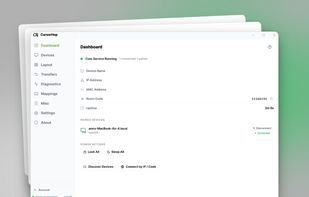
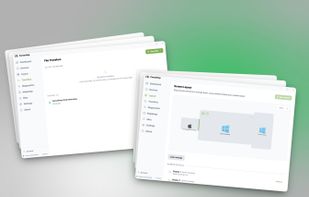
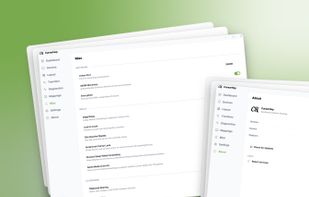



Software KVM that also switches your monitor's input, plays every computer through one set of speakers, syncs folders and sets up SSH.
 Australia
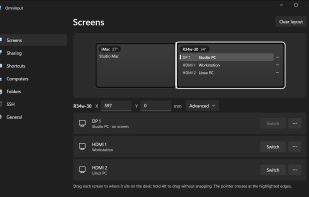
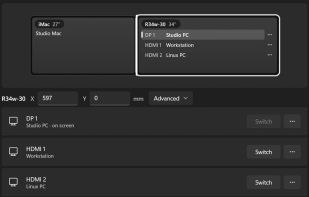
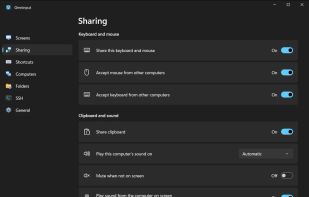
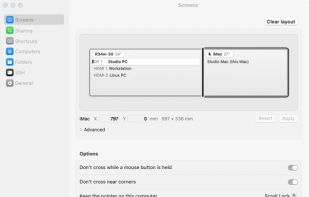


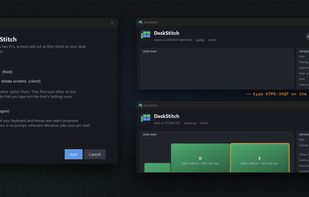
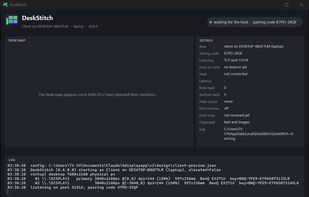
DeskStitch is a software KVM for two Windows PCs. Instead of arranging screens by pixels, it reads each monitor's physical size and lays them out on a desk map in millimetres, so a 4K screen next to a 1440p screen line up exactly as they stand on the desk: no dead zones, the...
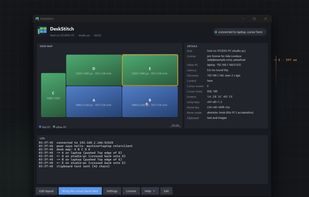
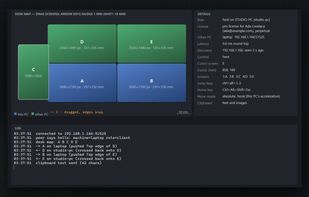


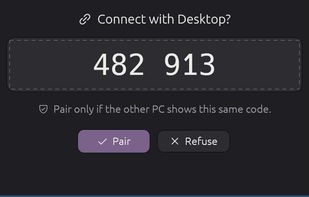
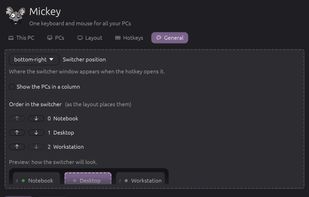
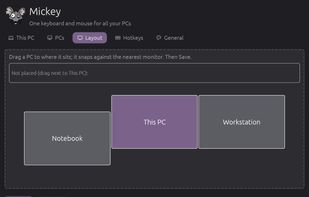
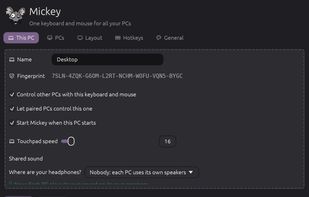
Mickey is an open source tool to share one keyboard and mouse between Linux and Windows PCs. Push the cursor off the edge of one screen and it appears on the next PC. It also shares the clipboard (text, images and files) and the sound of every PC on one pair of headphones.
 Brazil

EdgeFlow lets you control up to four Macs with one mouse and keyboard. Move the pointer past the screen edge and it crosses to the next Mac — the keyboard follows, with no switching and no shortcut. Unlike Universal Control, EdgeFlow does not need the same Apple ID on every...

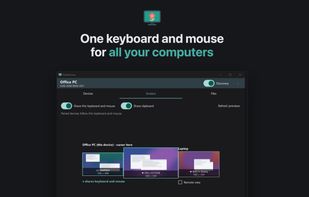
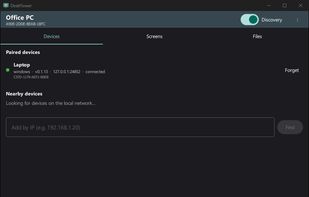
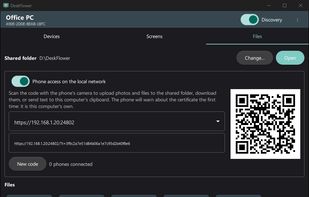
Shares a keyboard and mouse between paired computers by moving across screen edges. It transfers text, images and files through the clipboard or drag and drop, provides permission-based remote viewing, QR phone transfers and encrypted, account-free local networking.
 Spain
 EU


 Germany


