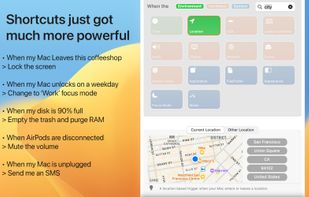
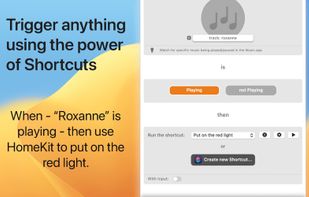
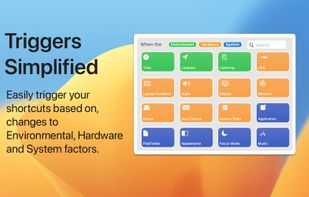
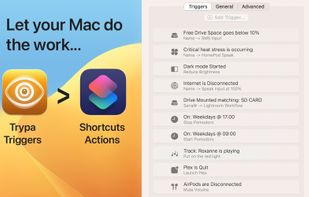
Triggers for shortcuts, simplified. In a few seconds, automate your automations and set up triggers using different environmental, hardware and network scenarios. .
Cost / License
- Free
- Proprietary
Application type
Platforms
- Mac



+2


Apps similar to Keyboard Maestro include AutoHotkey, which is free and open source. Other options are AutoIt, Tuna, Activepieces and Karabiner Elements. Text Expanders like Keyboard Maestro are a crowded field, with more than 50 alternatives for Mac, Windows, Linux, the web and iPhone.
Triggers for shortcuts, simplified. In a few seconds, automate your automations and set up triggers using different environmental, hardware and network scenarios. .

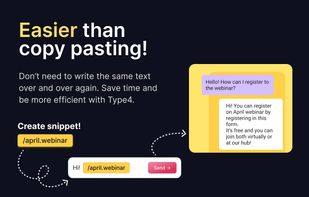
Type4 is a free text expander and snippet extension designed to streamline your workflow and reduce repetitive typing—perfect for modern professionals looking to boost productivity.
 United States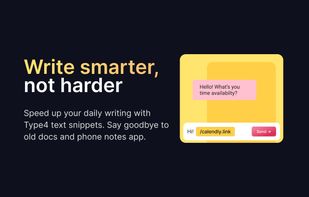
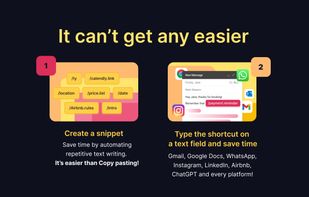


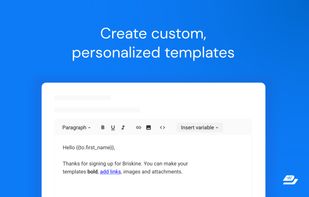
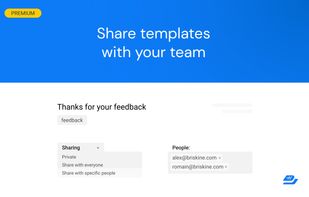
Write emails faster! Increase your productivity with templates and keyboard shortcuts on Gmail, Outlook, or LinkedIn.

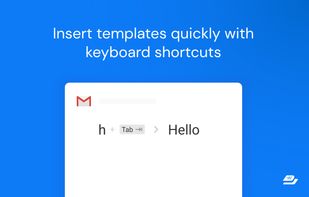


Simple shortcut manager for macOS 10.8 or higher. It lets you execute any command that works in your terminal by pressing a combination of keyboard keys. No rocket science involved!.
 Ukraine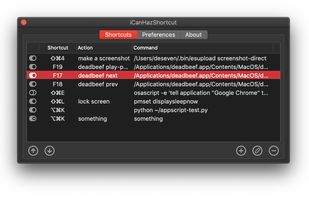


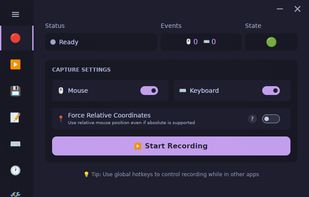
Cross-platform desktop automation app with macro recording, playback, scheduling, text expansion, CLI tools, and Wayland/X11-aware Linux support.
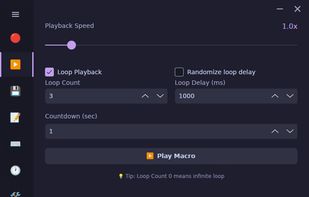
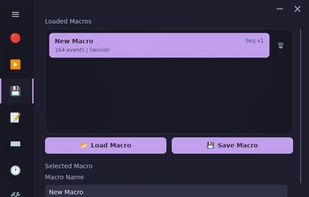
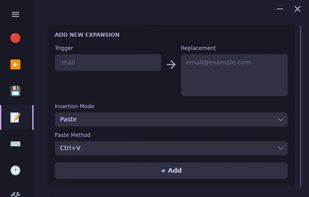


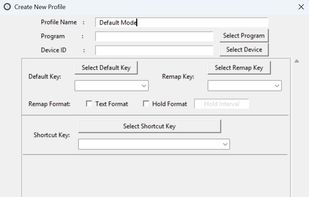
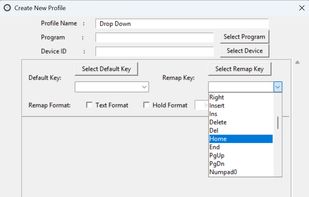
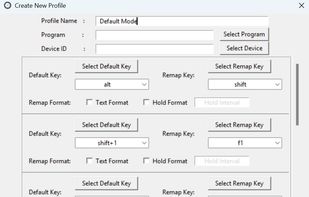
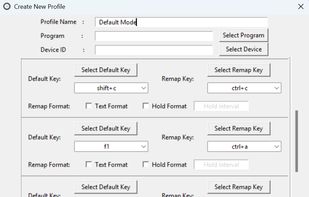
KeyTik is an open-source, all-in-one automation tool that lets you automate nearly anything at your will. Initially, KeyTik focused on being a keyboard remapper with profiles, allowing you to activate or deactivate each remap individually.


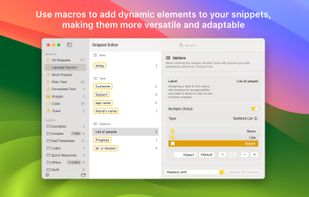
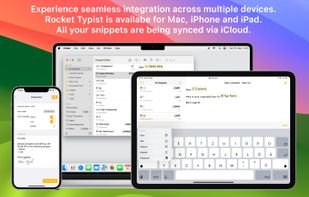
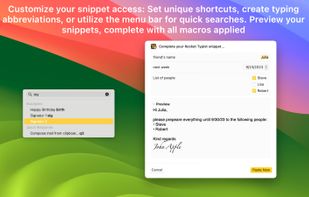
Text expansion app to expand an abbreviation into a plain text or rich format snippet, with macros to make snippets more dynamic, support of the Mac's Touch Bar, syncing snippets across all your Apple devices using iCloud, export and import of snippets.
 Germany
 EU
EU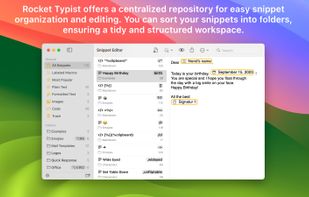


Keyboard shortcuts help you work efficiently. Add keyboard shortcuts to common tasks. Use shortcuts that are easy to reach and easy to remember. Get your work done faster.
 LuxembourgEU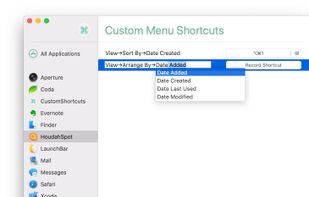

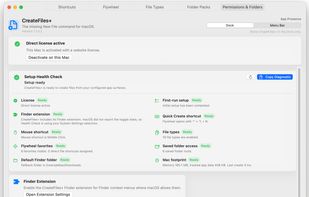
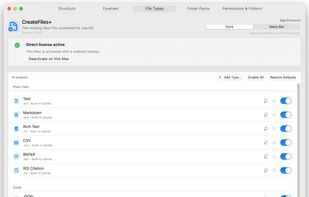
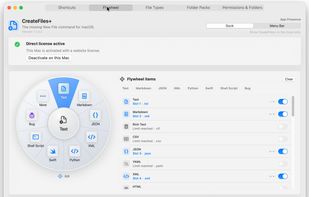
CreateFiles+ adds the "New File" command macOS Finder never had. Create blank files, custom file types, templates, batches, and reusable Folder Packs from Finder, the menu bar, or a keyboard shortcut. Local Mac utility, no account, no cloud sync, 7-day trial available.
United States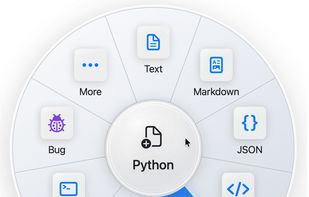


Store and automate insertion of frequently used phrases, long passages, and images using custom abbreviations and macro shortcuts. Designed for high-volume data entry, transcription, and repetitive typing with a simple and intuitive interface.
 Australia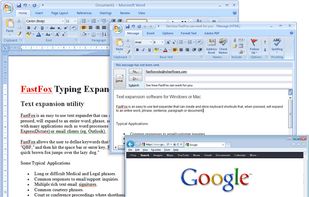


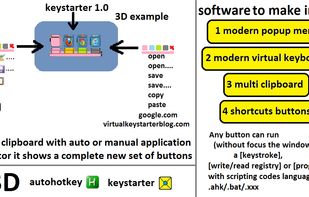
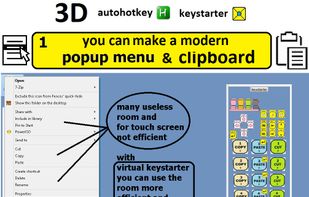
keystarter automation software. you can make a set of 3d button icons with keystroke command scripts and create your own popup menus - clipboards or virtual keyboards.
GermanyEU