


Cost / License
- Freemium
- Proprietary
Platforms
- Mac
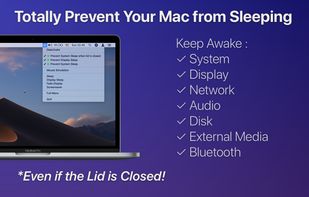

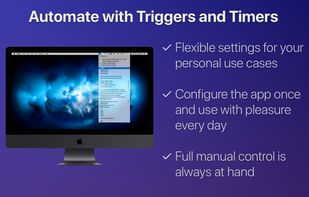

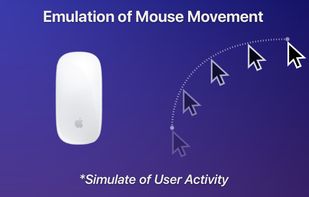


Apps similar to KeepOn include goguma app, which is free and open source. Other options are Caffeinate, Amphetamine, Caffeine for Windows and nosleep.page. There's no shortage of Prevent Sleep Mode Apps like KeepOn, with more than 50 alternatives for Mac, Windows, Android, Linux and the web.

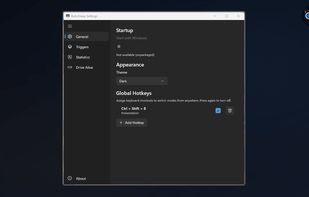
Provides Windows tray-based management for staying awake, preventing sleep, keeping displays on, or changing power plans. Includes session timer, hotkeys, and crash recovery with Pro-only smart triggers, stats export, Drive Alive for USB devices, and minimal resource use.
 Russia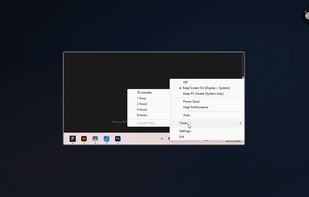

A tiny macOS menu-bar app that keeps your Mac running even with the lid closed — so coding agents (Claude Code, Codex, etc.) keep working while you move around.
 Vietnam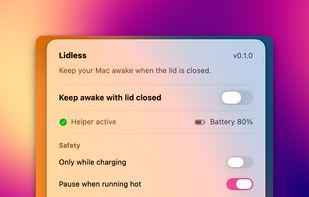


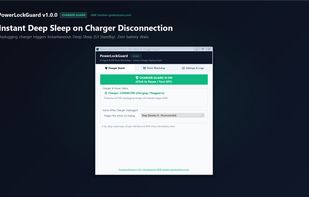
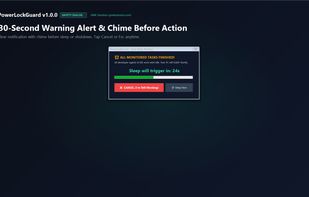
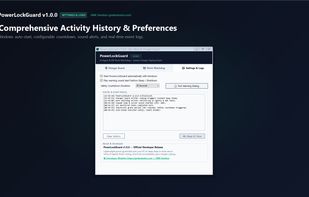
Smart auto-sleep & power management for developers, laptops & AI agents (Claude Code, Cursor, Aider, VS Code). Automatically sleeps or shuts down when coding tasks finish, plus instant deep sleep on charger unplug. Lightweight (~62 KB) & offline. Built by GMK Solution.
 Bangladesh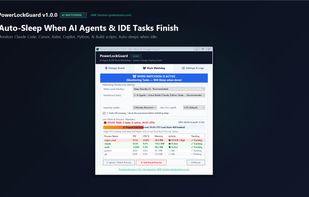


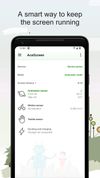
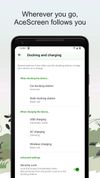
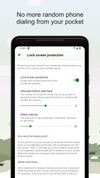
AceScreen is an easy way to keep the screen of your Android device on. AceScreen prevents the Android device from going to sleep based on the current needs of the user. Simple and intuitive interface. Privacy friendly. Offered in over 50 languages.

Close the lid. Keep coding. Hold My Lid keeps your Mac awake while Claude Code, Codex, and your other agents finish the job — lid shut, in your bag.
 India
India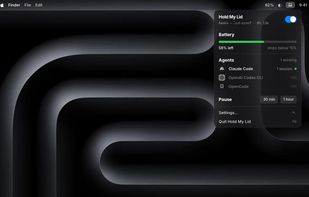


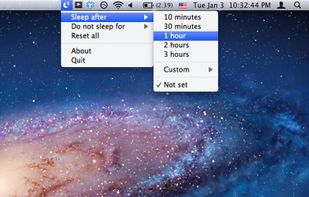
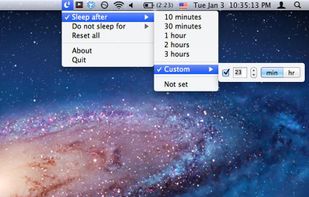
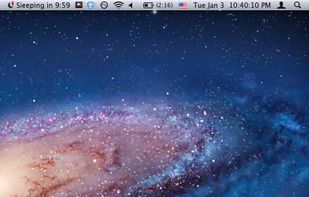
SleepTime is a light-weight app that lives on your menu bar, letting you easily set a timer to put your Mac on sleep automatically after a specified time period you choose.

 Italy
Italy EU
EU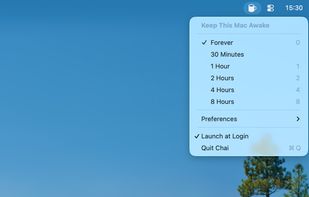

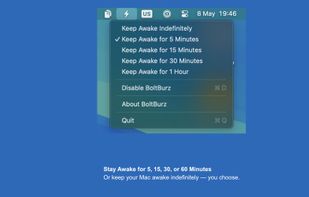
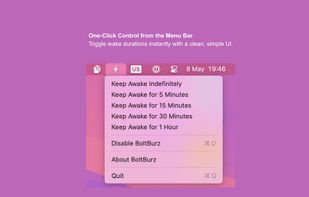
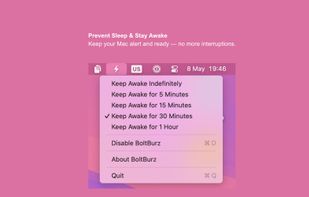
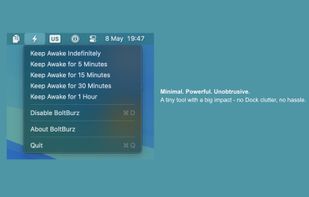
Keep your Mac awake only when needed, with a minimal control surface built for focused workflows.





 Canada


 Israel


