Cost / License
- Free
- Open Source (BSD-3-Clause)
Platforms
- Windows
- Linux
- Mac
S


Apps similar to Spectacle include ShareX, which is free and open source. Other options are Greenshot, Flameshot, PicPick and FastStone Capture. You're spoiled for choice with Screenshot Capture Tools like Spectacle: we list more than 100 alternatives for Windows, Mac, the web, Linux and Android.

 United States


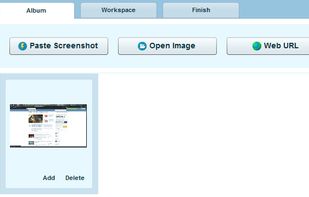
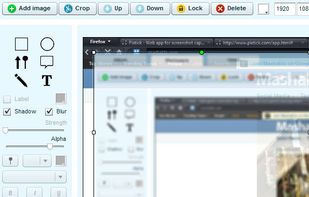
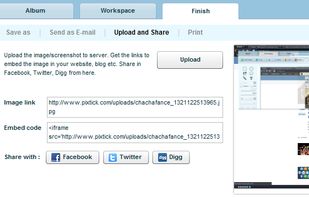
Pixtick, an online application, can capture screenshot from browser. No download or installation required. Its having robust annotation tools to annotate and edit screenshots and images from hard drive or from web.



KnowMinder is an AI-powered personal knowledge management system designed to help users capture, and retrieve information efficiently.
 France
 EU
EU


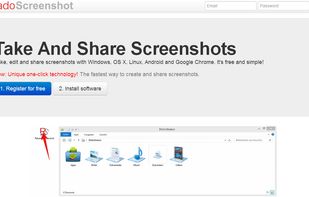
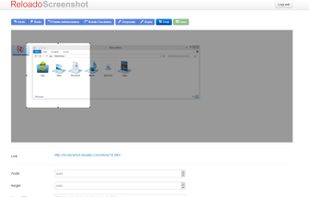
Take, edit and share screenshots with Windows, OS X, Linux, Android and Google Chrome. It's free and simple!


Boxoft Screen OCR is fast and easy-to-use software which helps to extract any area on your screen, recognize every character and then save as TXT file. Price: 27 USD. The smart tool enables you to select text from anywhere on the screen, including areas that you cannot highlight...
 China
China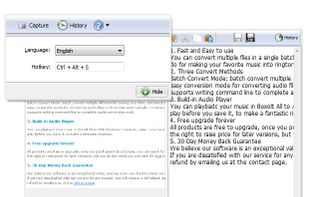


This is just a screen-capture toy, nothing more. If you don't know how to take screenshots with the system functions, use this tool :-).
 Serbia


 GermanyEU
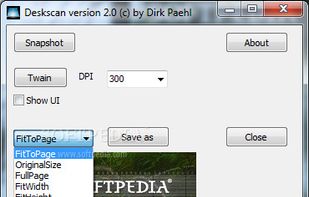


InstantShot! offers classical screenshot functionality for capturing the whole screen, a portion of it or a window and also the option to make timed screenshots or to make delayed captures over time. It offers a wide range of preferences and options to fit everyone's needs.

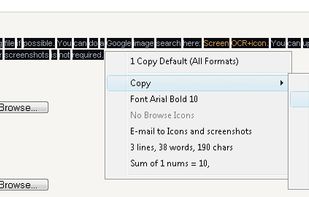
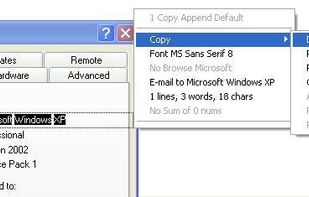
Kleptomania lets you select text anywhere on the screen, including areas that you cannot highlight with your mouse, such as columns of data from a word processor or error messages from any Windows program.
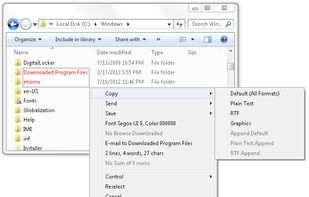

Screen OCR is a screen capture and character recognition tool. You can use Screen OCR in any way you are most comfortable with. It can be window selection, scrolling capture, simple cursor capture or rectangular selection.