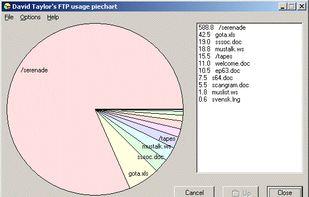


SpaceBrowser scans a folder or volume and displays its contents as a size-proportional treemap, making large files and directories easy to identify.
Cost / License
- Free
- Open Source (MIT)
Application type
Platforms
- Windows
- Linux
- Mac
 France
 EU
EU
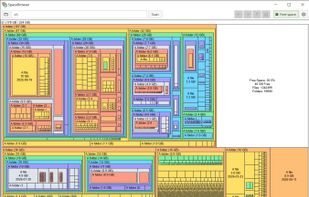


Apps similar to K4DirStat include WinDirStat, which is free and open source. Other options are WizTree, Baobab Disk Usage Analyzer, Filelight and TreeSize. There's no shortage of Disk Usage Analyzers like K4DirStat, with more than 50 alternatives for Windows, Mac, Linux, the web and Android.
SpaceBrowser scans a folder or volume and displays its contents as a size-proportional treemap, making large files and directories easy to identify.
FranceEU
Helps you figure out where all that hard drive space has gone on your computer. Visually displays the size of each folder in the form of a bar graph.
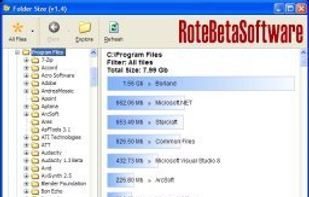


Disk Space Finder helps visualize your data to find wasted space. It shows you a graphical diagram of what is takeing up your space.


Disk Usage Analyzer - a free program to analyze disk space of the computer. It helps you to quickly and easily determine the size of folders on your computer, as well as the number of files they contain.
 Russia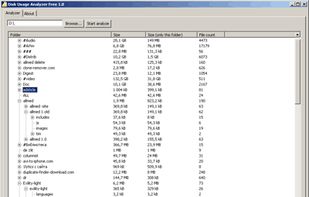

O&O DiskStat is a high-power tool for analyzing the used disk space on your storage volumes. With an easy-to-use interface based on the design of the Windows Explorer, you can take a closer look at the file and folder structure of your internal and external drives.
 GermanyEU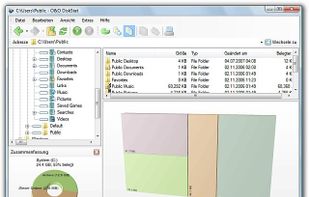


diskonaut is a terminal disk space navigator. Given a path on your hard-drive (which could also be the root path, eg. /). diskonaut scans it and indexes its metadata to memory so that you could explore its contents (even while still scanning!).



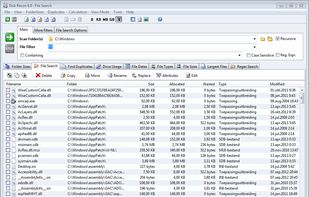
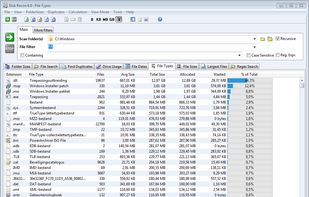
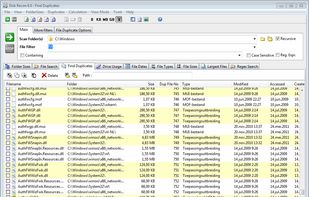
Disk Recon is a disk space utility that reveals all the crucial information that you need to find out where all your disk space has gone and how you can recover it.
 NetherlandsEU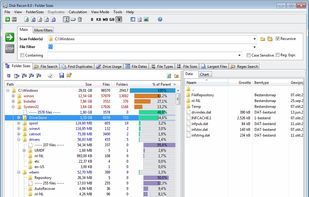


MacDirStat is a free, open-source disk space analyzer for macOS, inspired by WinDirStat. It scans a drive or folder and draws every file as a color-coded rectangle sized by its disk usage, so the biggest files and folders stand out at a glance.
 United States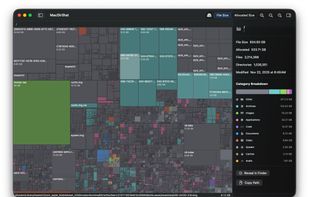


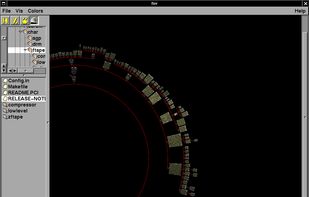
fsv (pronounced eff-ess-vee) is a file system visualizer in cyberspace. It lays out files and directories in three dimensions, geometrically representing the file system hierarchy to allow visual overview and analysis.


Find what is filling a disk, mark what should go, and remove it — with the volume's free space in view the whole time.
 Canada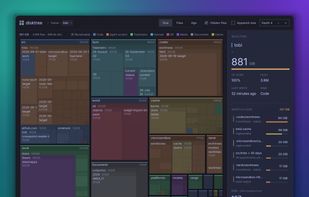

This tool enables you to get a usage piechart from your FTP service, showing which directories are taking the most space, and to drill down into those directories to see which are the largest files. Simply double-click on a pie segment to drill down!