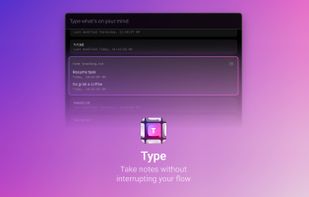
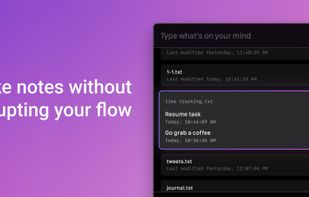
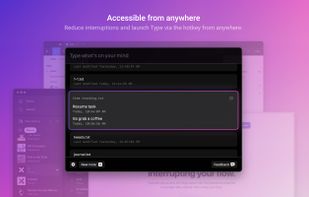
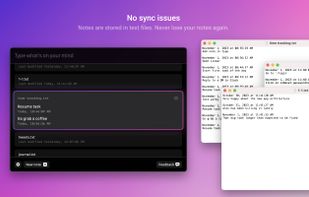
Type lets you quickly jot things down with the timestamp attached, without interrupting your flow.
 United States



+7





Apps similar to Jot for Mac include Itsypad, which is free and open source. Other options are Notes, Drafts, Superwhisper and SnappyNotes. You can choose from more than 10 Note-taking Tools like Jot for Mac for Mac, iPhone, iPad, Windows and Linux.
Type lets you quickly jot things down with the timestamp attached, without interrupting your flow.
United States
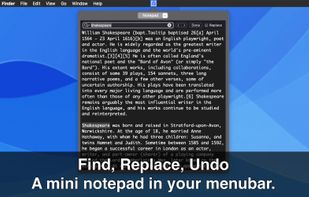
Instantly jot down thoughts with a simple, autosaving text panel that integrates smoothly into your workflow.
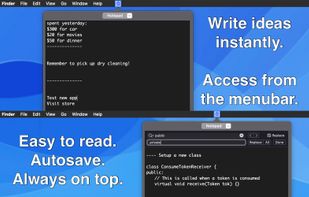


Do you text yourself to remember things? Capture ideas with Qept! As simple as messaging, yet powerful as a full-fledged note app. Download for free and turn your thoughts into actions.





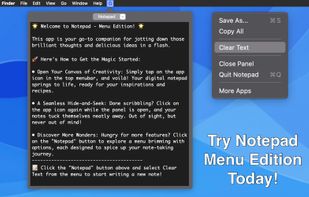
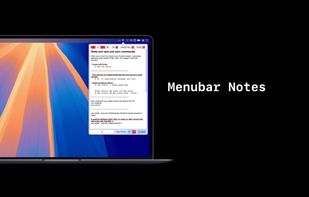
menuNotes is a tiny and lightweight notes app that lives in your macOS menu bar. It focuses on one thing: giving you a fast place to drop text you need later again. Nothing more. No complicated features, no setup, no learning curve.
 Germany
 EU

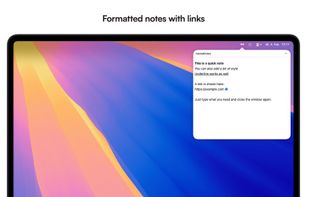
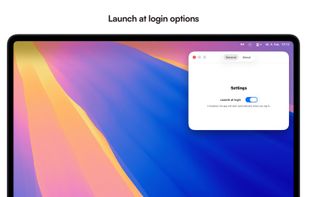


A tiny jot pad that's always within reach. For the things too small for a note but too important to lose.
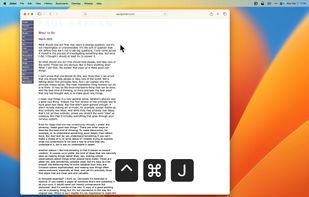


 PolandEU
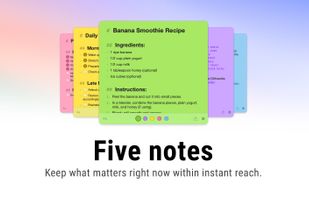
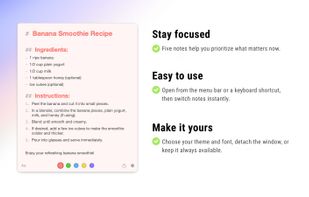
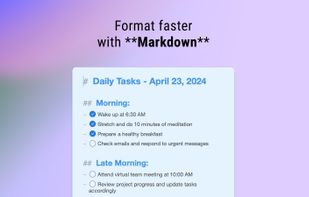
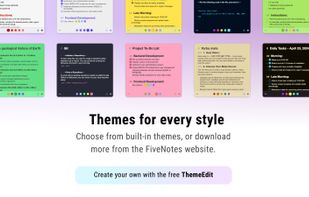


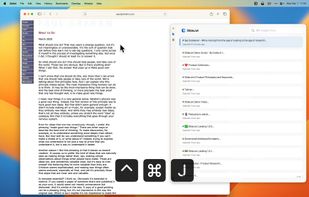
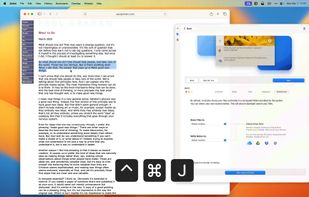
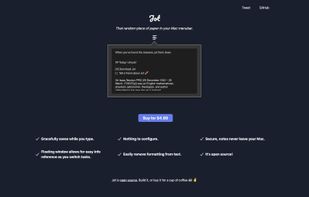
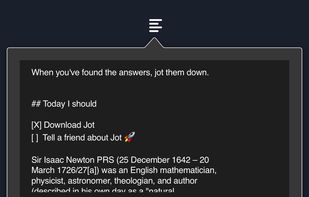
Jot is that random piece of notes paper that lives in your Mac Menu Bar. It's also open source.


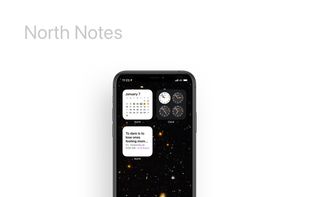
North brings you the simplest, fastest experience in saving your thoughts with context on your iPhone, iPad or Mac. Jot down, copy-paste, list out – all in one app.
United States




 SwedenEU
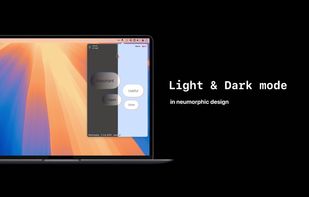


Jot is the no-fuss way to take notes. Our app helps you get all your big ideas and little ‘things to remember’ into a simple, stripped down format. Easy swipe gestures keep your list of notes short and orderly. Remember anything by searching through your full archives.


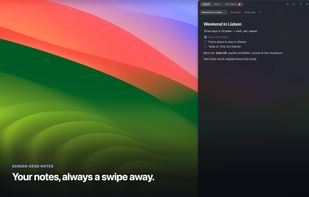
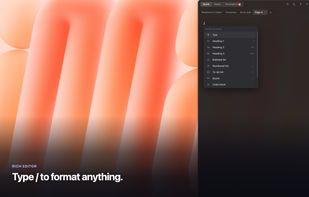
Flyout is a native macOS menu-bar app that keeps a full rich-text editor one gesture away. Nudge the right edge of your screen, or press Option+Command+N, and a note panel flies out over whatever you're doing, then slides away when you step back.




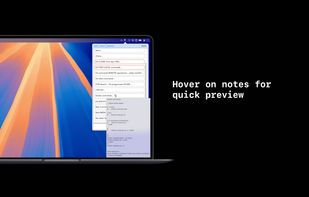
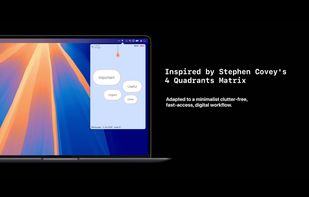
The simplest yet clever Mac menubar note. Simply type in your notes. No navigation. No button click. No category search. New text field generates automatically for your next input. All notes are listed in time flow.