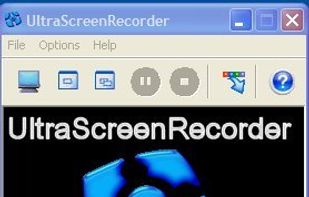
There exist a lot of screen recorders, but all lack the speed for doing some full screen recording. The speed is just to low or cpu to high.
 Germany
 EU


There are many alternatives to Jing for Windows and since it's discontinued a lot of people are looking for a replacement. The best Windows alternative is ShareX, which is both free and Open Source. If that doesn't suit you, our users have ranked more than 100 alternatives to Jing and loads of them are available for Windows so hopefully you can find a suitable replacement. Other interesting Windows alternatives to Jing are Greenshot, Snipping Tool, PicPick and FastStone Capture.
There exist a lot of screen recorders, but all lack the speed for doing some full screen recording. The speed is just to low or cpu to high.
GermanyEU
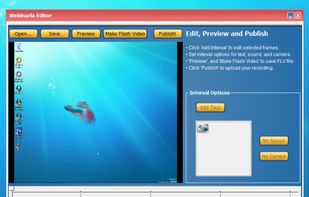
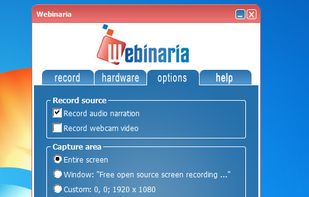
Webinaria is an easy to use screen recording and screen-casting tool. It allows you to record your screen or just a specific window. The integrated editor allows you to annotate your screen-cast before publishing it as a flash video.


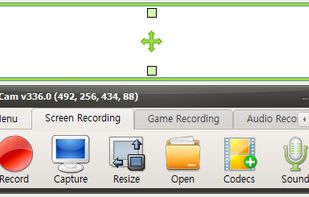
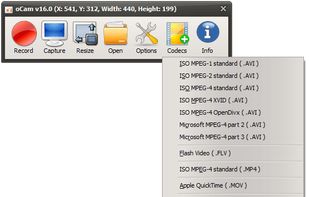
oCam is a video recording program that can record video to be played on the monitor via your PC.
 South Korea


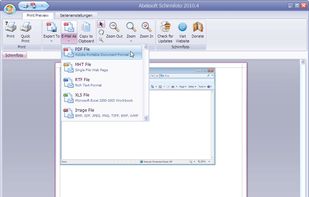
Schirmfoto is the easiest way of creating screenshots. Schirmfoto integrates itself into your Windows system by adding a new button in the title bar of each window. Clicking this icon will create a screenshot for you.
GermanyEU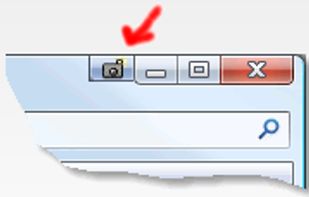


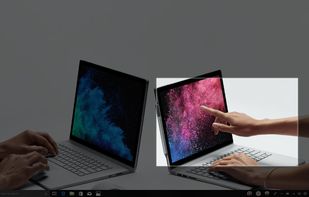
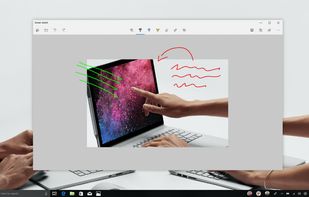
Quickly annotate screenshots, photos and other images with your pen, touch, or mouse and save, paste or share with other apps.


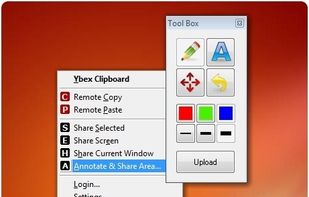
Ybex Clipboard is an easy to use tool and a free web service to capture, annotate and share your screen, texts and images.
 Russia


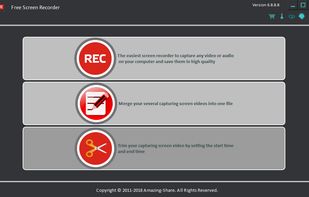
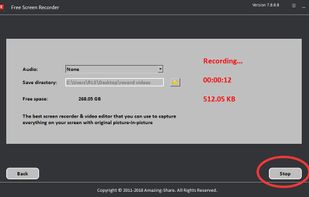
Amazing Free Screen Recorder provides users a super easy screen video recording solution. You can capture everything of your screen activity on computer. If you want to record desktop activities, webinars, webcam, games, Skype videos, live streaming, video instructions, website...
 China



SolveigMM HyperCam is a new version of the famous HyperCam , being jointly developed with Hyperionics LLC.
Russia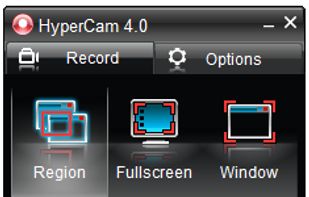


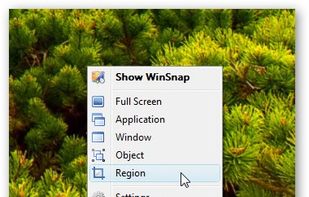
WinSnap is a small enhancement utility for taking and editing screenshots. Standard features include easy capture of non-rectangular windows with customized and transparent backgrounds, simple and automatic canvas transformations, coloring effects, and the addition of eye-candy...
Russia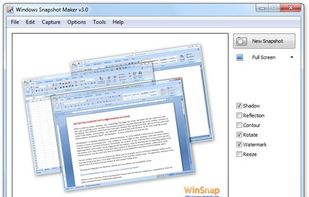



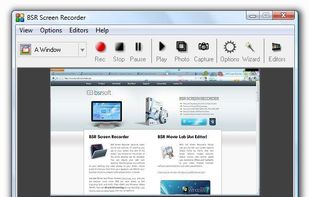
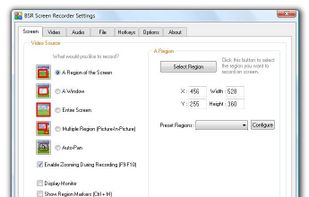
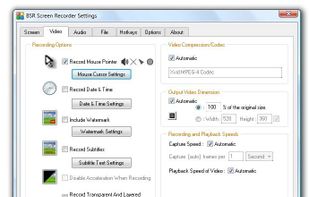
BSR Screen Recorder captures video, sound, and pictures of anything you see on your screen and records to AVI (Standard Video Format), SWF (Flash File), WMV (Windows Media Video), and EXE (Executable File). Any portion of the screen can be selected for recording.


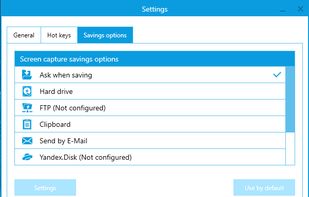
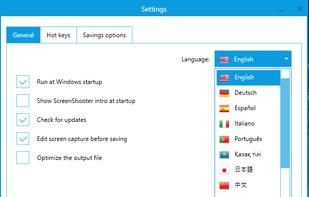
Simple, but powerful application for taking screenshots, editing them with included editor, and saving using multiple options, such as local storage, cloud, FTP-server, or direct copying to the clipboard or E-mail message.
Russia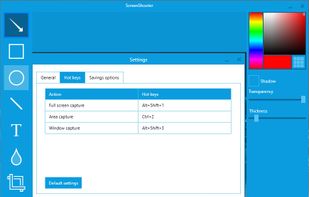


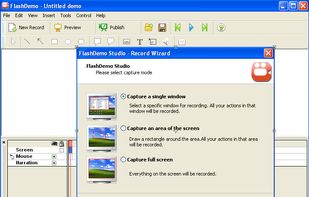
FlashDemo Screen Recorder captures all screen activity from your Windows Desktop in real time and publishes as a Flash movie. Perfect for creating online tutorial, training & support videos, E-Learning material.
China